GT-CTS-Y10.4
View model →
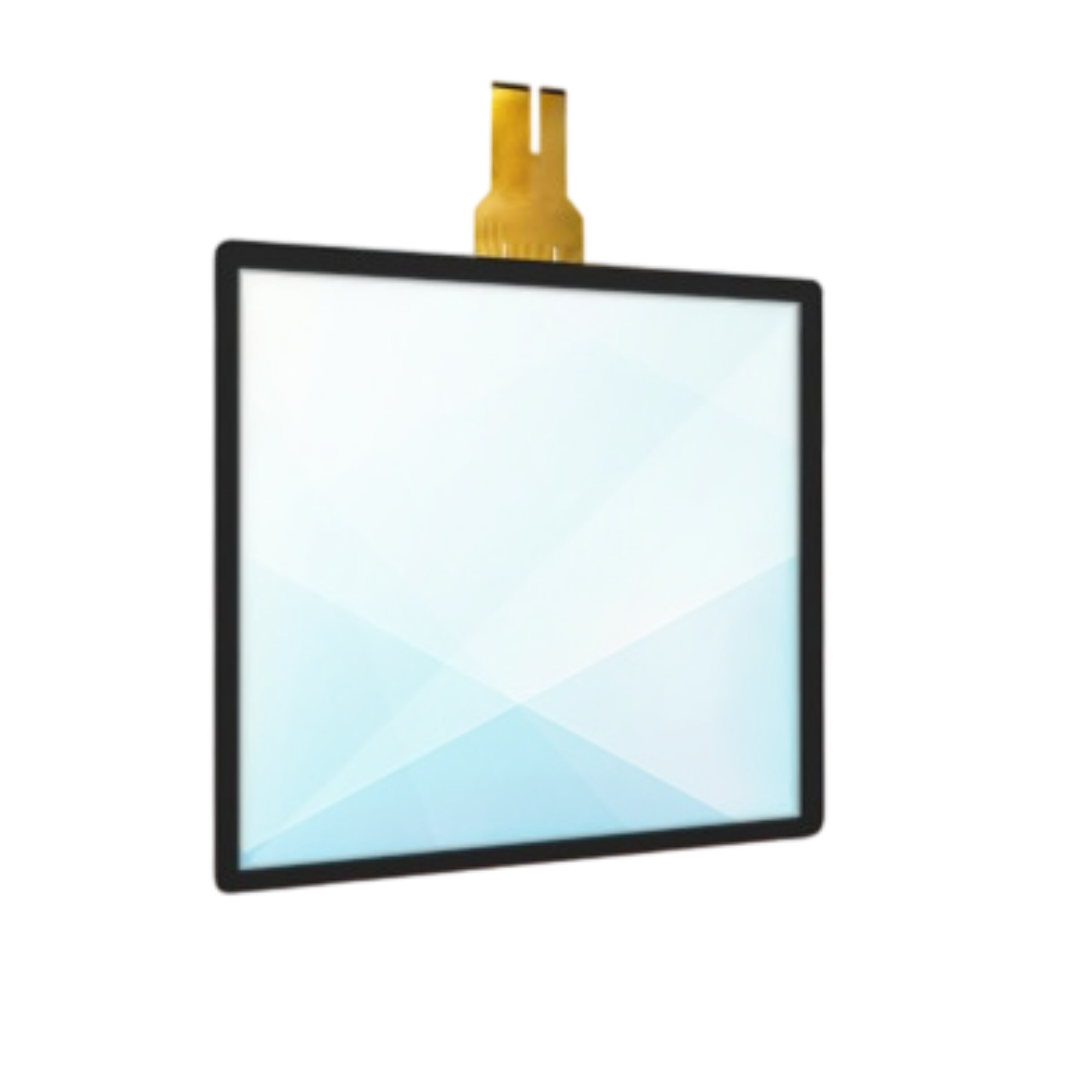
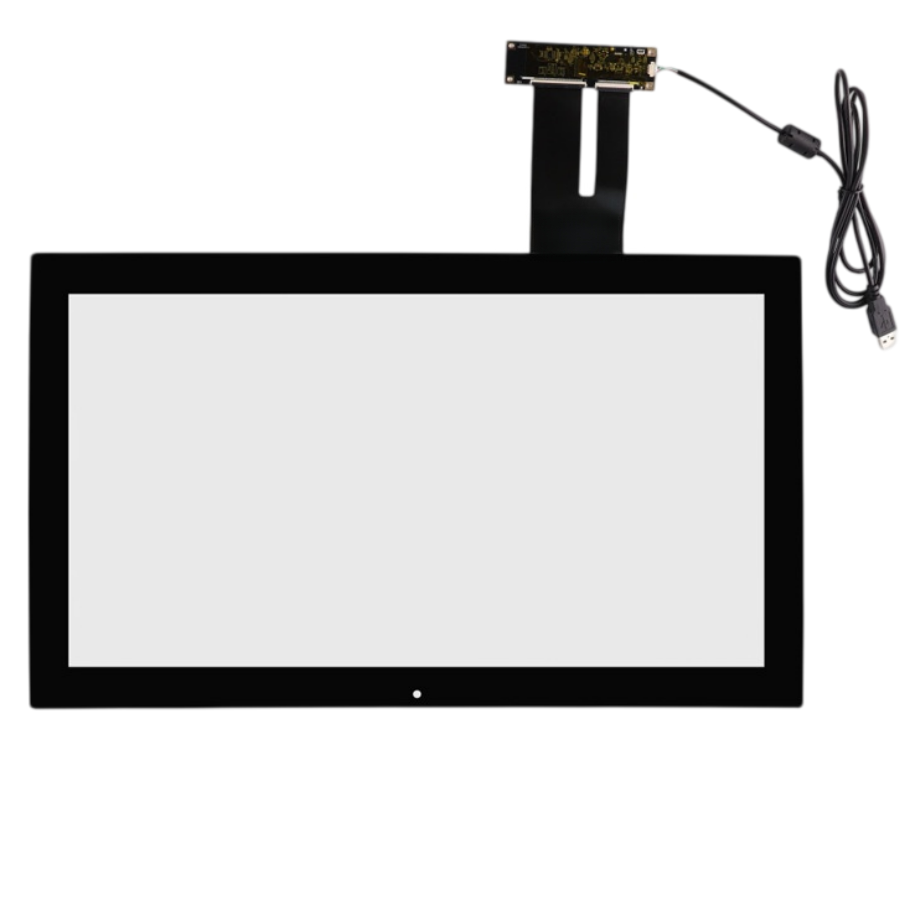
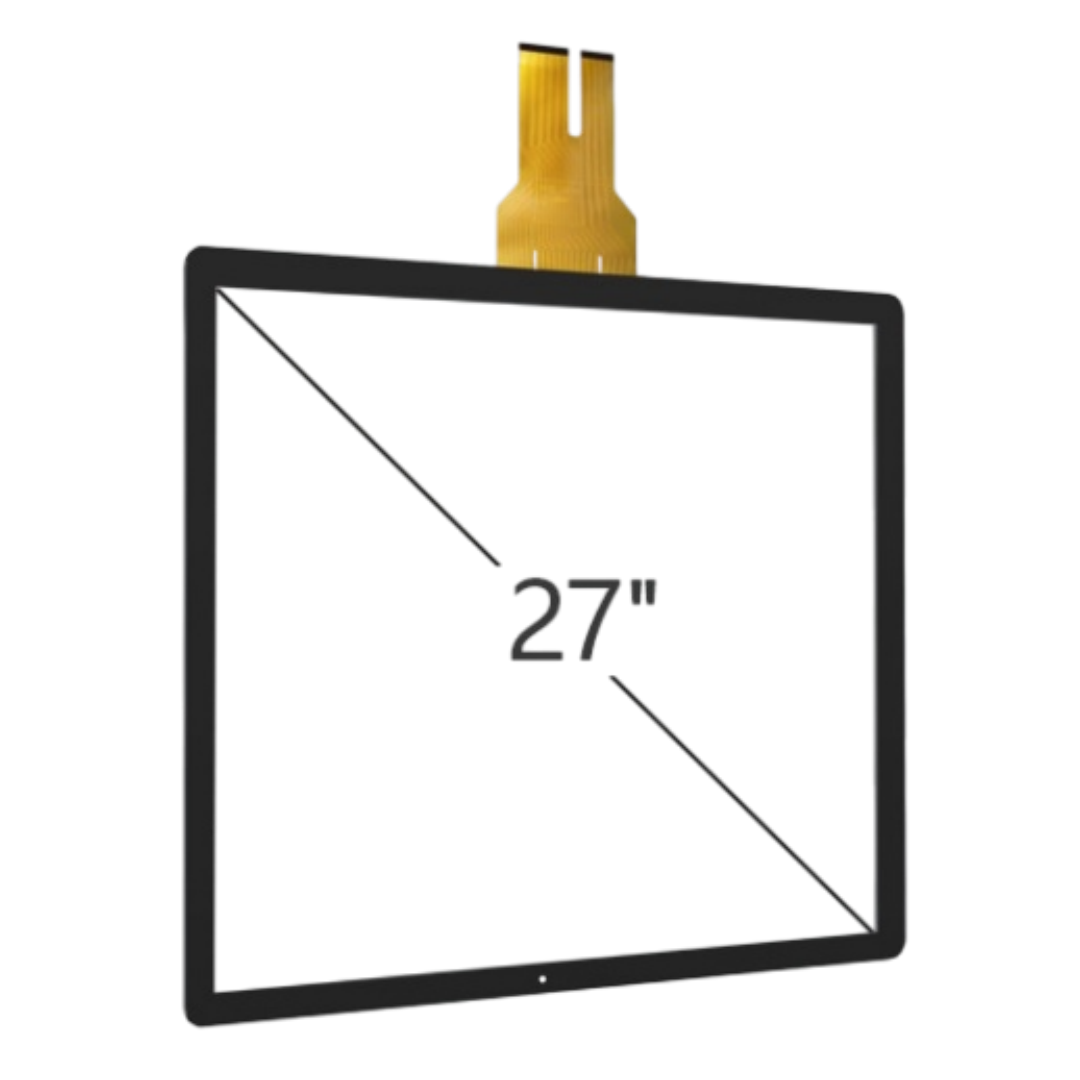
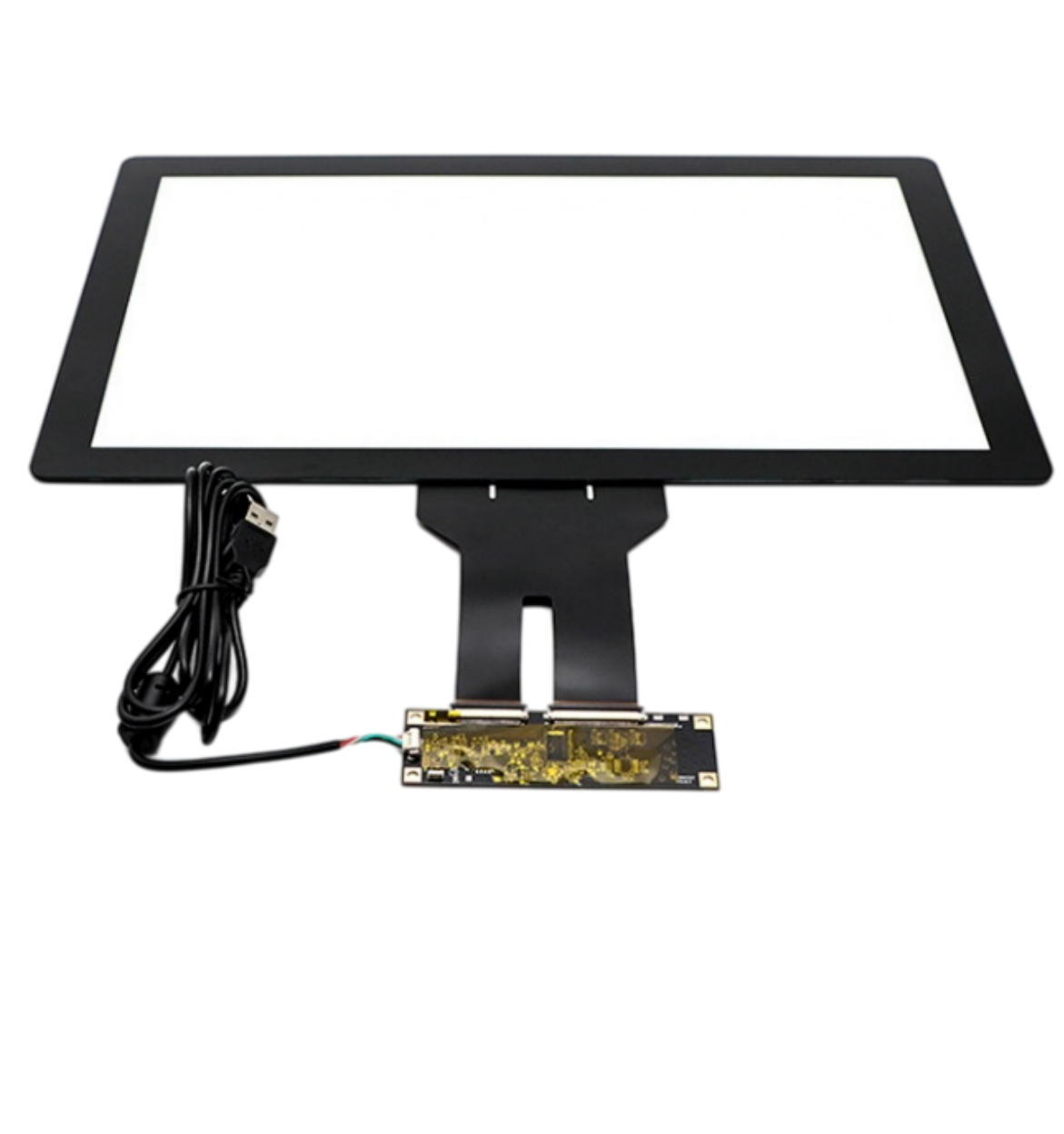
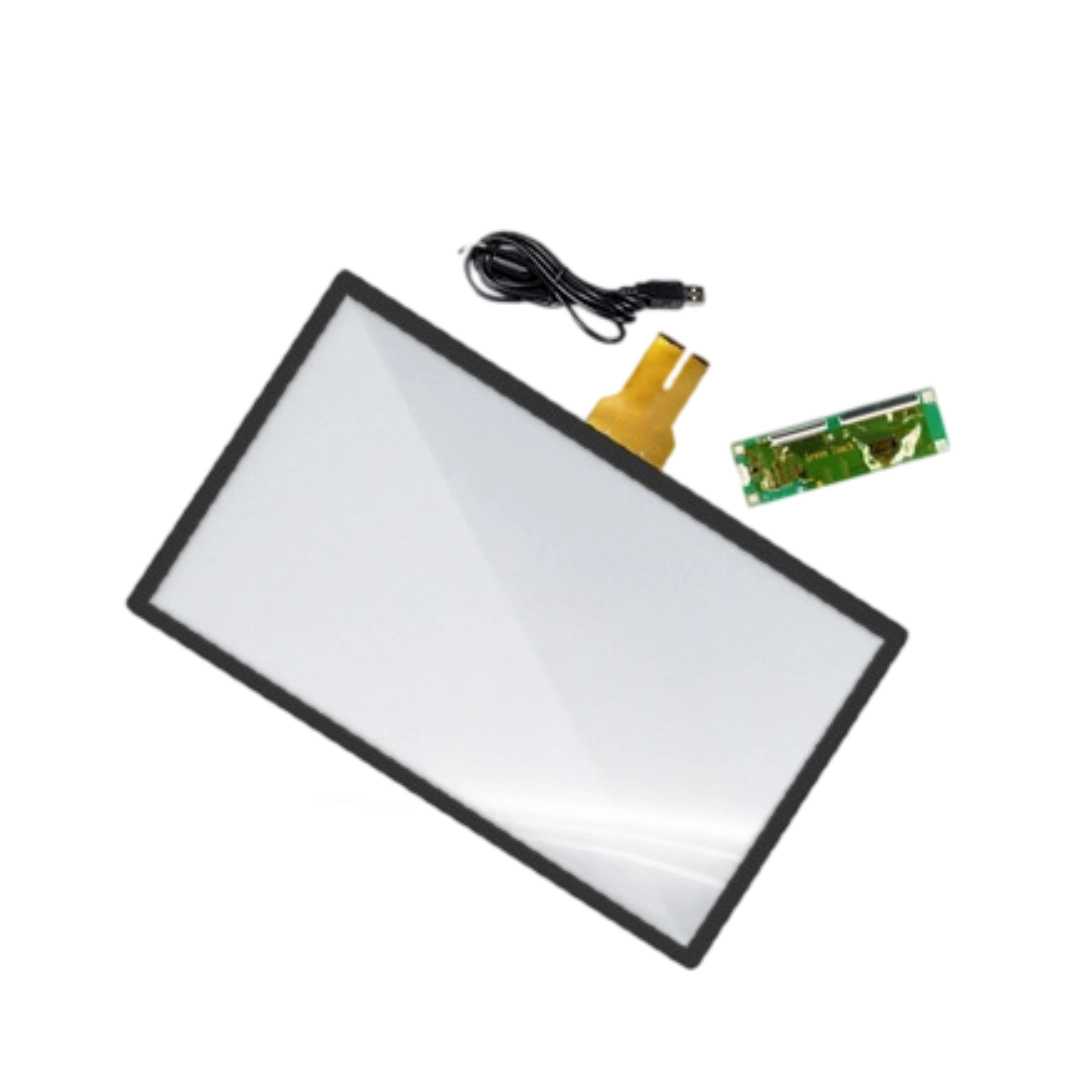
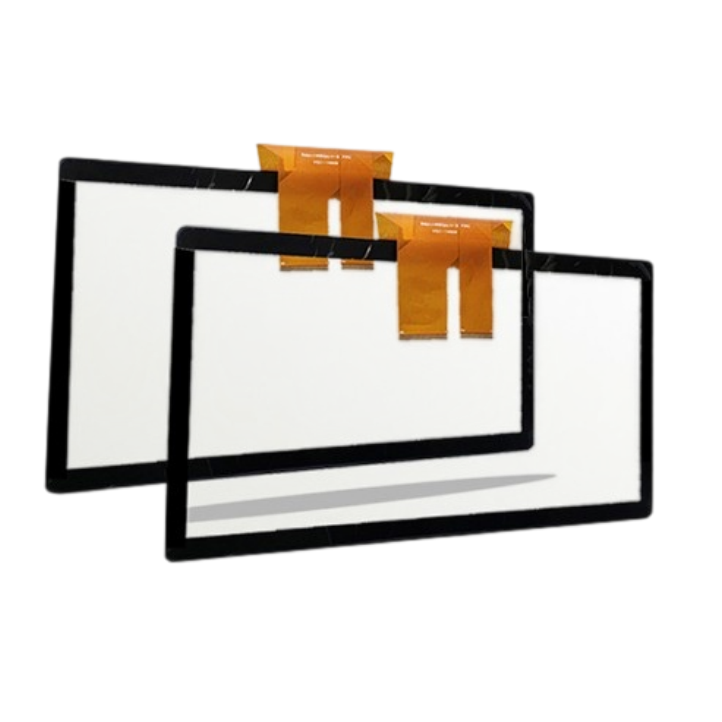
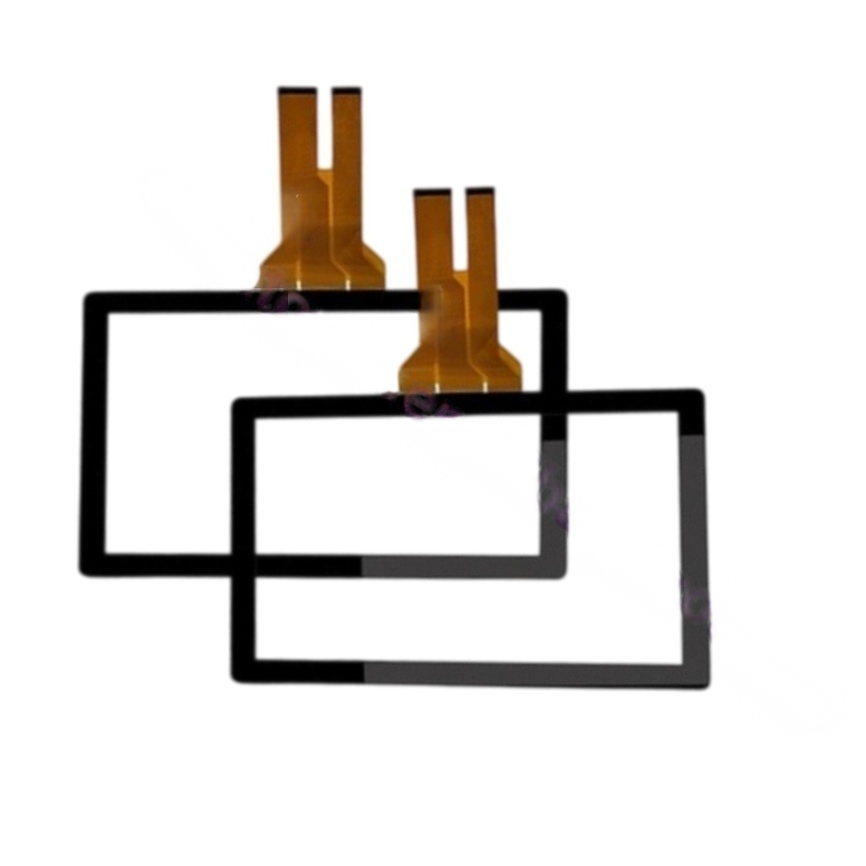
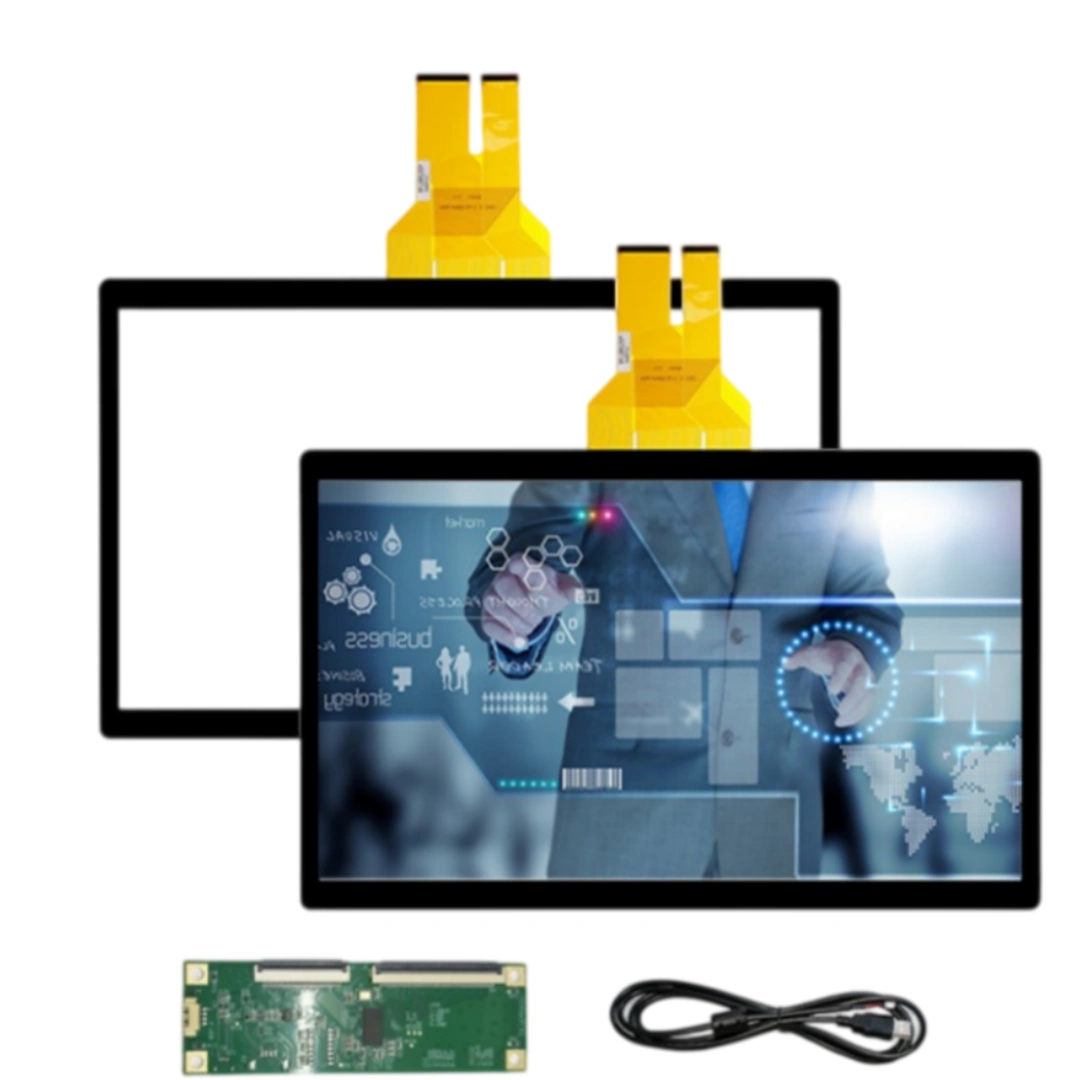
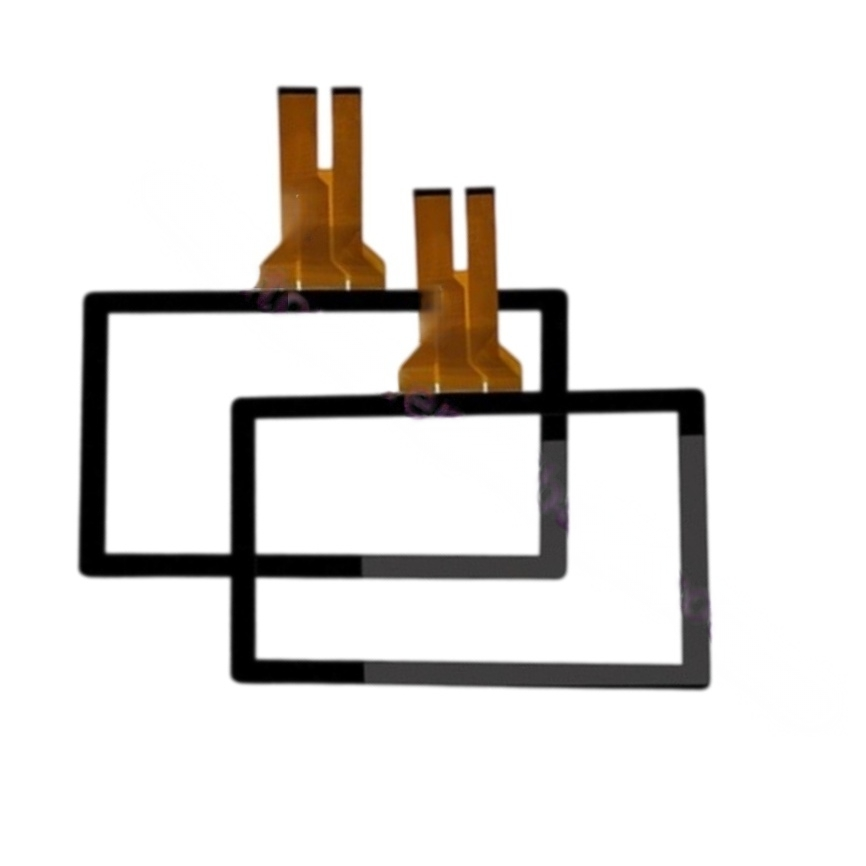
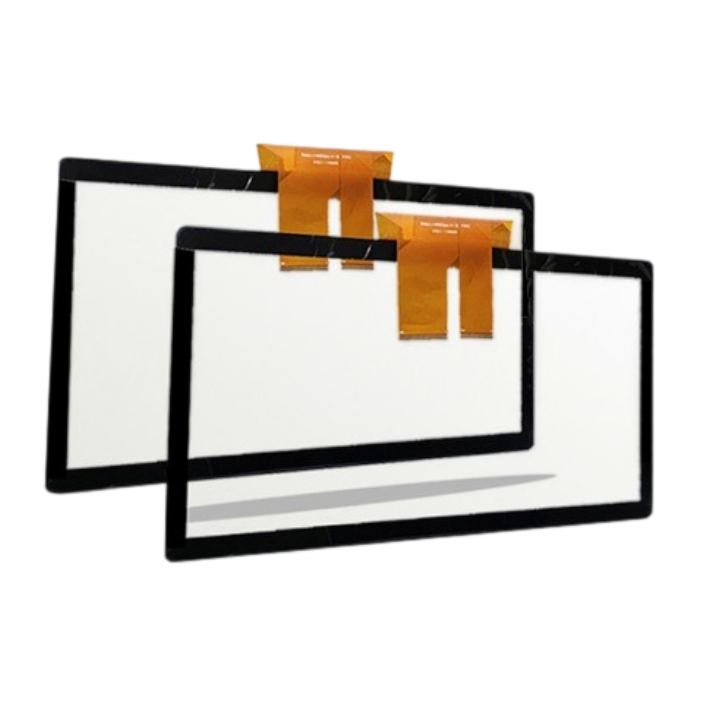
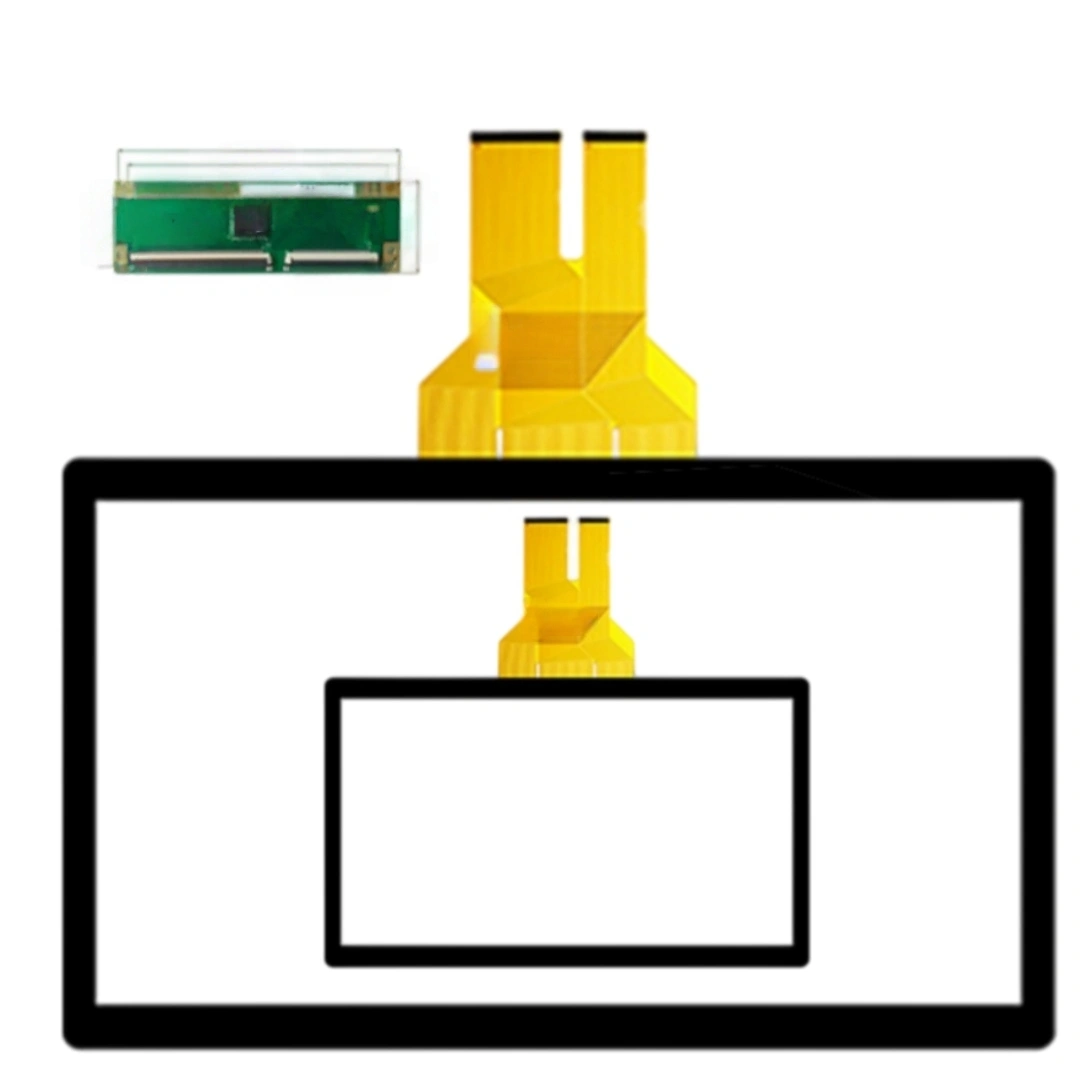
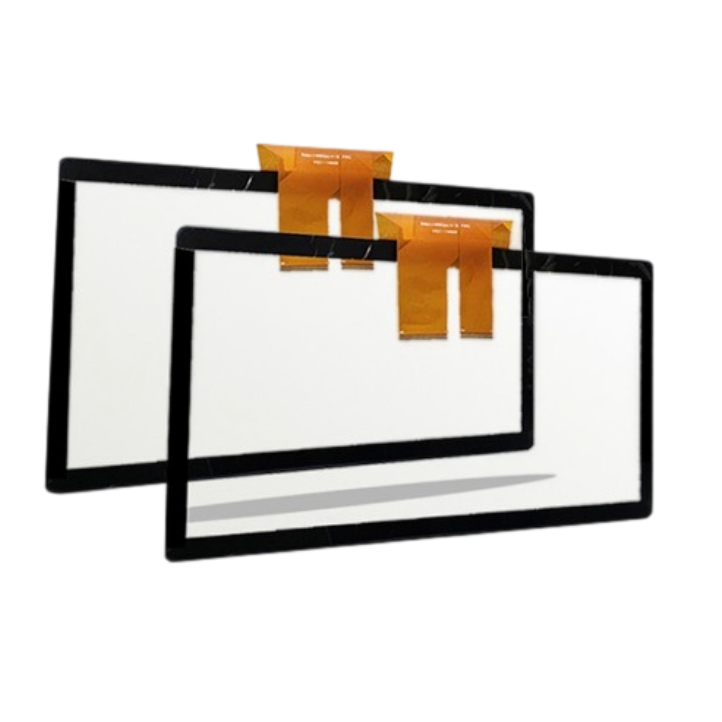
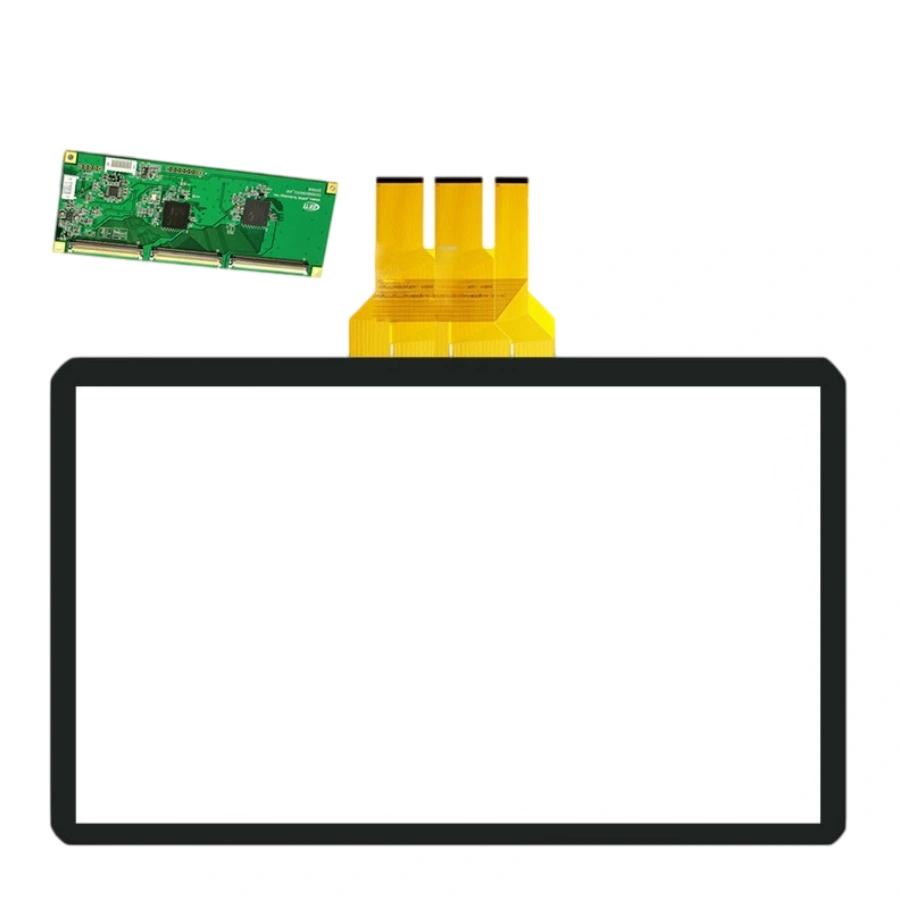
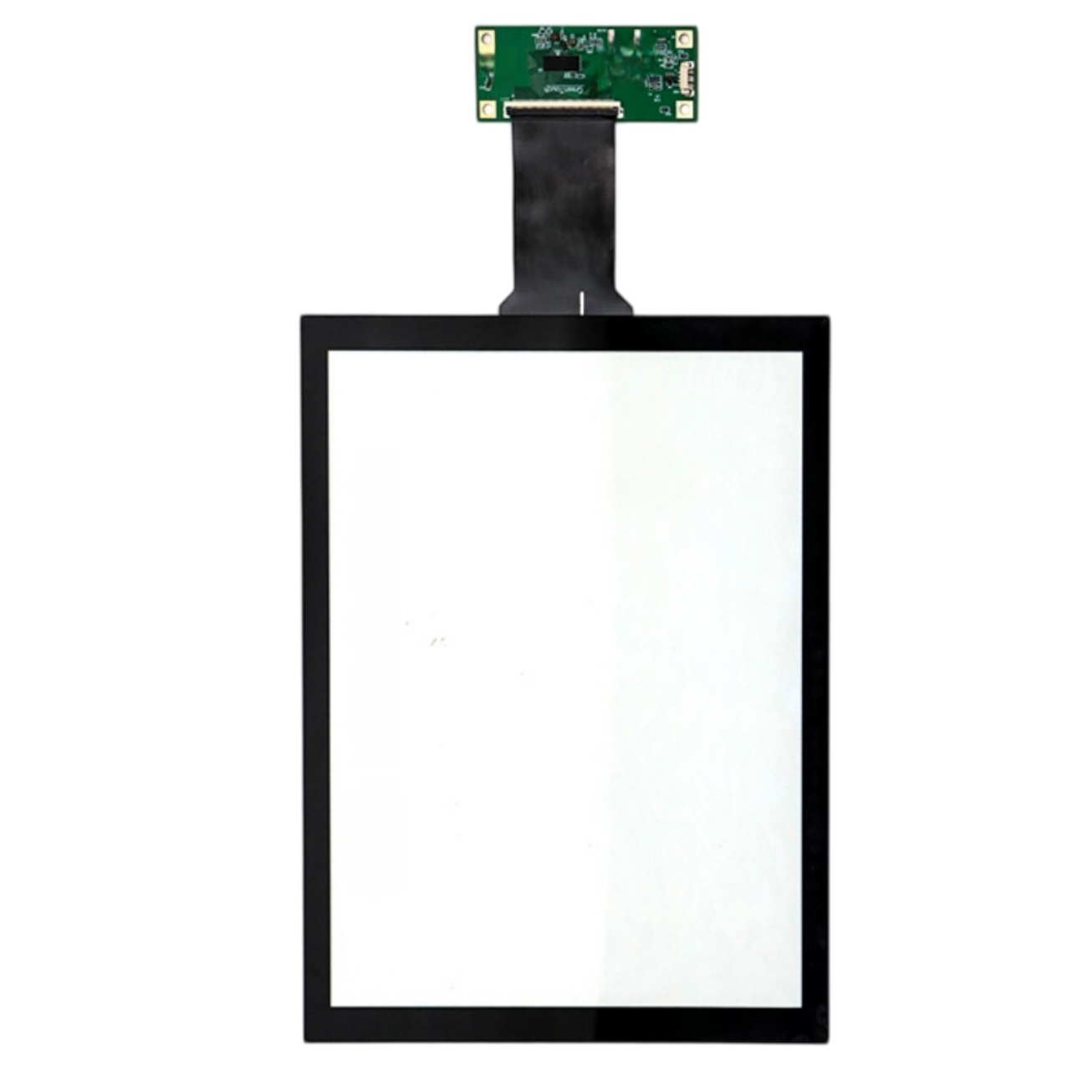
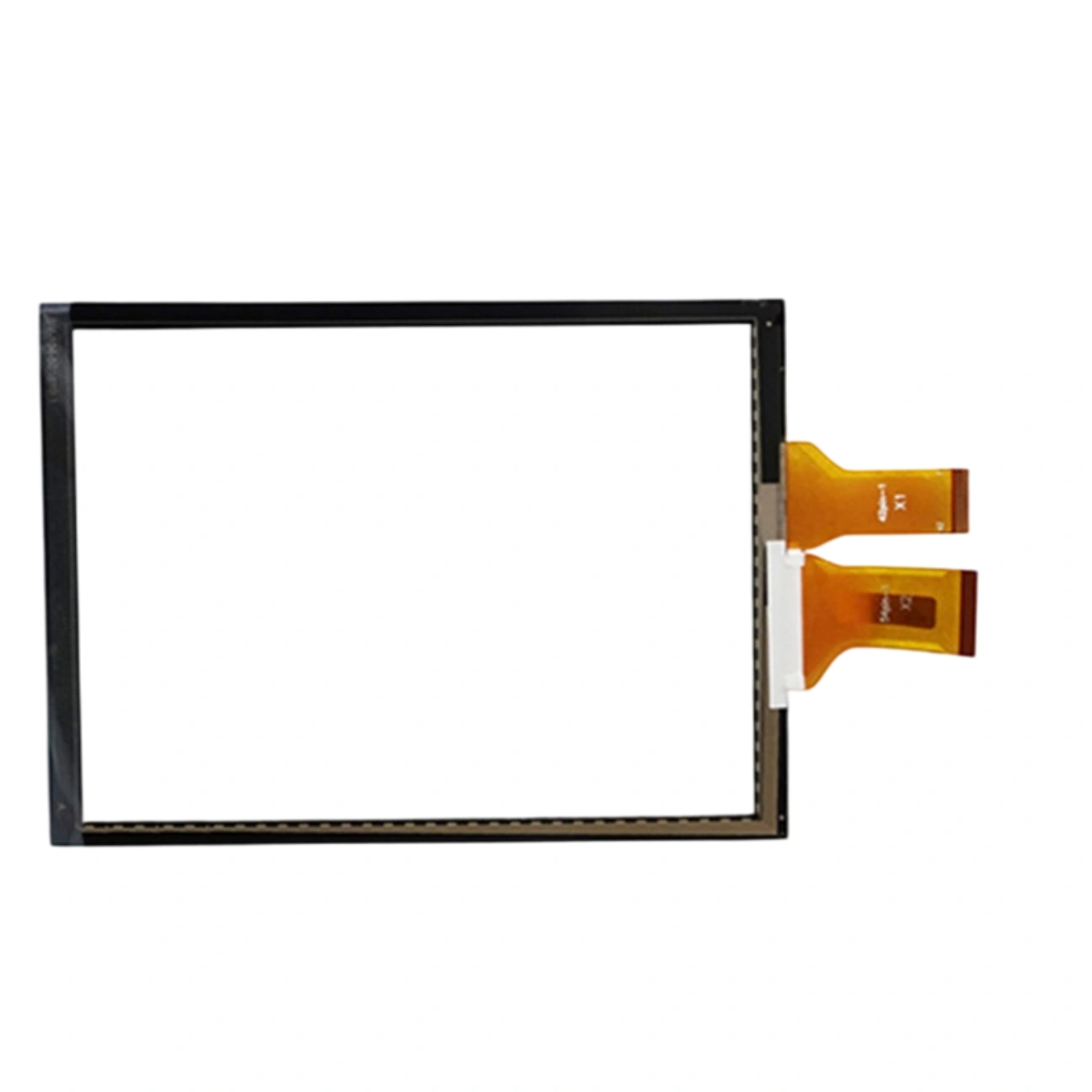
This 10.4-inch projected capacitive touch screen with USB. The listing specifies a 5 ms response time, 4096 × 4096 touch resolution and >85% transmittance, and lists support for Windows, Android, Linux, Mac. Listed applications include Industrial and automation equipment, all-in-one terminals, advertising displays, ordering machines, industrial monitors and kiosks.
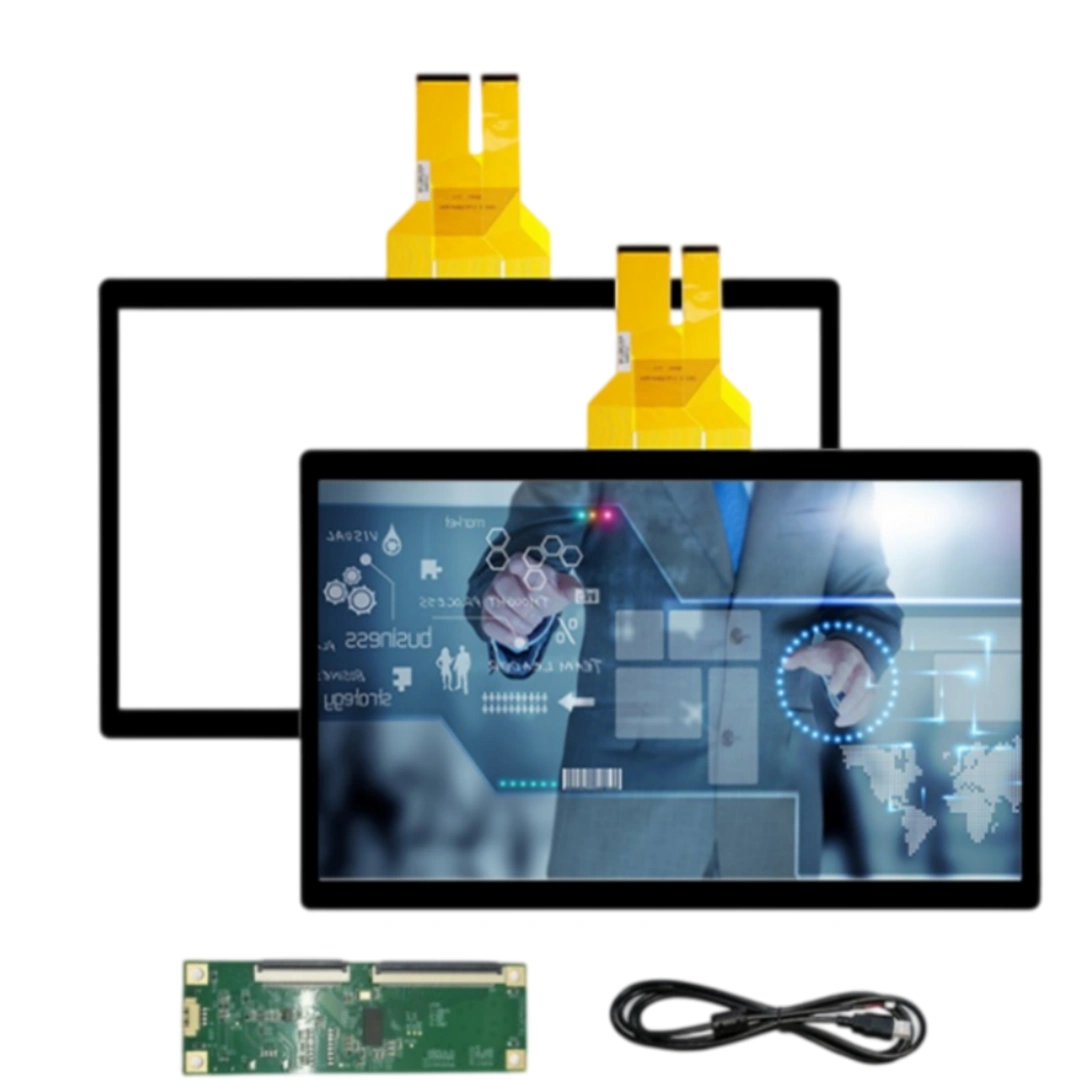
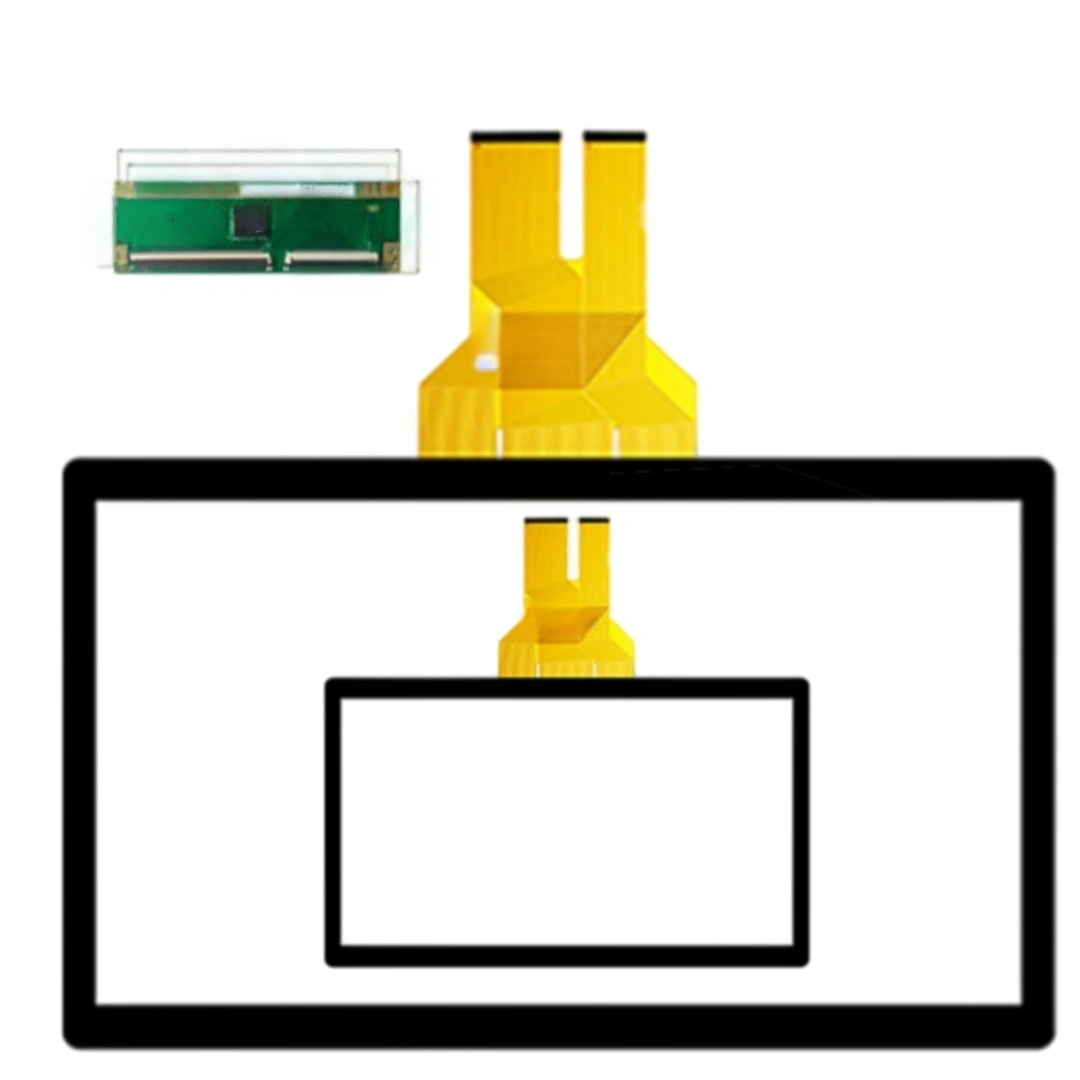
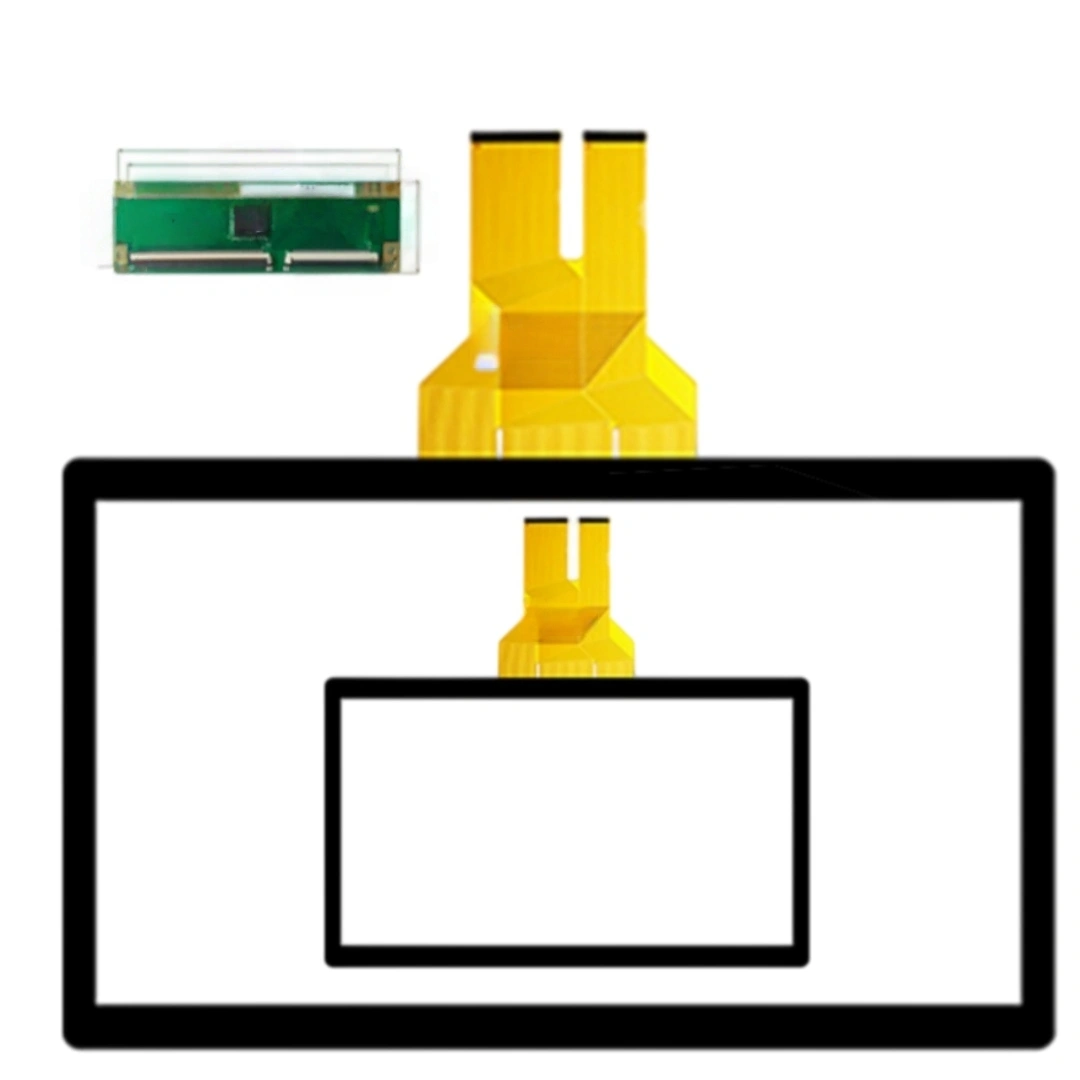
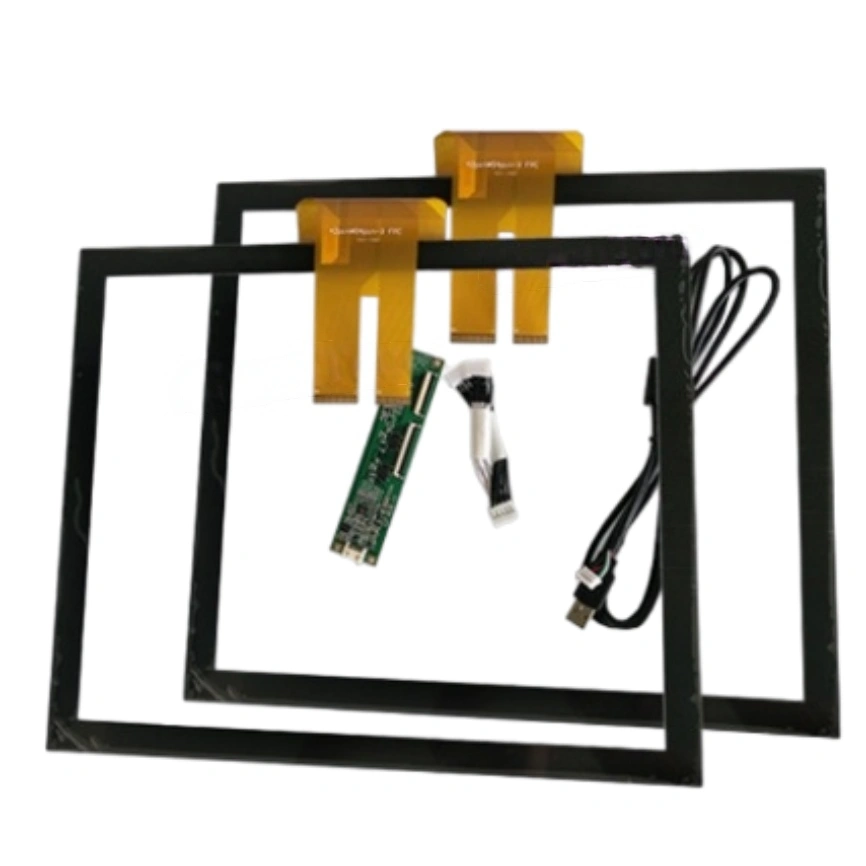
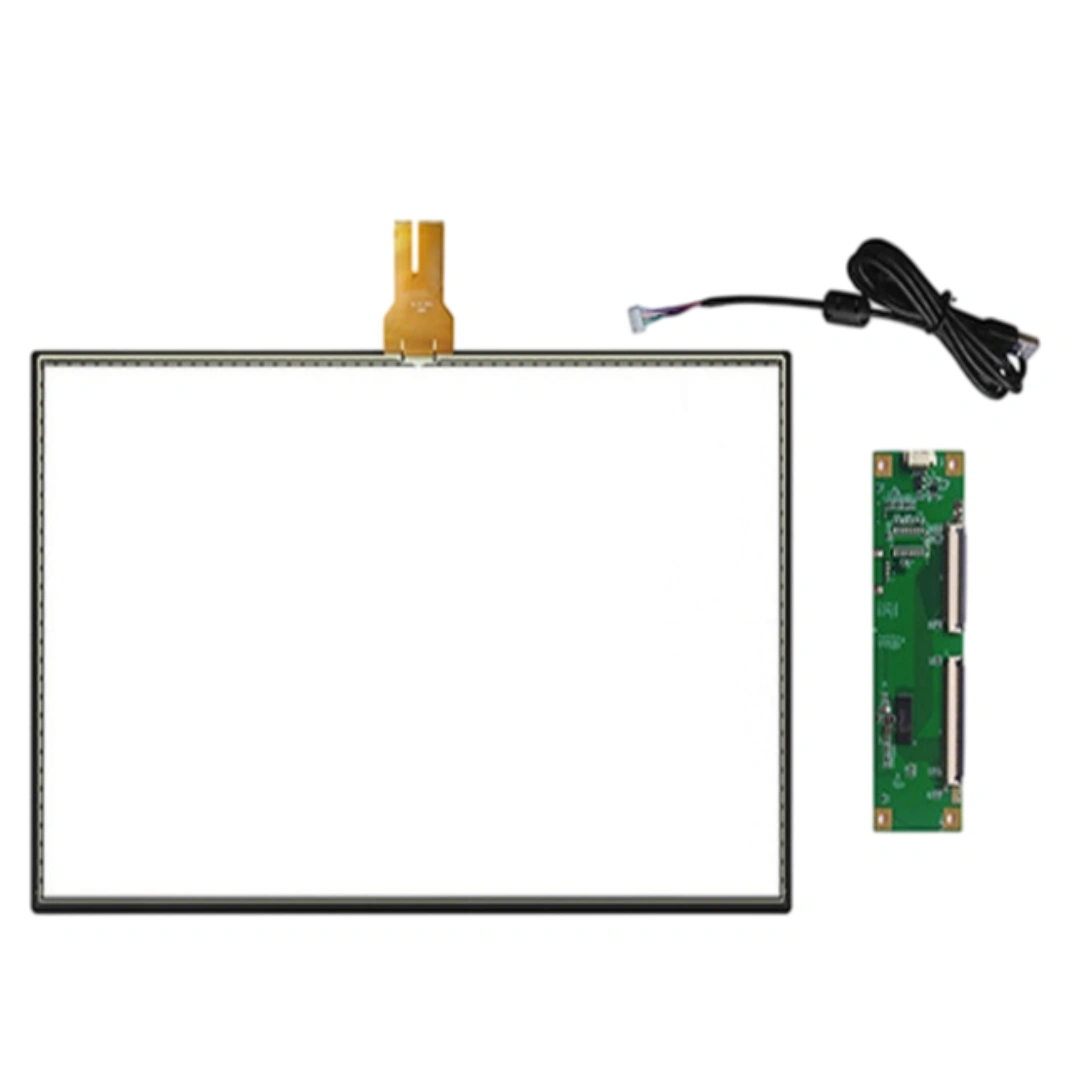
No. The listed package contains Touch panel ×1, USB cable ×1, controller ×1; an LCD panel and computer are not included.
USB and support for Windows, Android, Linux, Mac. Confirm compatibility with the selected controller before integration.
5 ms response time and >85% transmittance, with 4096 × 4096 touch resolution.
Include Industrial and automation equipment, all-in-one terminals, advertising displays, ordering machines, industrial monitors and kiosks. Final selection still requires verification of the construction, dimensions and controller.
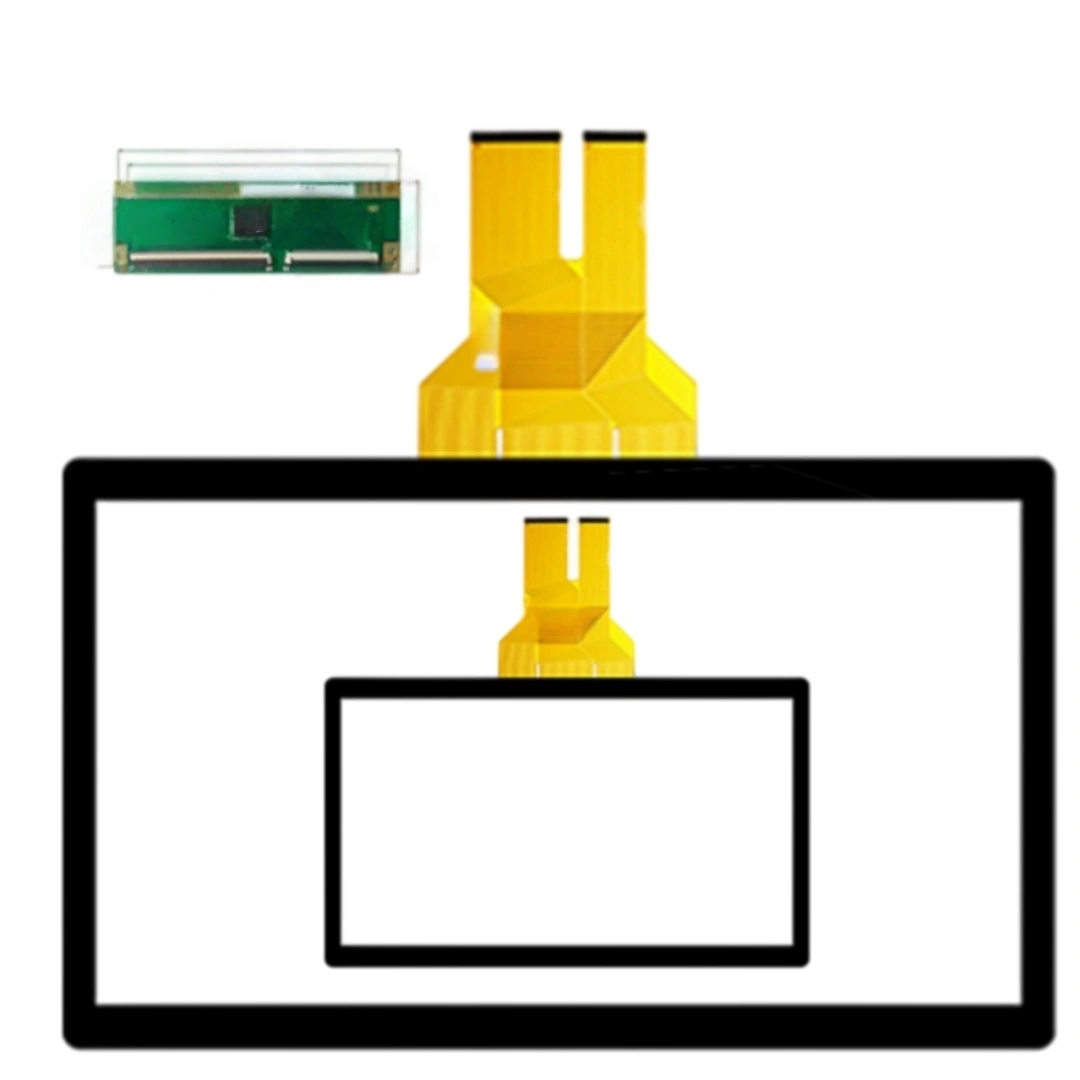
Provide the display active area, outline dimensions, thickness, FPC exit position, cover construction, interface and controller preference. Models with conflicting source fields, including the 24-inch listing, require drawing confirmation first.
It's about click-to-action lag, not just a number on the datasheet. On a 10.4" HMI where workers tap Start/Stop dozens of times per minute, 5 ms keeps the cursor feeling locked to the finger — no "did my tap register" hesitation. For drag or signature scenes you won't notice a difference vs 10 ms, but for rapid button presses it feels sharper.
Yes, it enumerates as a standard USB HID multitouch device on recent macOS versions, no driver install. Two caveats: the built-in USB HID multitouch support varies by macOS build, and multi-touch gestures depend on the app — a kiosk browser may only use single-touch. Tell us your macOS version if it's a fixed deployment.
The >85% transmissive cover glass takes an AF (anti-fingerprint) coating so oil wipes off with a dry cloth. For heavy dust we recommend a flush-mounted front with a gasket behind the edge; the touch itself reads through dust, but buildup near the bezel can trigger edge false touches if the gap isn't sealed. We can pre-tune the edge threshold for dirty environments.
Three dimensions: (1) AA active area vs your LCD viewable area — PCAP sensor must sit inside the VA with ~1 mm margin; (2) cover-glass thickness — if the old unit had a thick resistive overlay, your bezel depth may need adjusting; (3) mounting — resistive was usually clamped, PCAP wants even edge support, not screw pressure on the glass. Send the old outline drawing and we'll mirror-fit.
Yes. The touch sensor itself is sealed glass; IP rating comes from the bezel + gasket design, not the sensor. Keep the FPC exit routed through a sealed cable gland, and don't let the metal bezel press the active edge. We can provide a flat gasket recommendation based on your front-frame cross-section.
On Windows/Linux you set touch mapping per-display in the OS; USB HID doesn't auto-know which screen it belongs to. We ship it pre-calibrated for a 1:1 single-display setup. For dual-screen, just run the OS "calibrate" once after plugging in — no firmware change needed.
At 10.4" and 4096×4096 resolution, raw accuracy is fine; the limit is finger size, not the sensor. As a rule, keep tappable targets ≥10 mm (about 48px at 1024×768). If your UI has 6–8 mm buttons, we can tighten the controller filter to reduce drift, but the real fix is UI sizing — otherwise even a perfect panel feels "off".
| Screen size | 10.4 inches |
|---|---|
| Touch screen type | Projected capacitive (PCAP) . |
| Interface and driver | USB . |
| Response time | 5 ms . |
| Touch resolution | 4096 × 4096 . |
| Transmittance | >85% . |
| Supported operating systems | Windows, Android, Linux, Mac . |
| Package contents | Touch panel ×1, USB cable ×1, controller ×1 . |
| Listed applications | Industrial and automation equipment, all-in-one terminals, advertising displays, ordering machines, industrial monitors and kiosks . |