GT-CTS-Y10.4
View model →
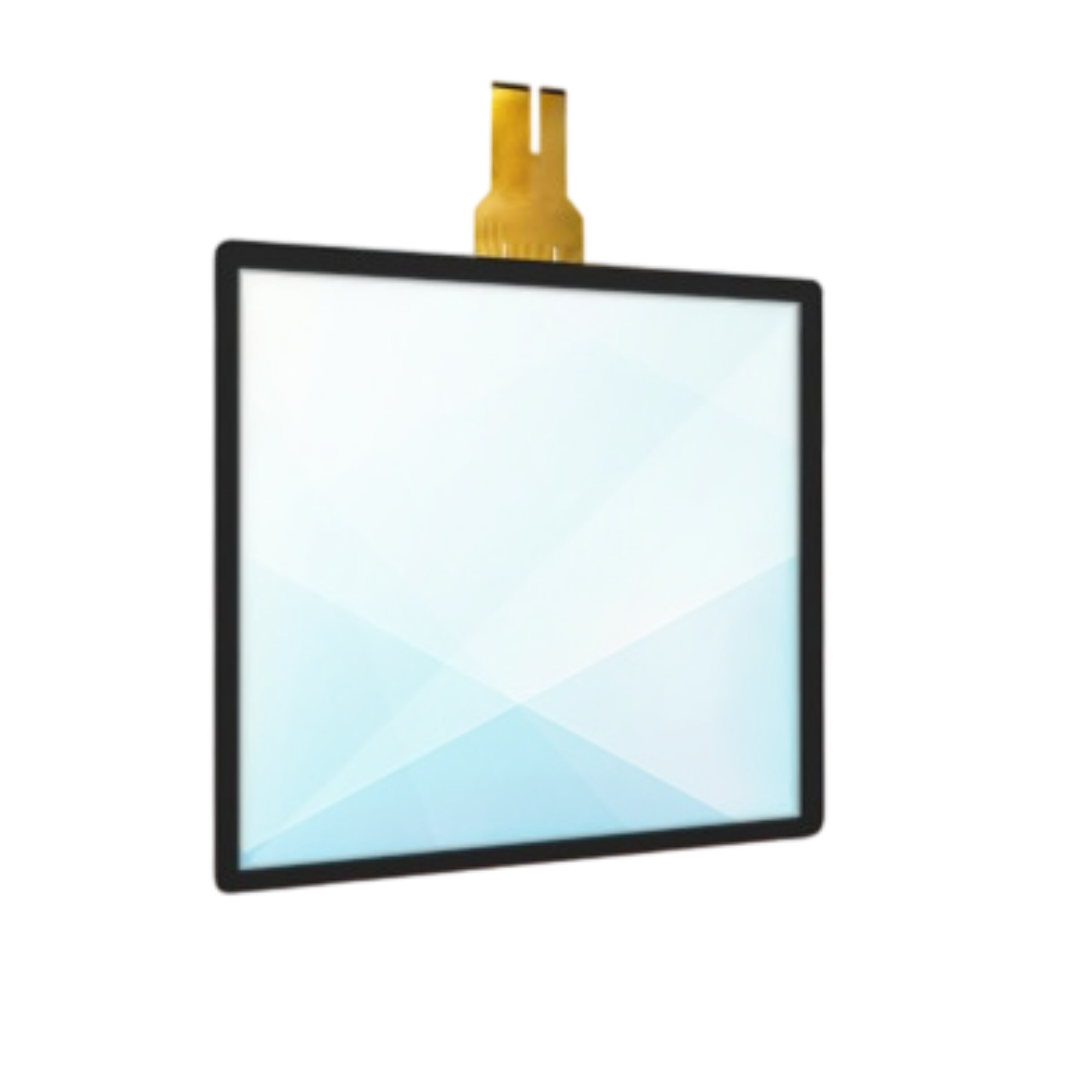
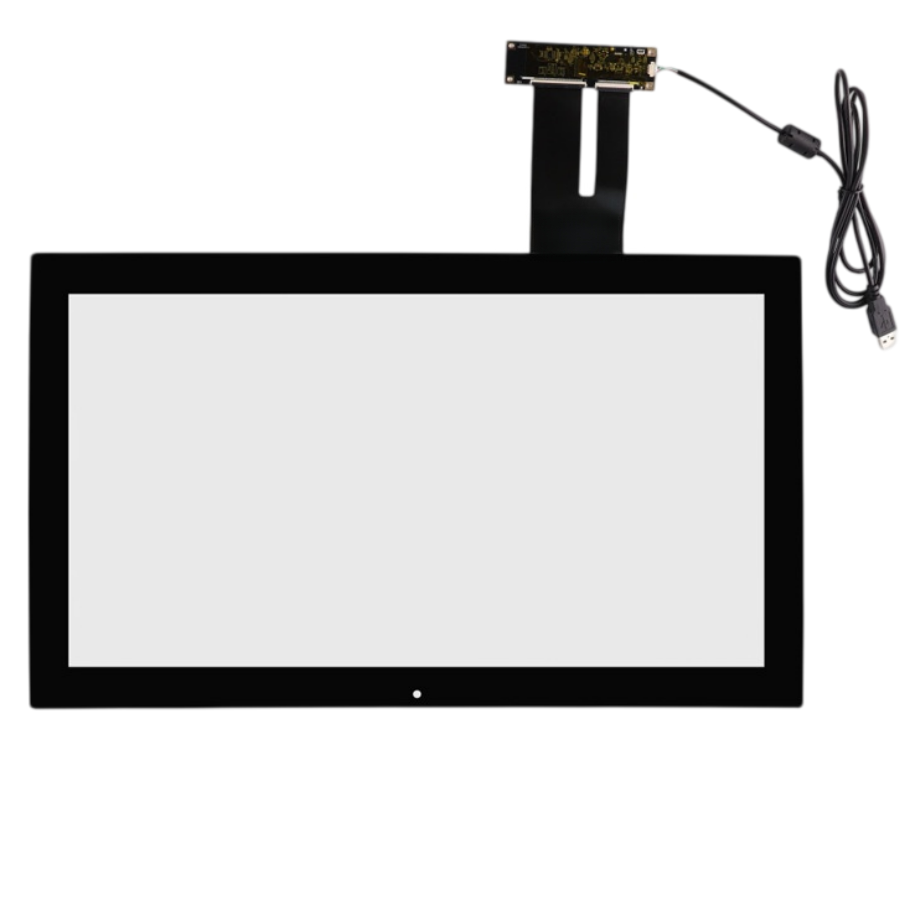
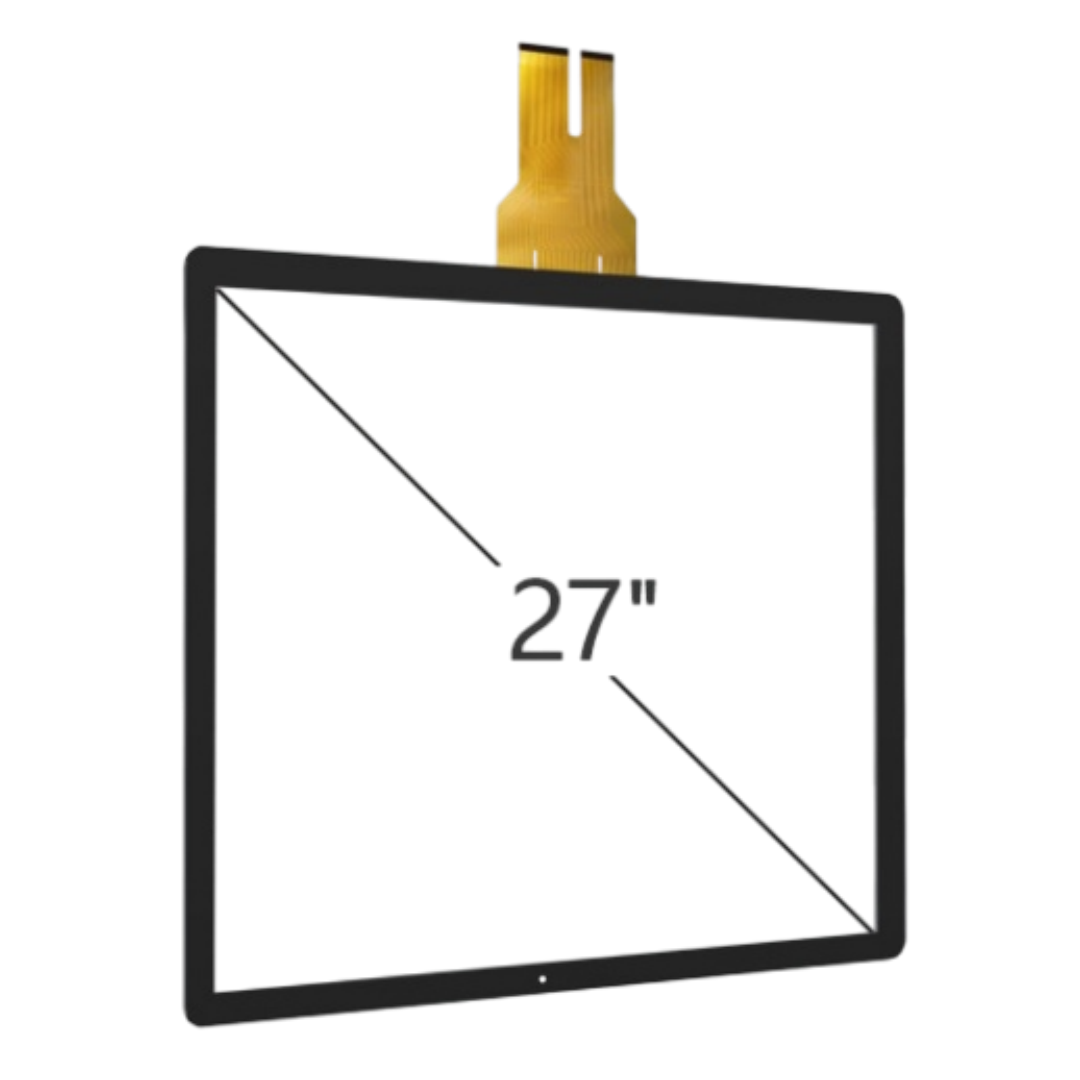
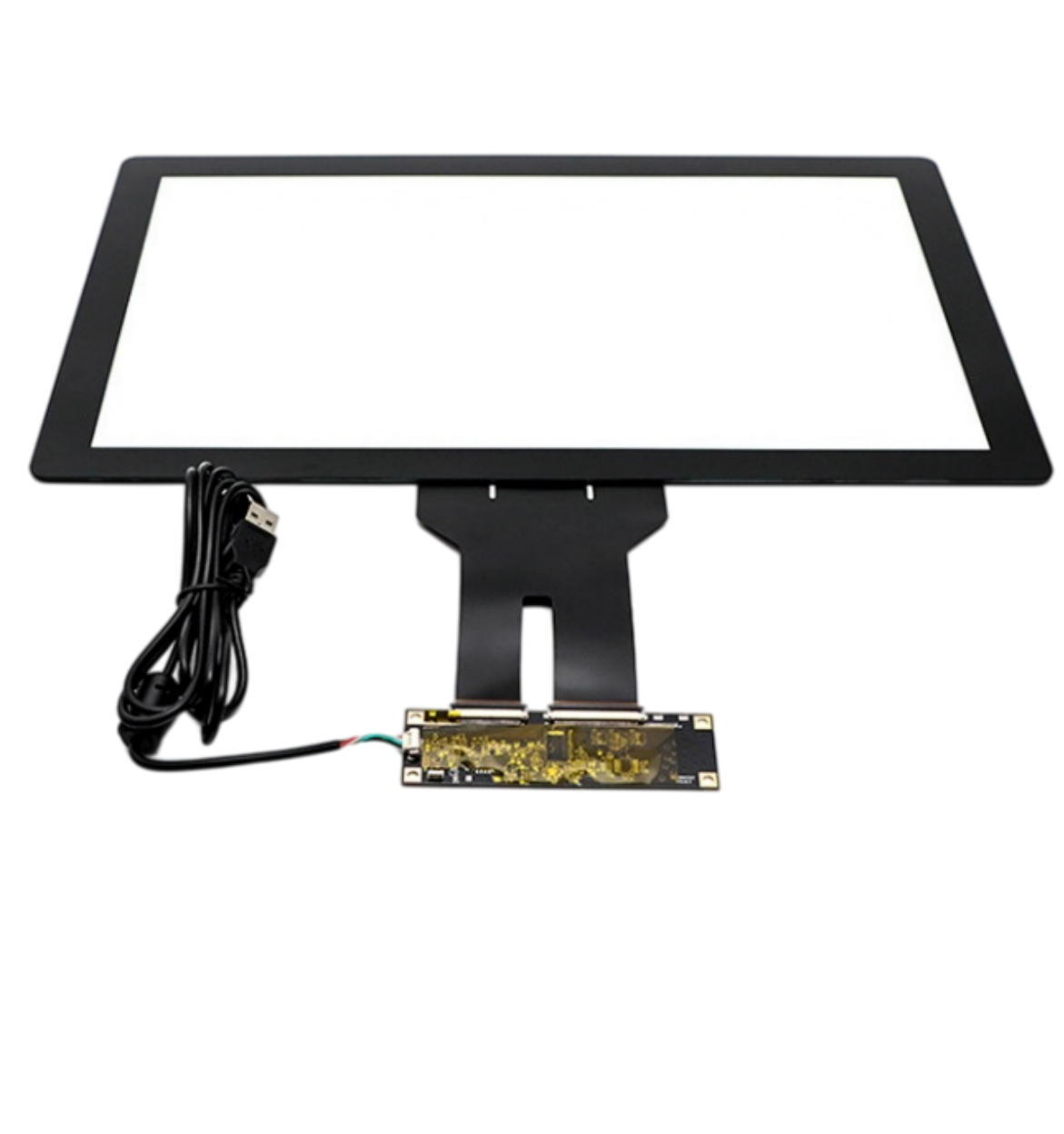
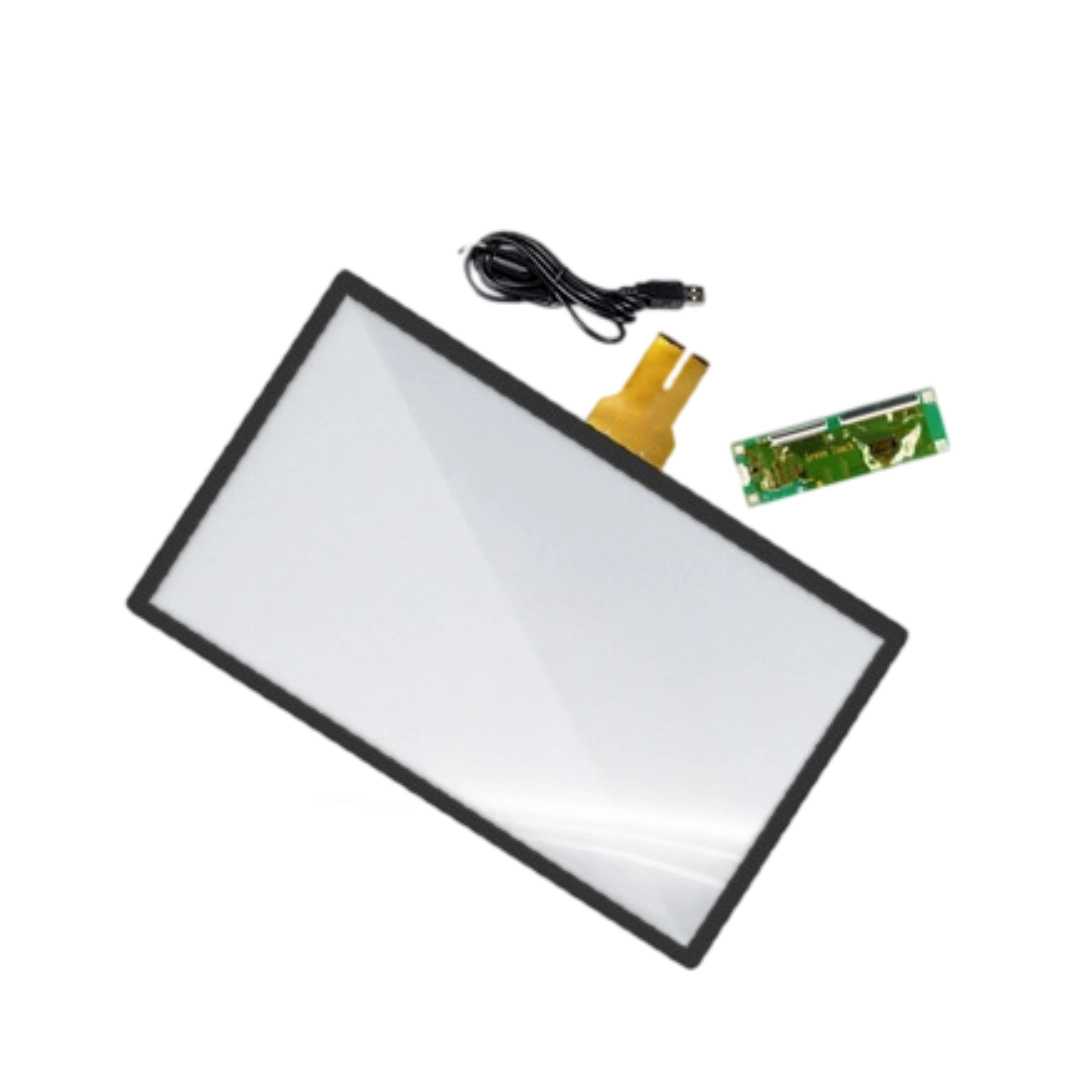
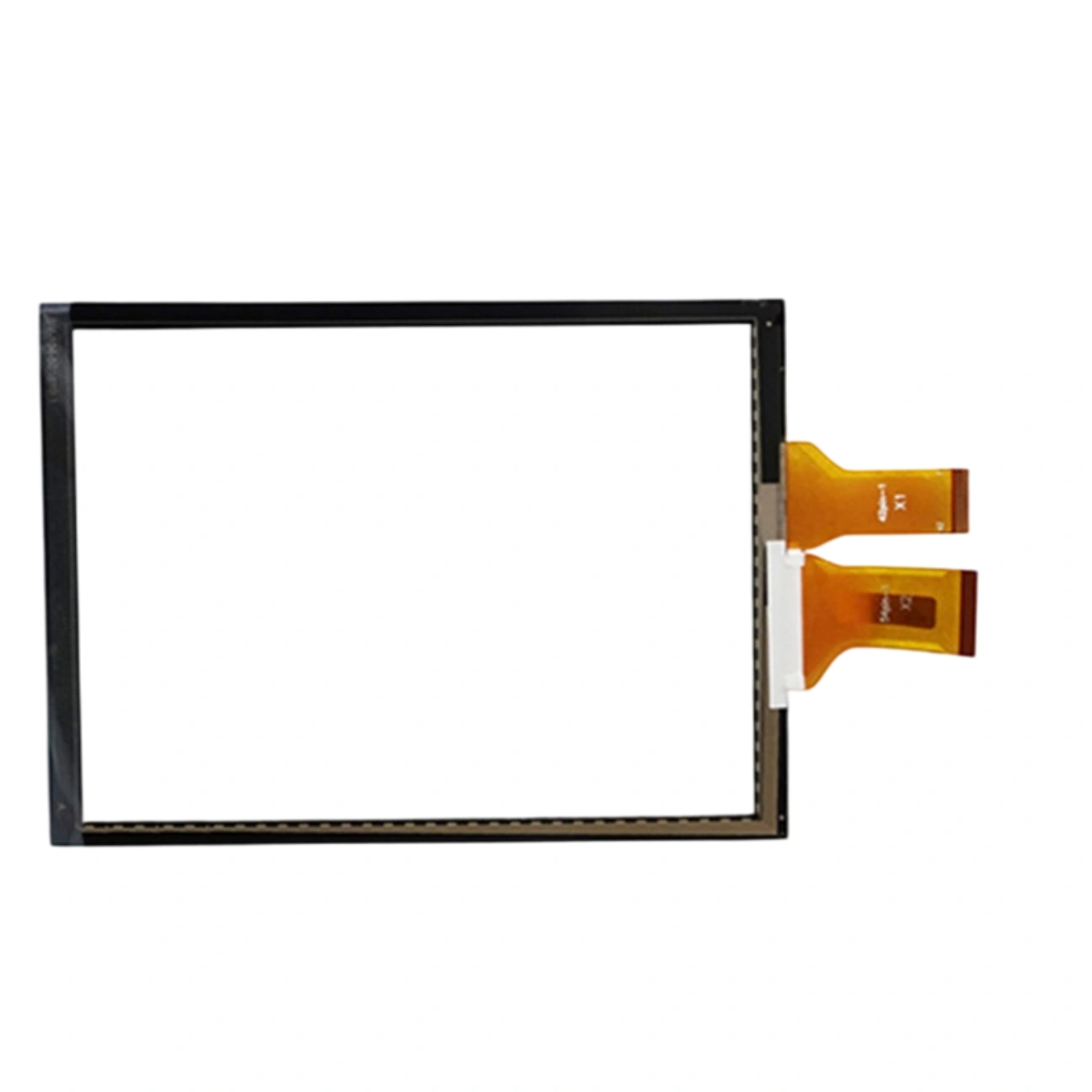
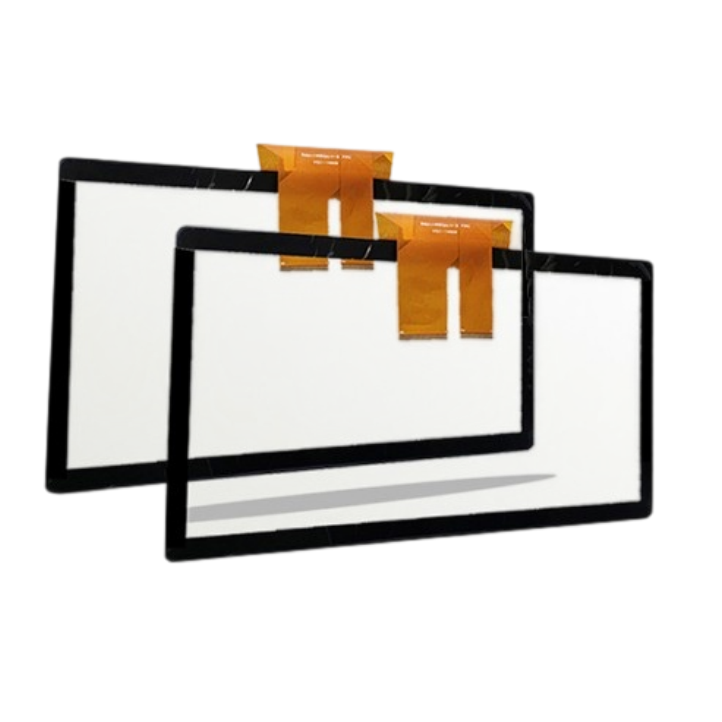
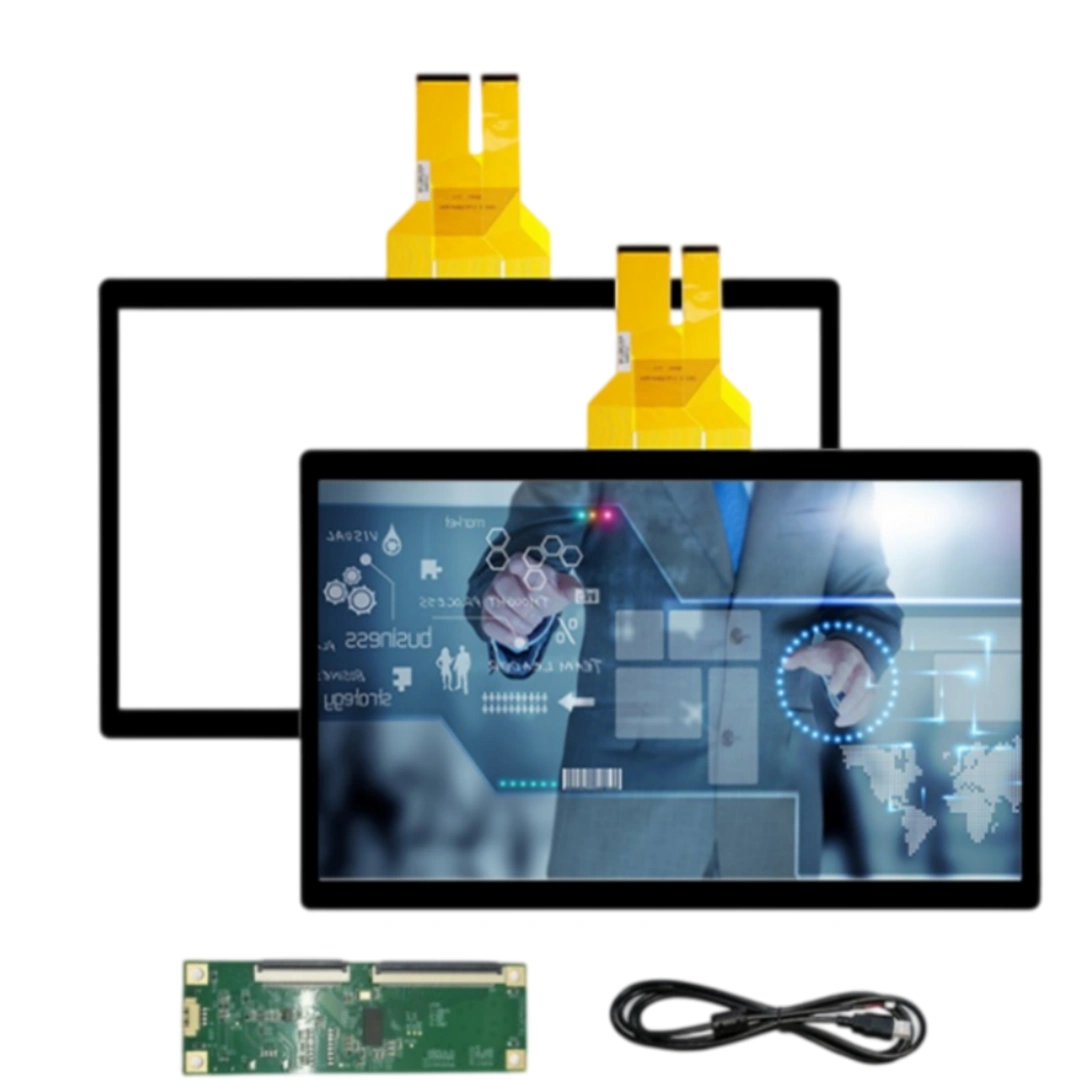
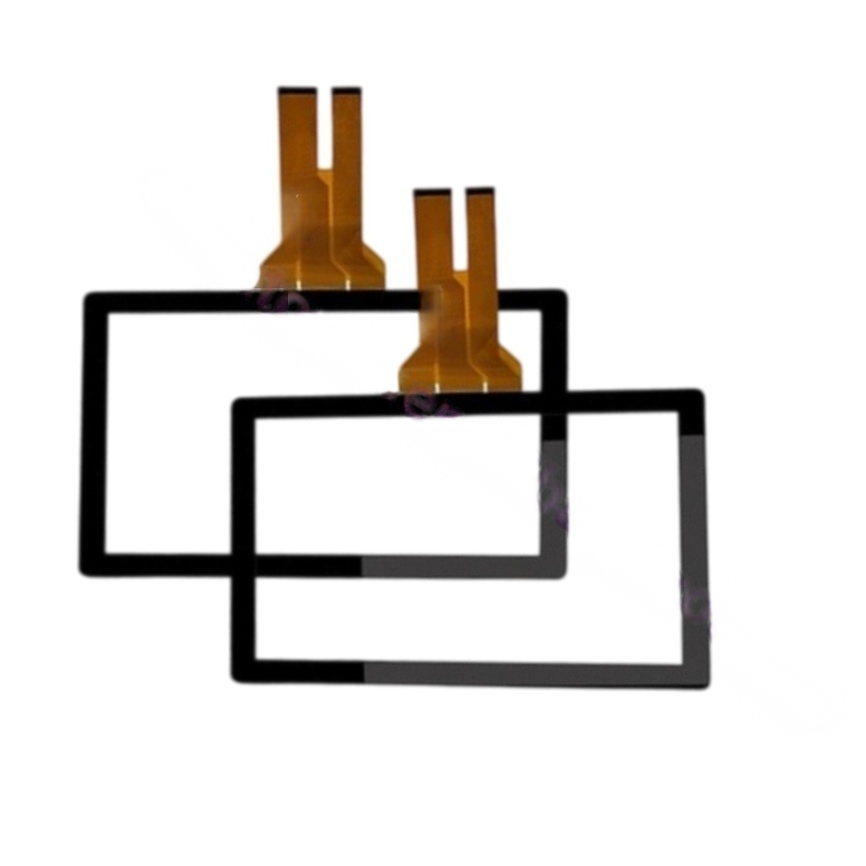
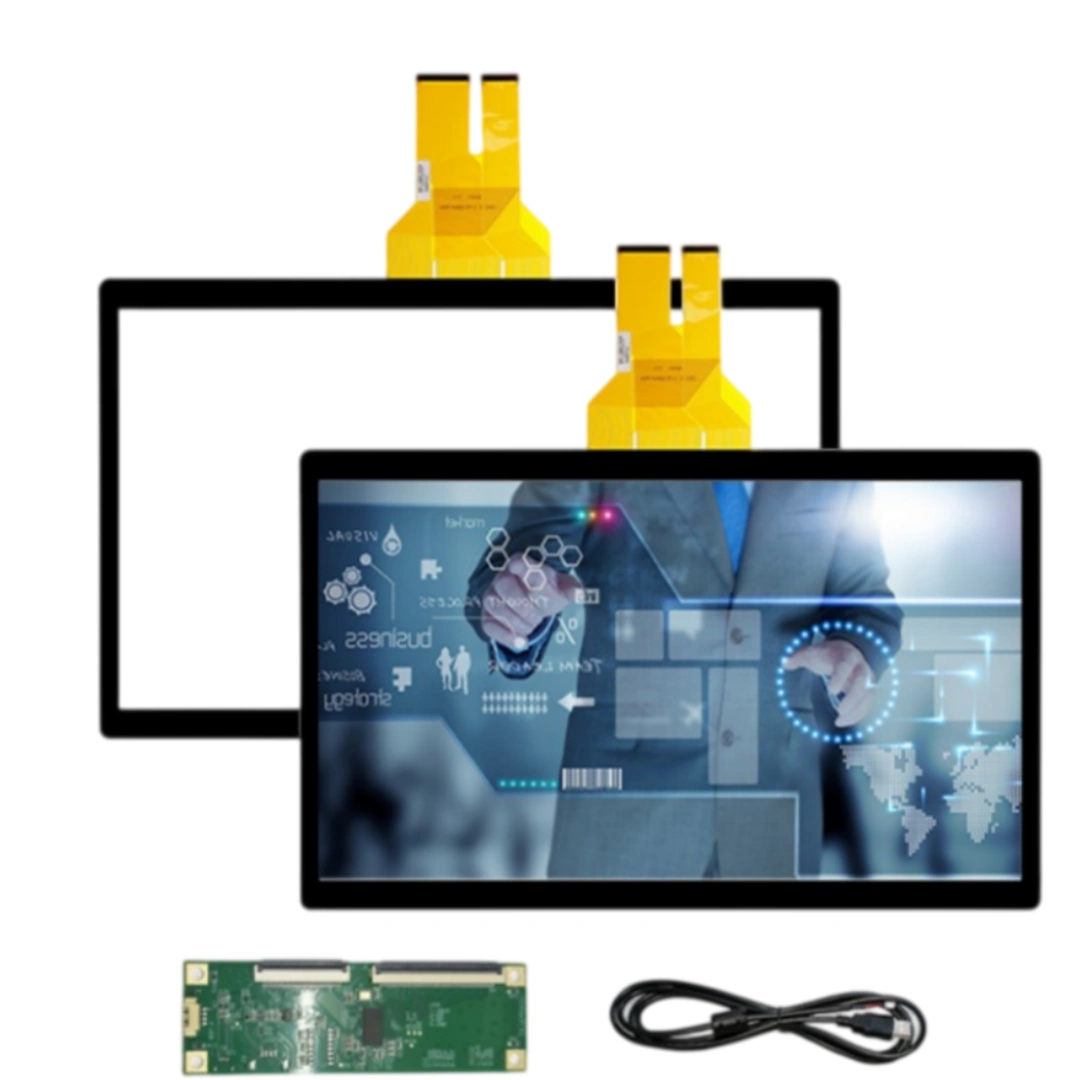
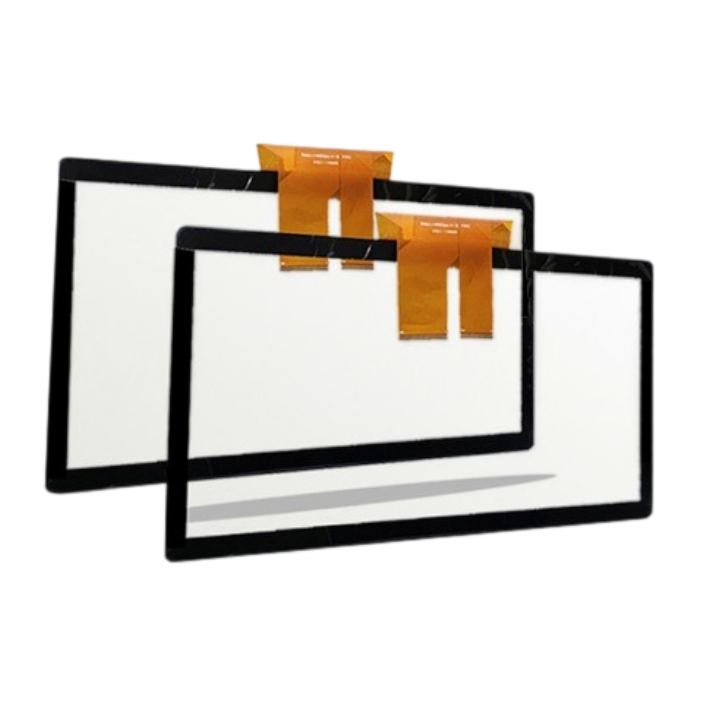
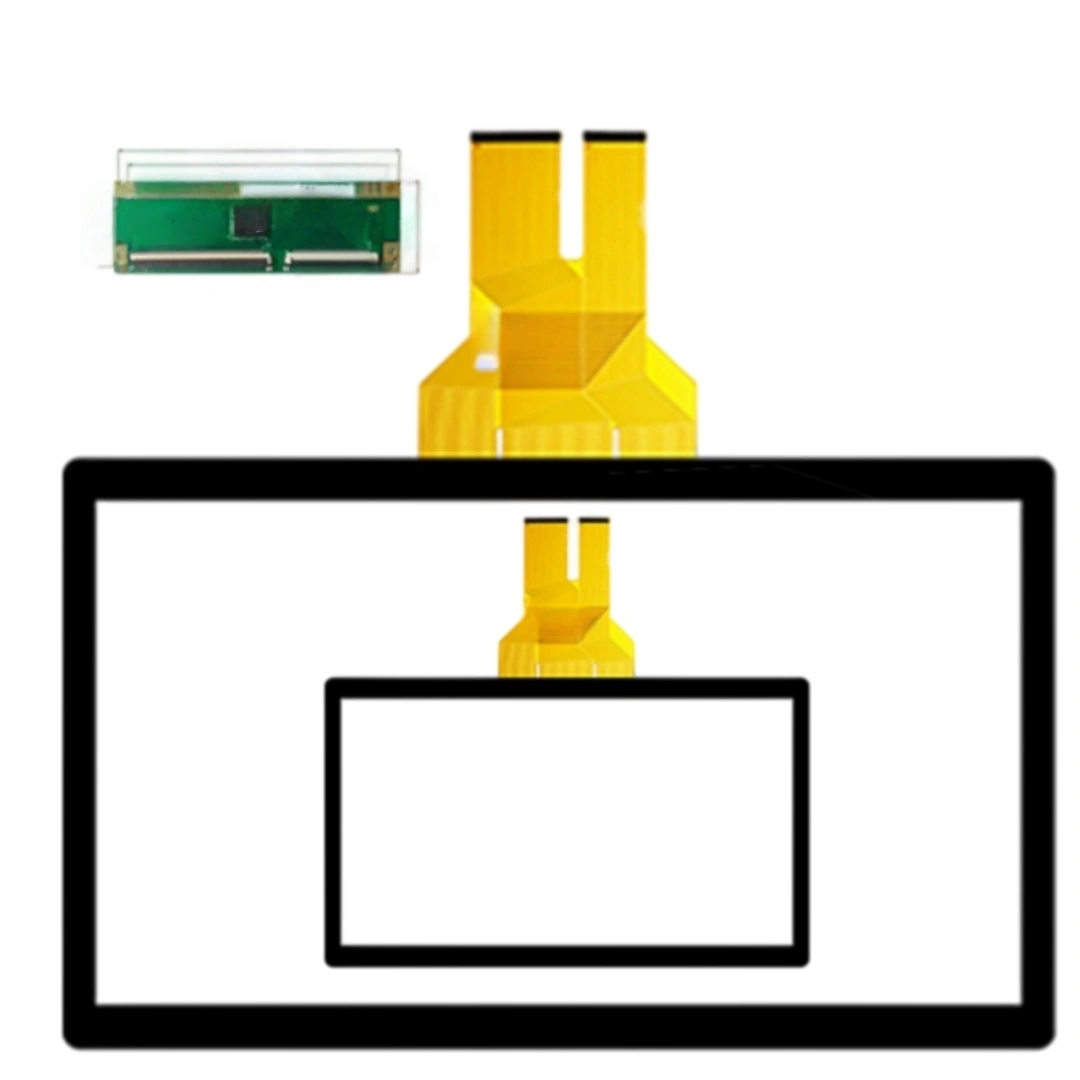
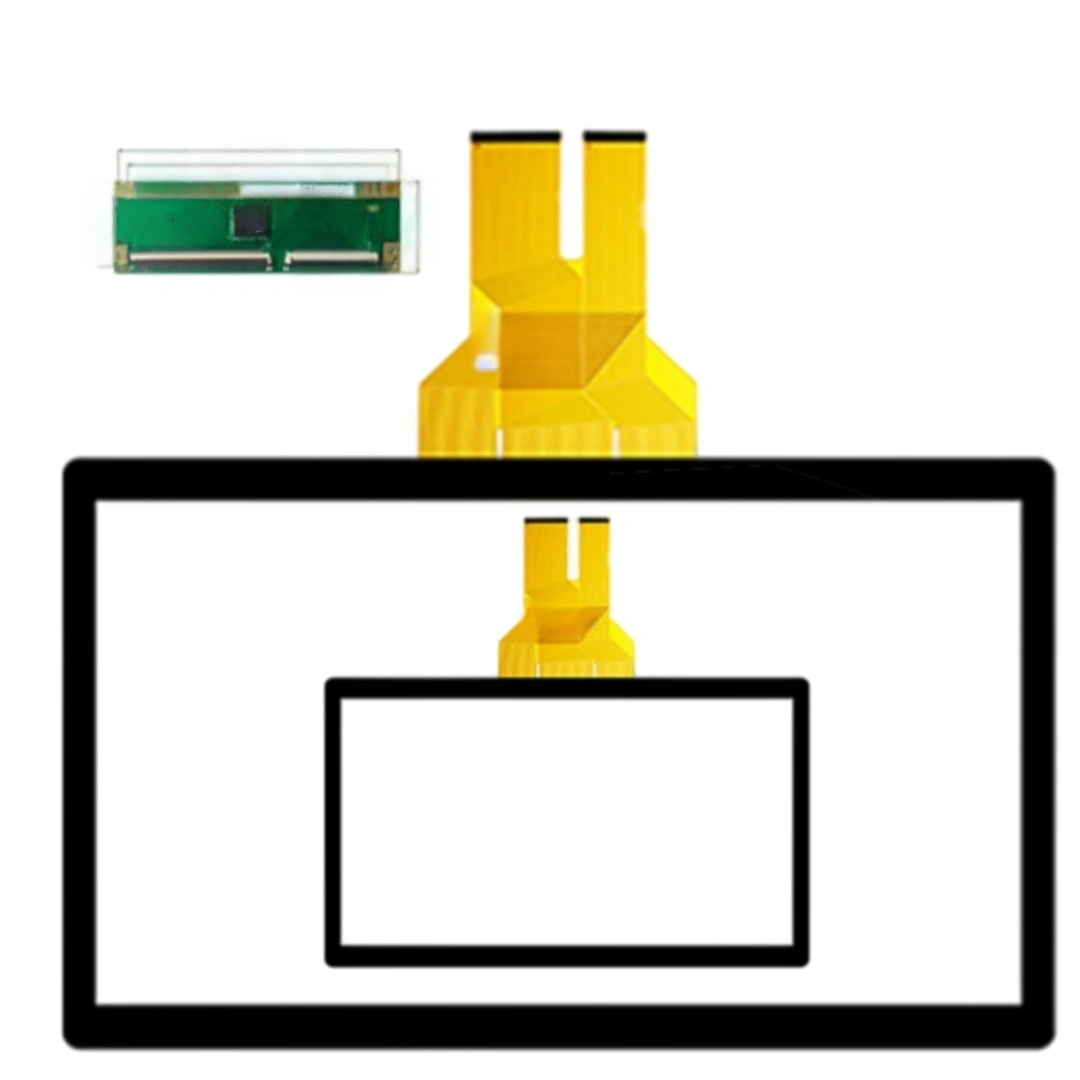
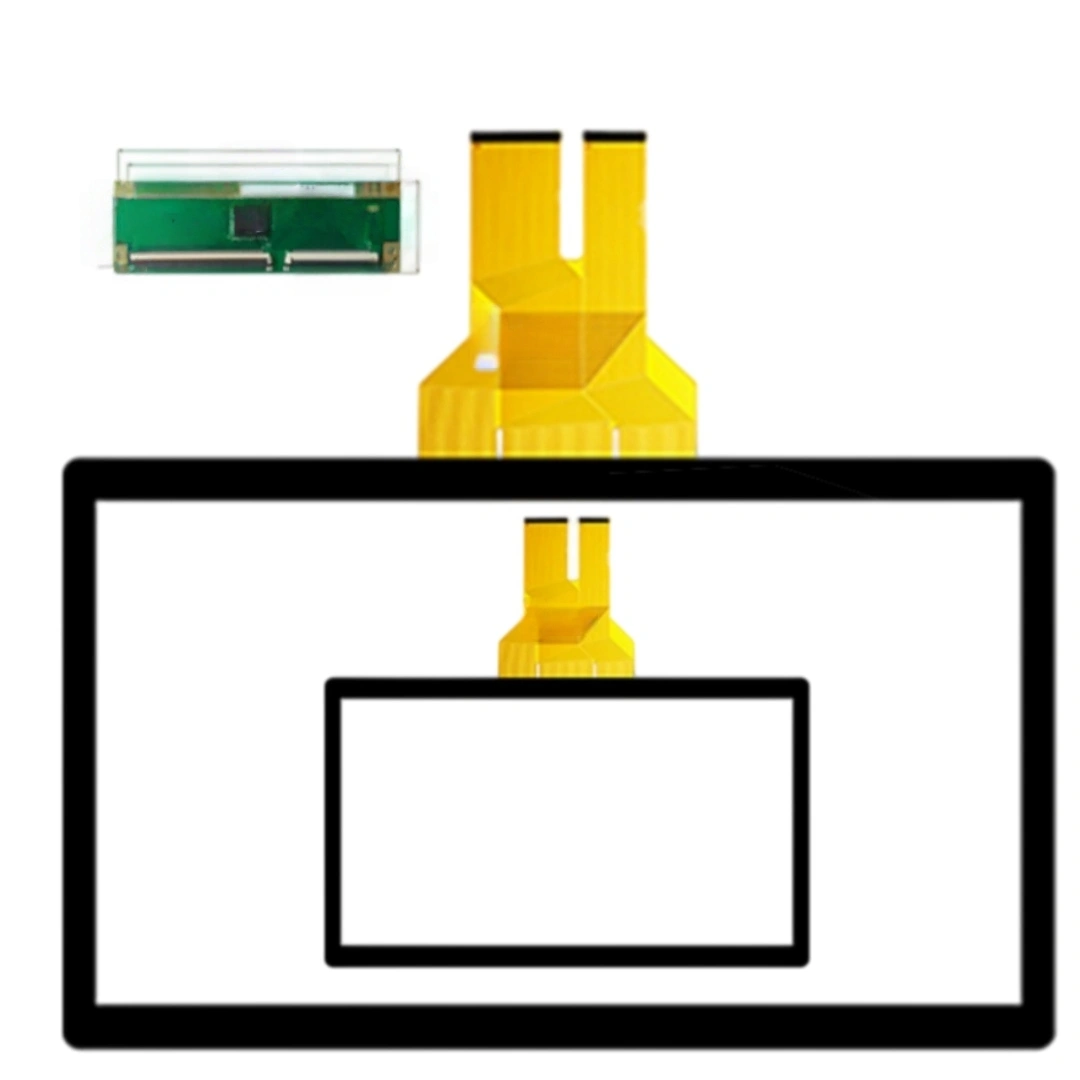
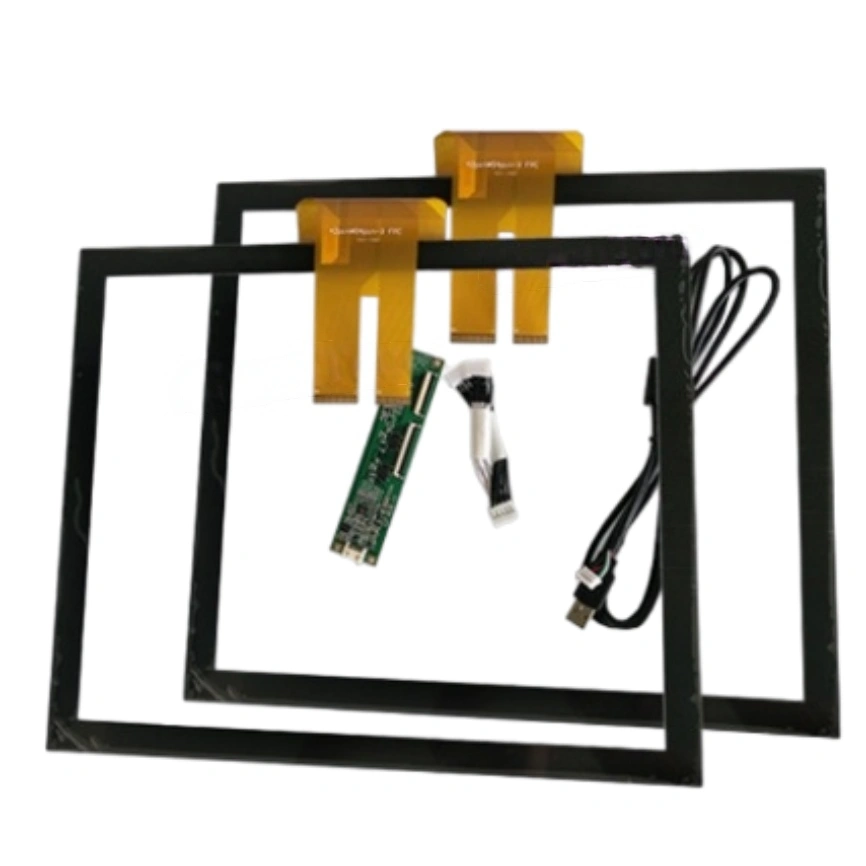
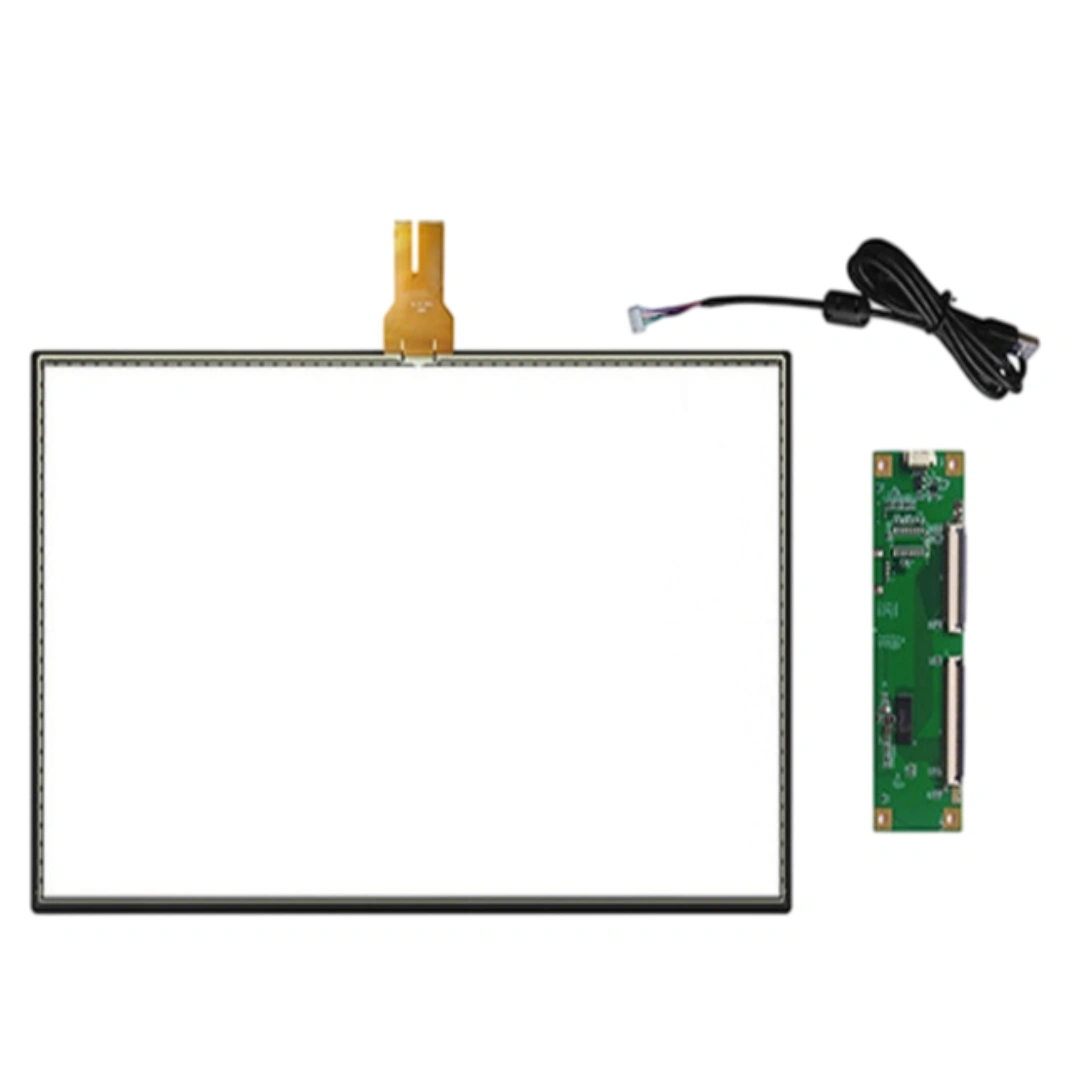
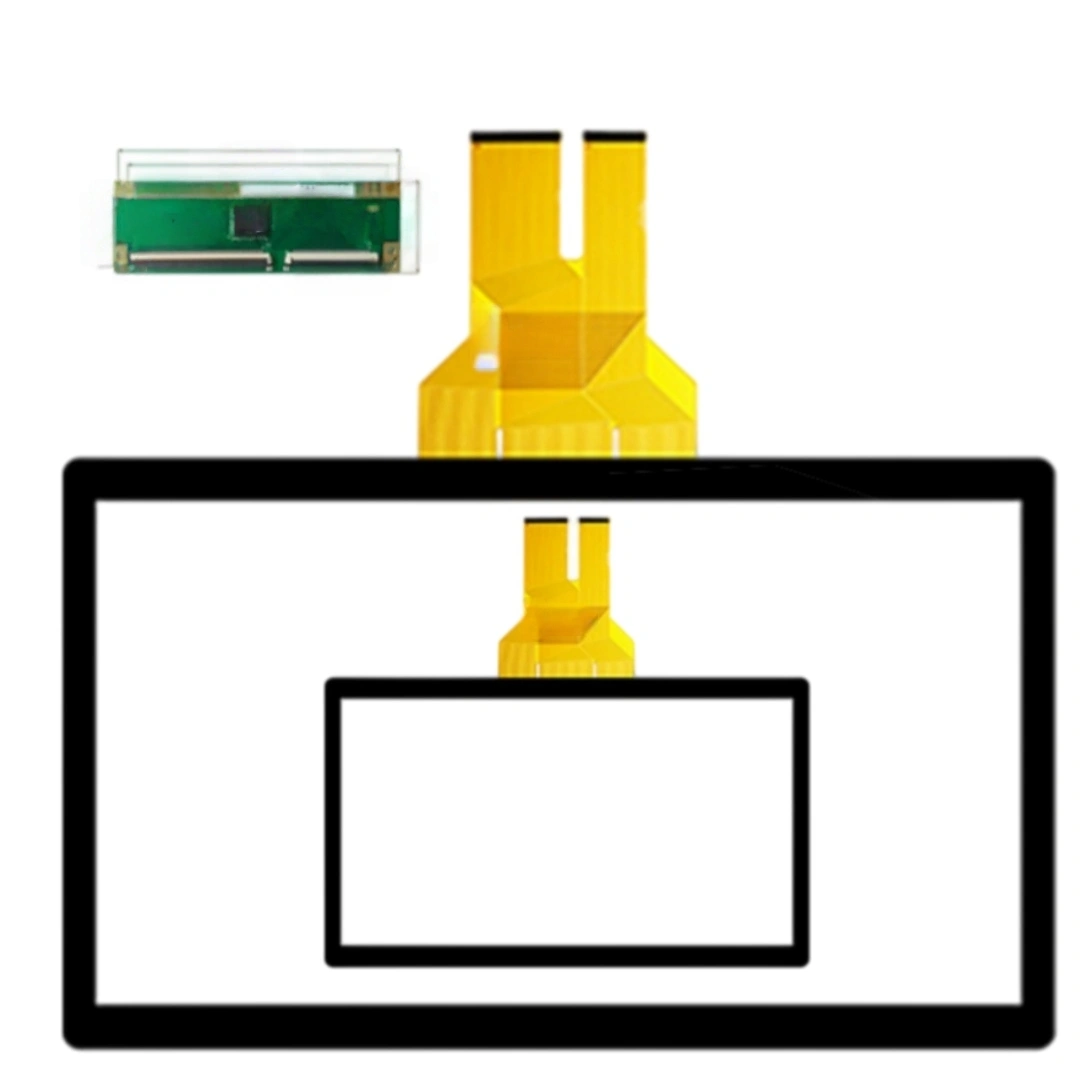
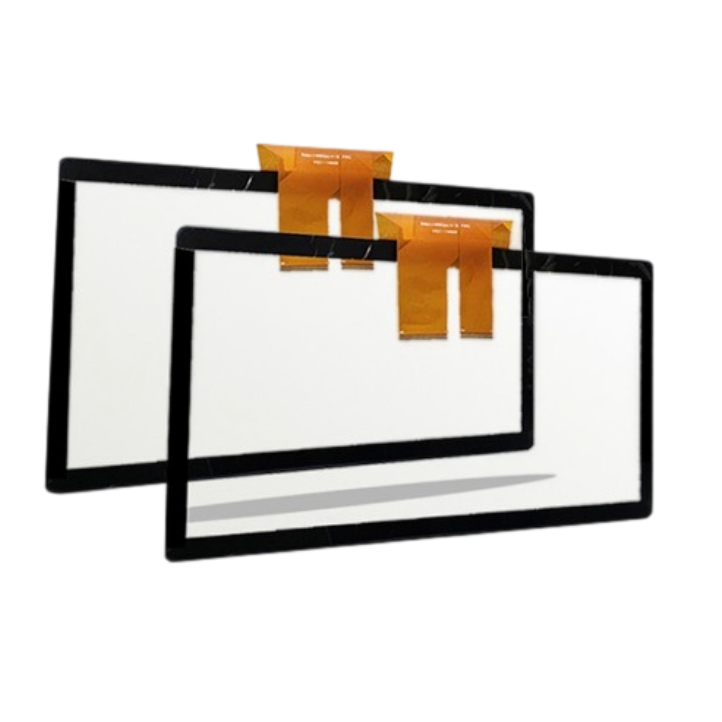
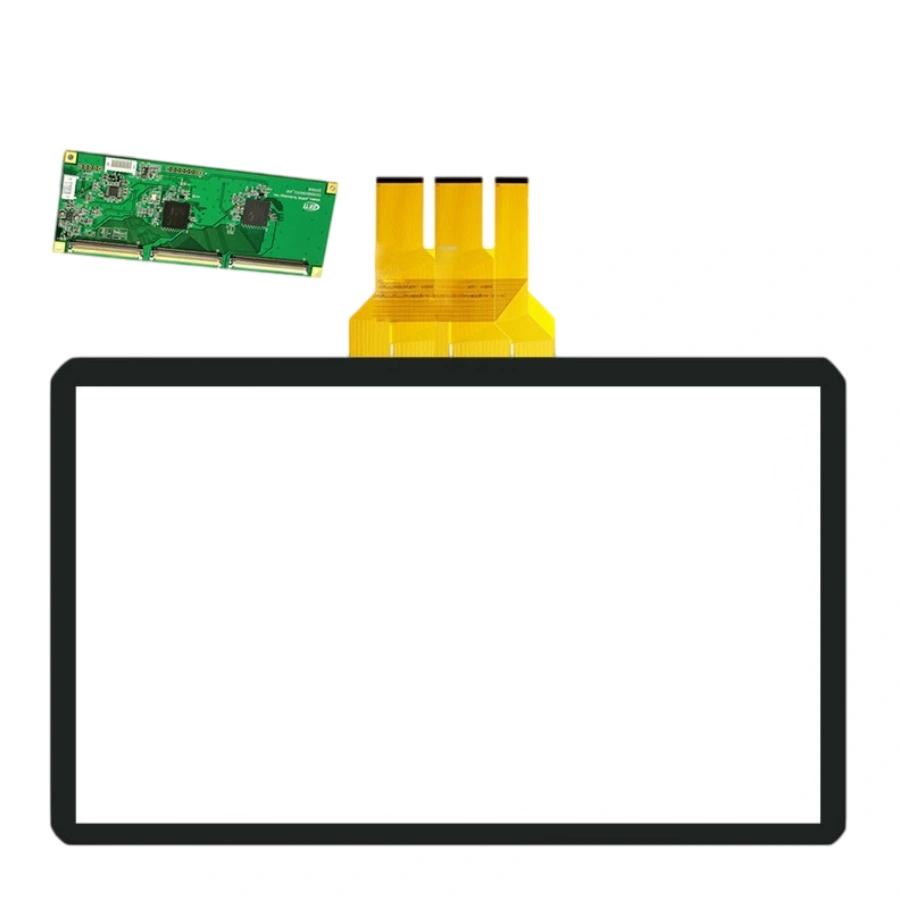
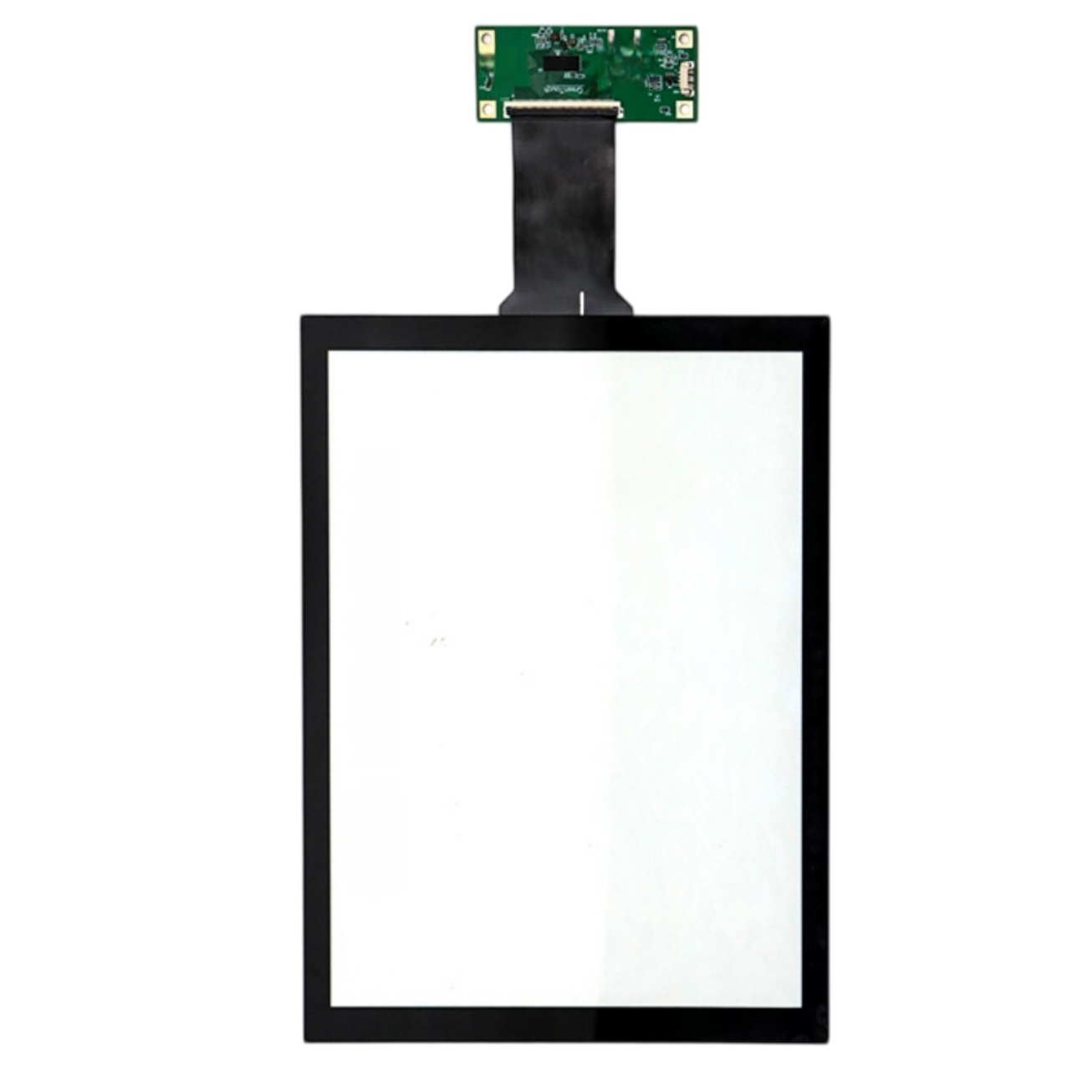
This 17.3-inch projected capacitive touch screen with USB. The listing specifies a 10 ms response time, 4096 × 4096 touch resolution and >85% transmittance, and lists support for Windows, Android, Linux, Mac. Listed applications include Computer monitors and information kiosk touch panels.
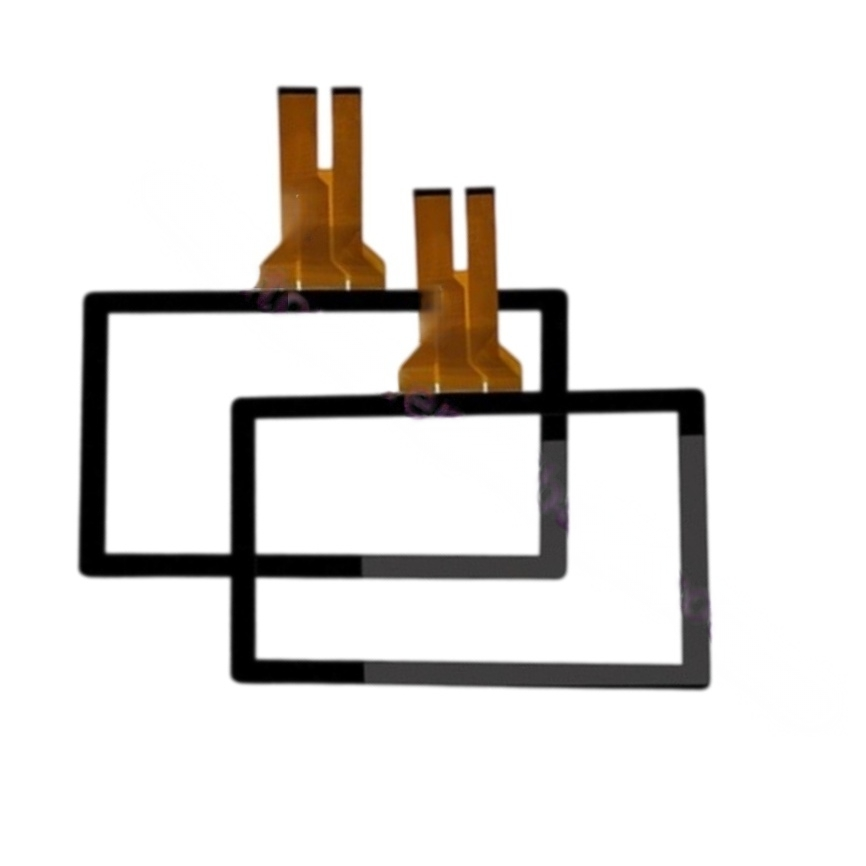
Yes. The sensor's active area is built to the 16:9 outline, so it aligns with standard 17.3" FHD LCD modules. As long as your LCD's viewable rectangle matches our AA drawing, the touch grid maps 1:1 to pixels — no stretching, no dead margins.
No. PCAP senses capacitance, not pressure, so lean angle doesn't change sensitivity. What changes is the contact ellipse: at a tilted surface the finger flattens slightly, but our firmware auto-scales the touch radius. Users won't feel any "top is dead" effect.
The panel itself rarely "freezes" — if the USB HID drops, it's usually the host controller. A power-cycle of the USB port (or unplug/replug) re-enumerates it instantly. We can also enable "auto-recover on wake" in the controller so a sleeping kiosk re-syncs touch on every wake event, no manual recalibration.
A large static contact (forearm, bag corner) is read as one big touch. Single big blob won't "lock" the panel, but it can suppress smaller finger taps under the same area. We can raise the "large-object ignore" threshold so resting contact is filtered and real taps still register beside it.
Privacy/anti-peek film goes on the LCD side, behind the touch glass, so it doesn't affect capacitance at all. Just make sure the film + LCD + touch stack total thickness stays within the controller's tuned range — tell us the full stack-up and we baseline the gain for it.
Touch accuracy doesn't depend on user height, only on where they tap. We tune the edge gain so the bottom 10% (seated eye-level) and top 10% (standing reach) stay equally responsive. If your kiosk has a fixed tall stand, tell us the typical tap zones and we bias the sensitivity there.
PCAP is stable across normal indoor humidity (10–90% RH) and sea level to ~2000 m. Extreme cases — coastal salt-air, sub-zero entryways, high-altitude dry air — can shift the baseline slightly. For multi-region rolls we ship with a wider auto-baseline range so each unit self-adjusts to local environment on first boot.
| Screen size | 17.3 inches |
|---|---|
| Touch screen type | Projected capacitive (PCAP) . |
| Interface and driver | USB . |
| Response time | 10 ms |
| Touch resolution | 4096 × 4096 . |
| Transmittance | >85% . |
| Listed applications | Computer monitors and information kiosk touch panels . |
| Surface hardness | 6 H |
| Supported operating systems | Windows, Android, Linux, Mac . |