GT-CTS-Y10.4
View model →
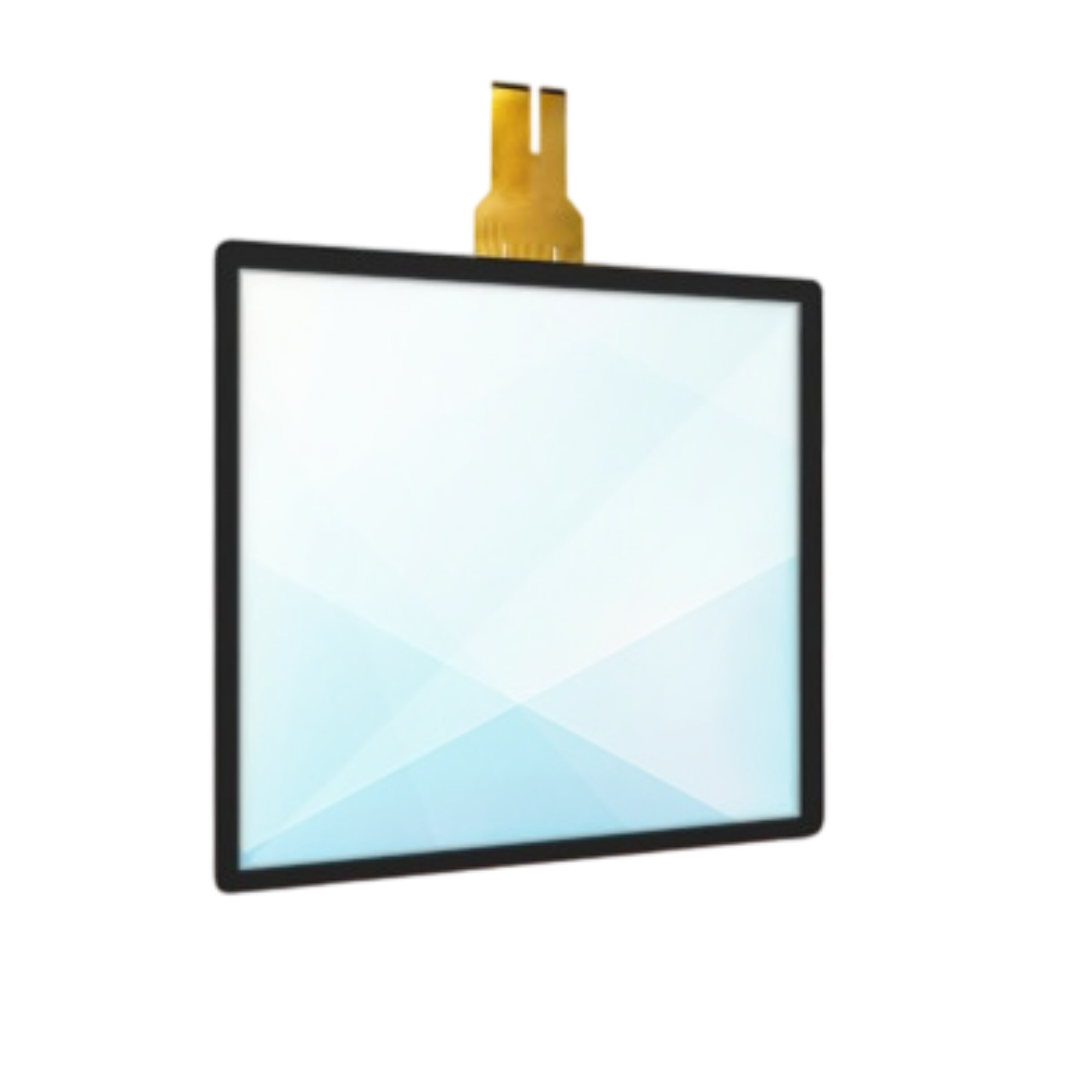
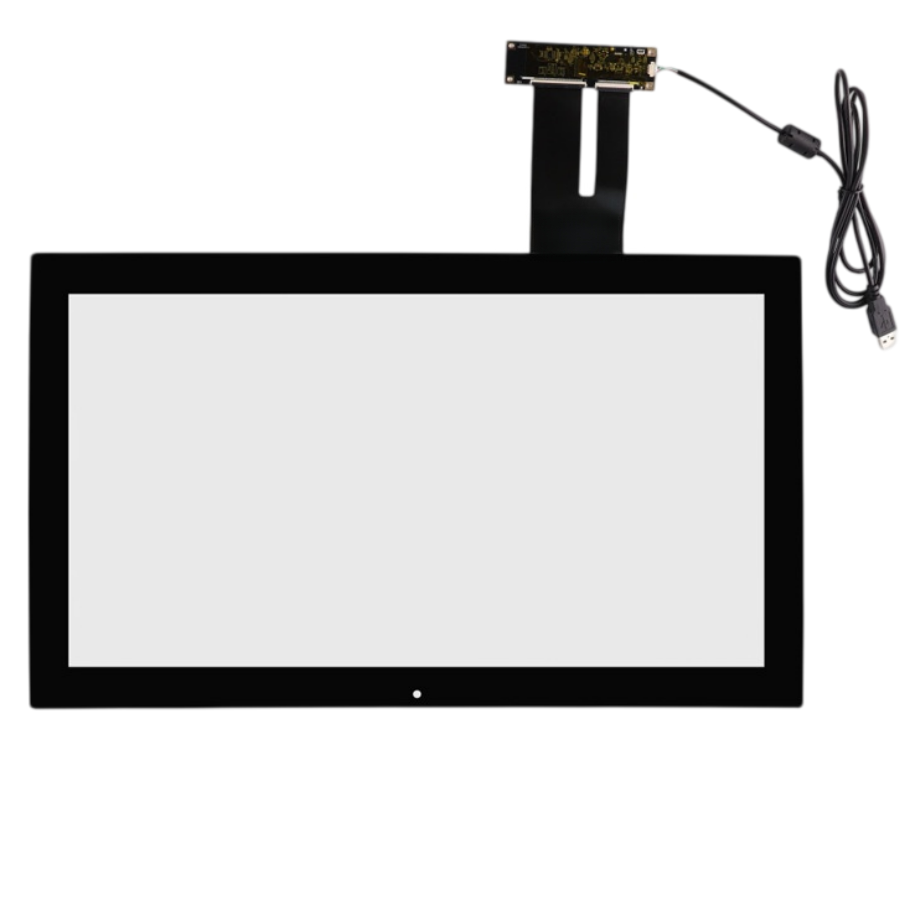
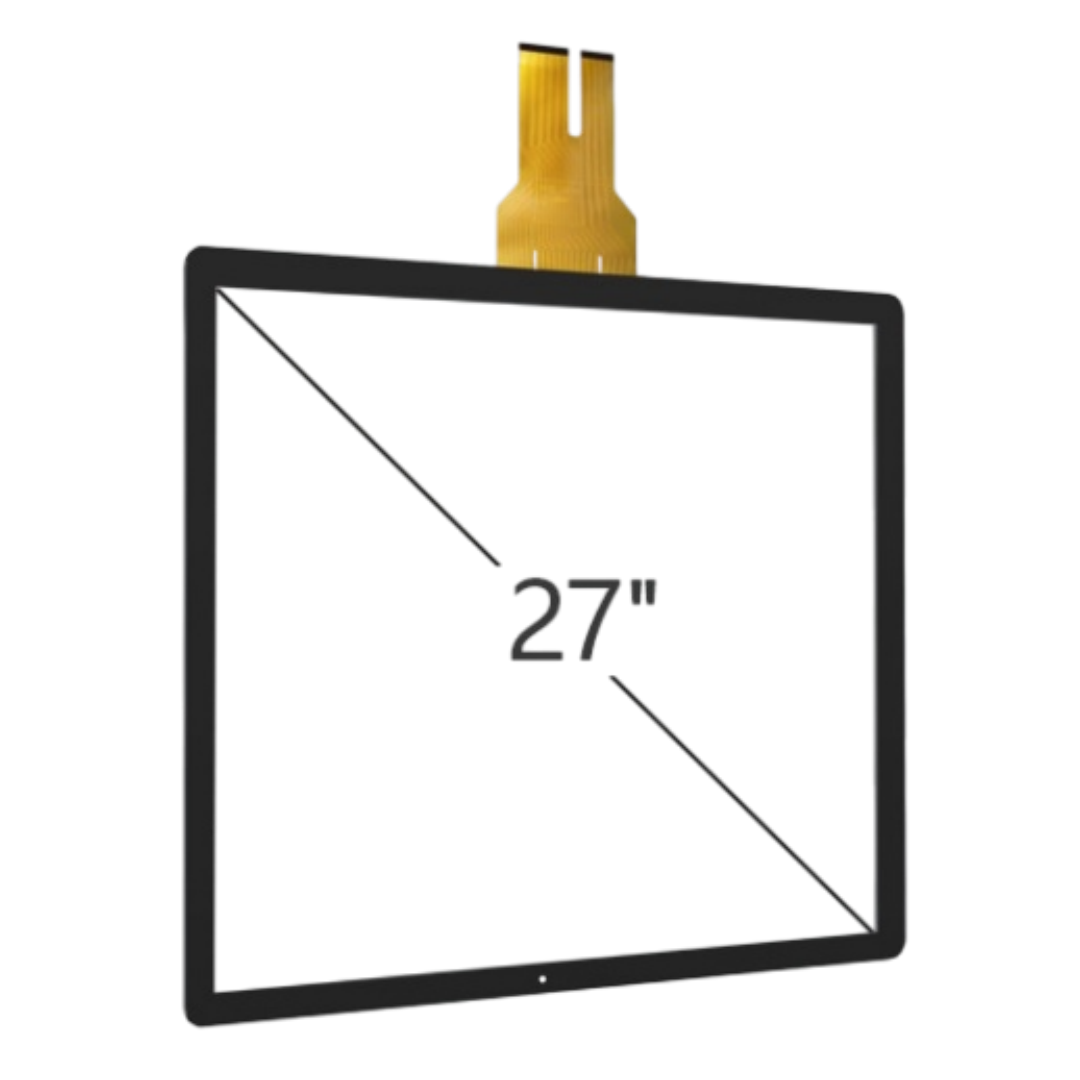
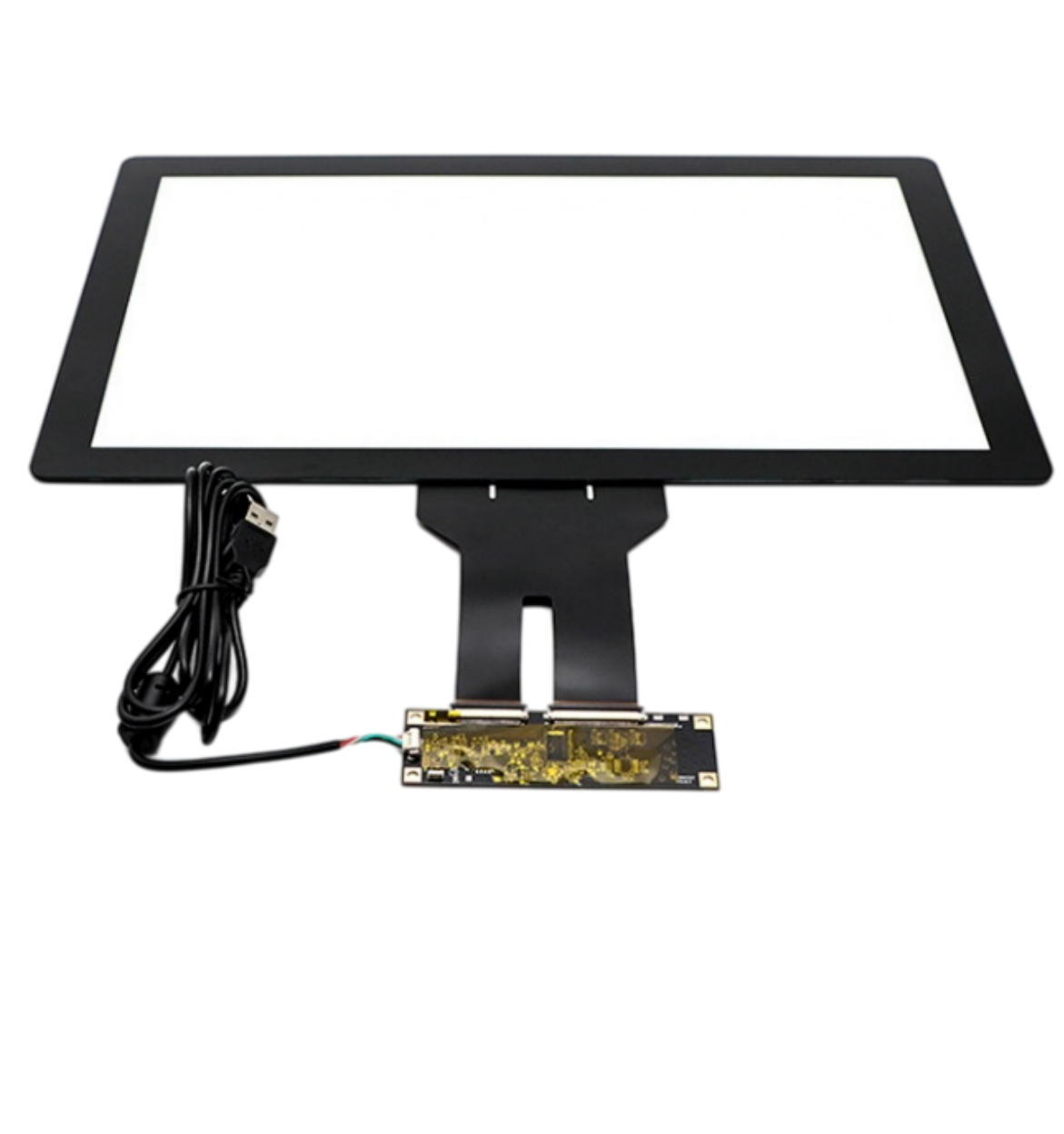
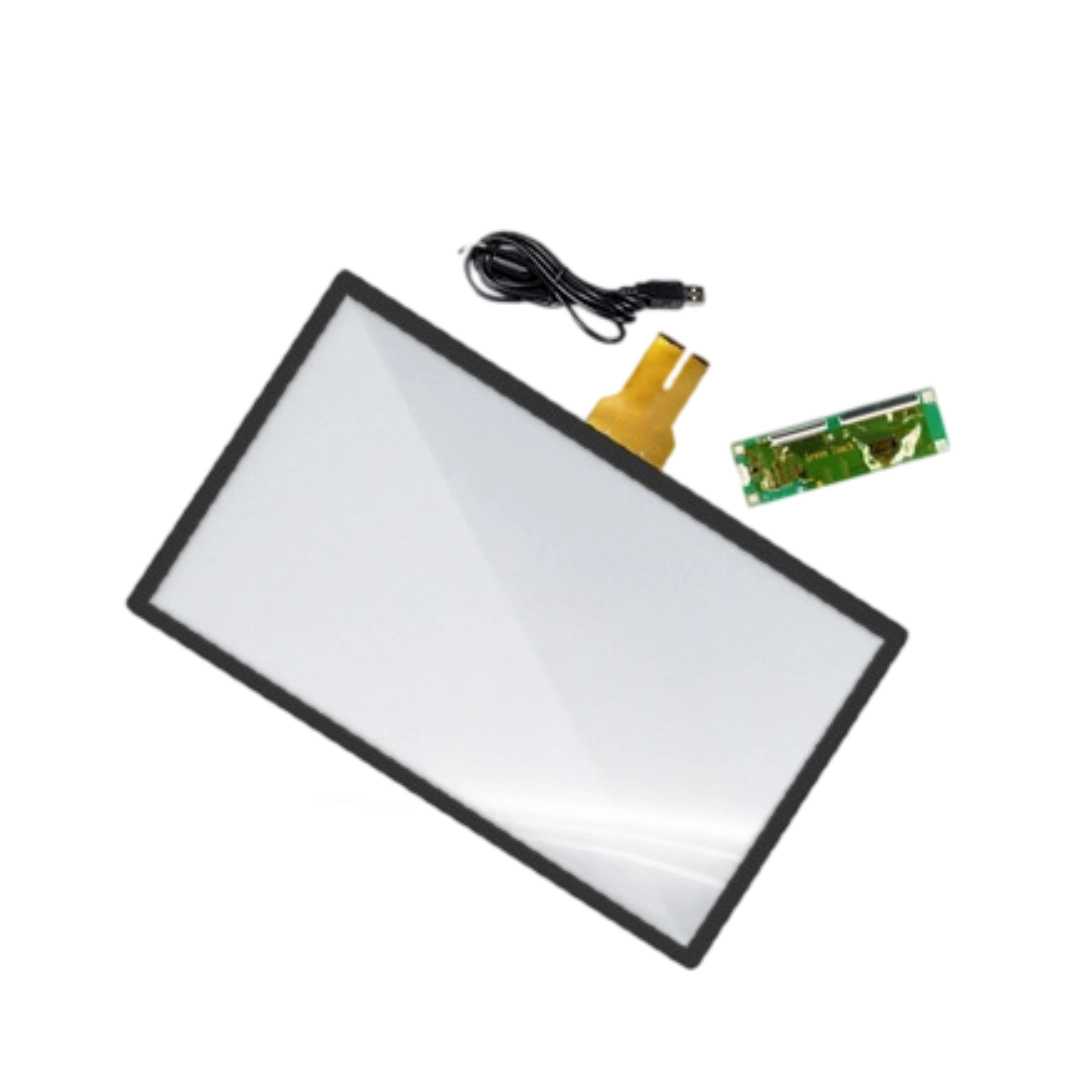
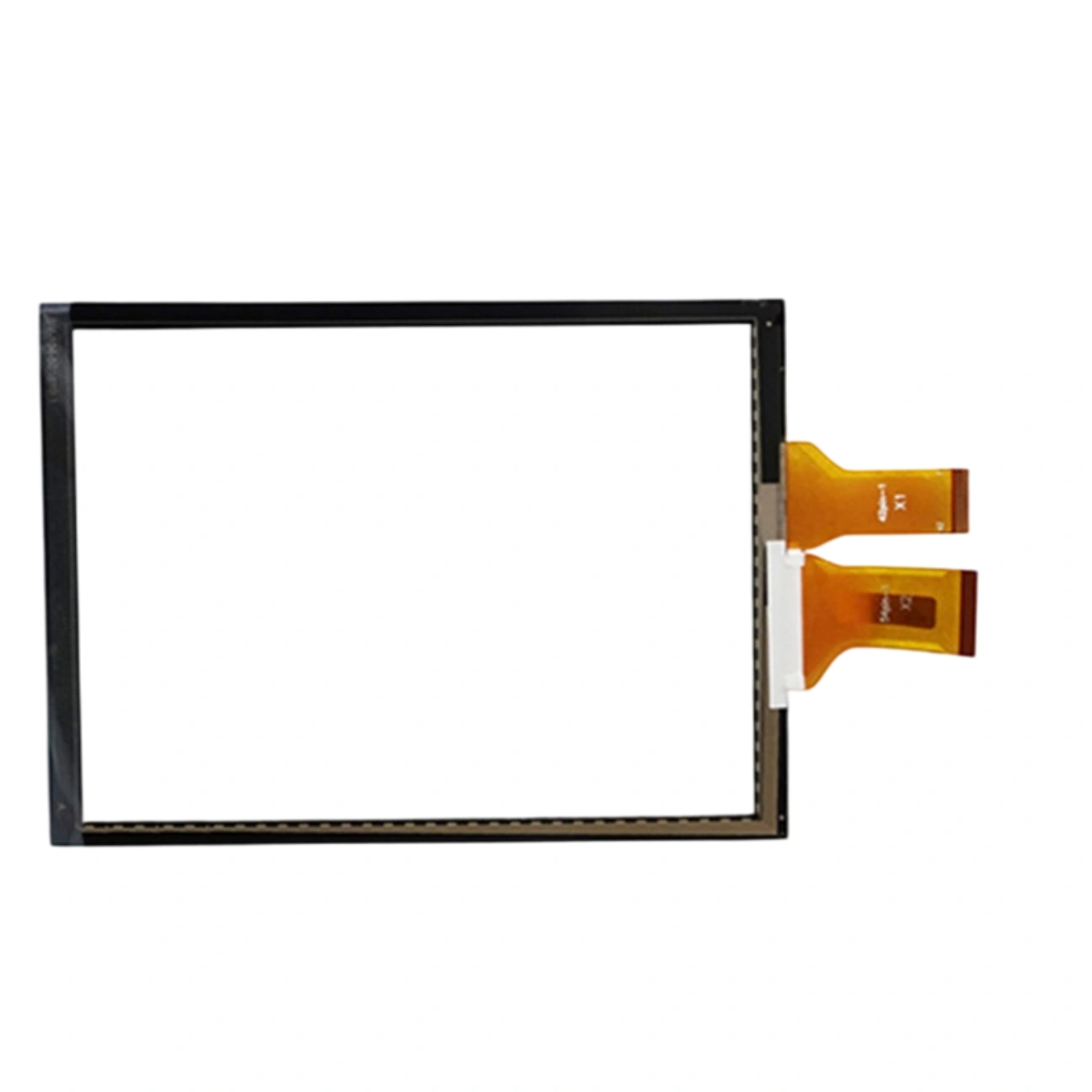
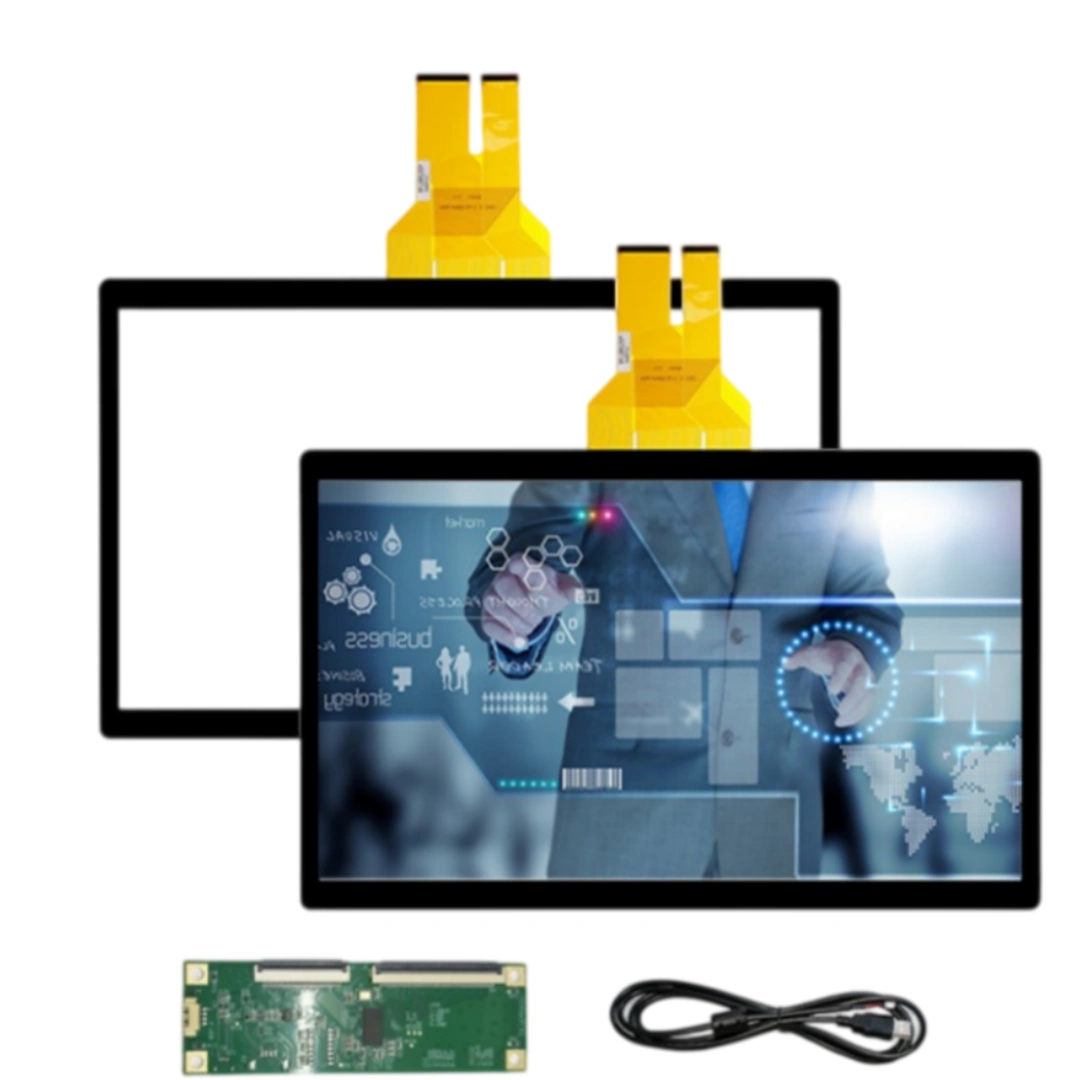
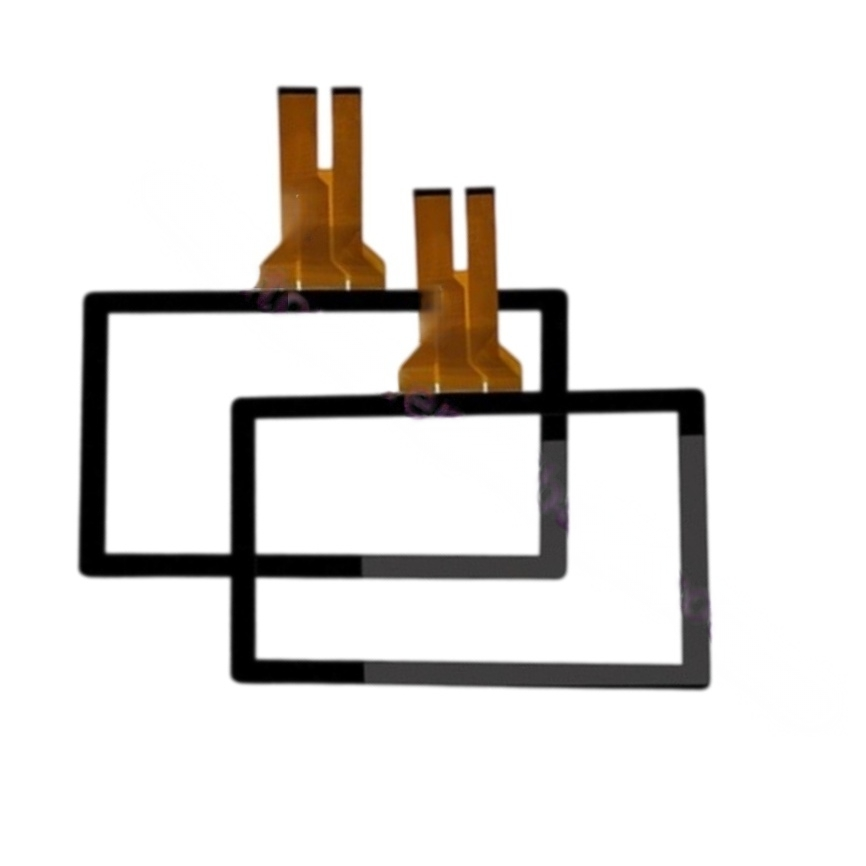
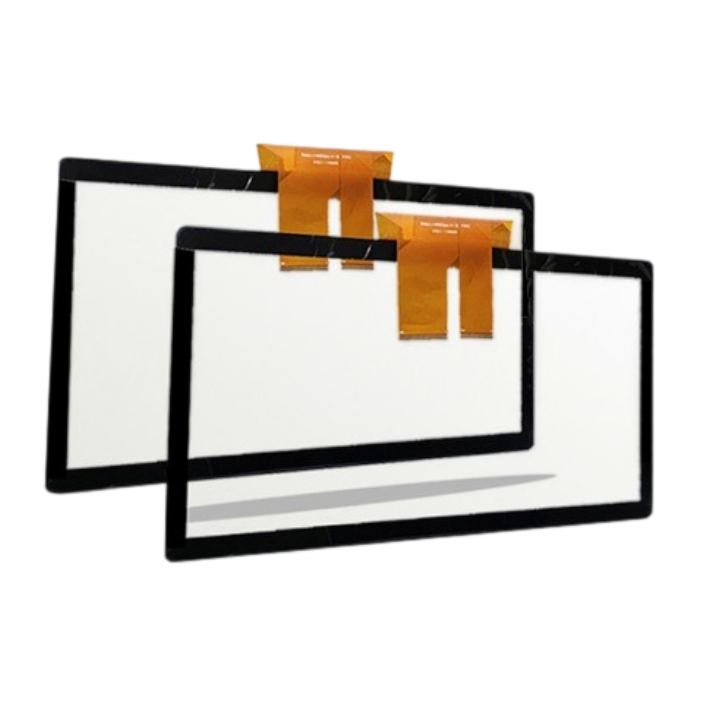
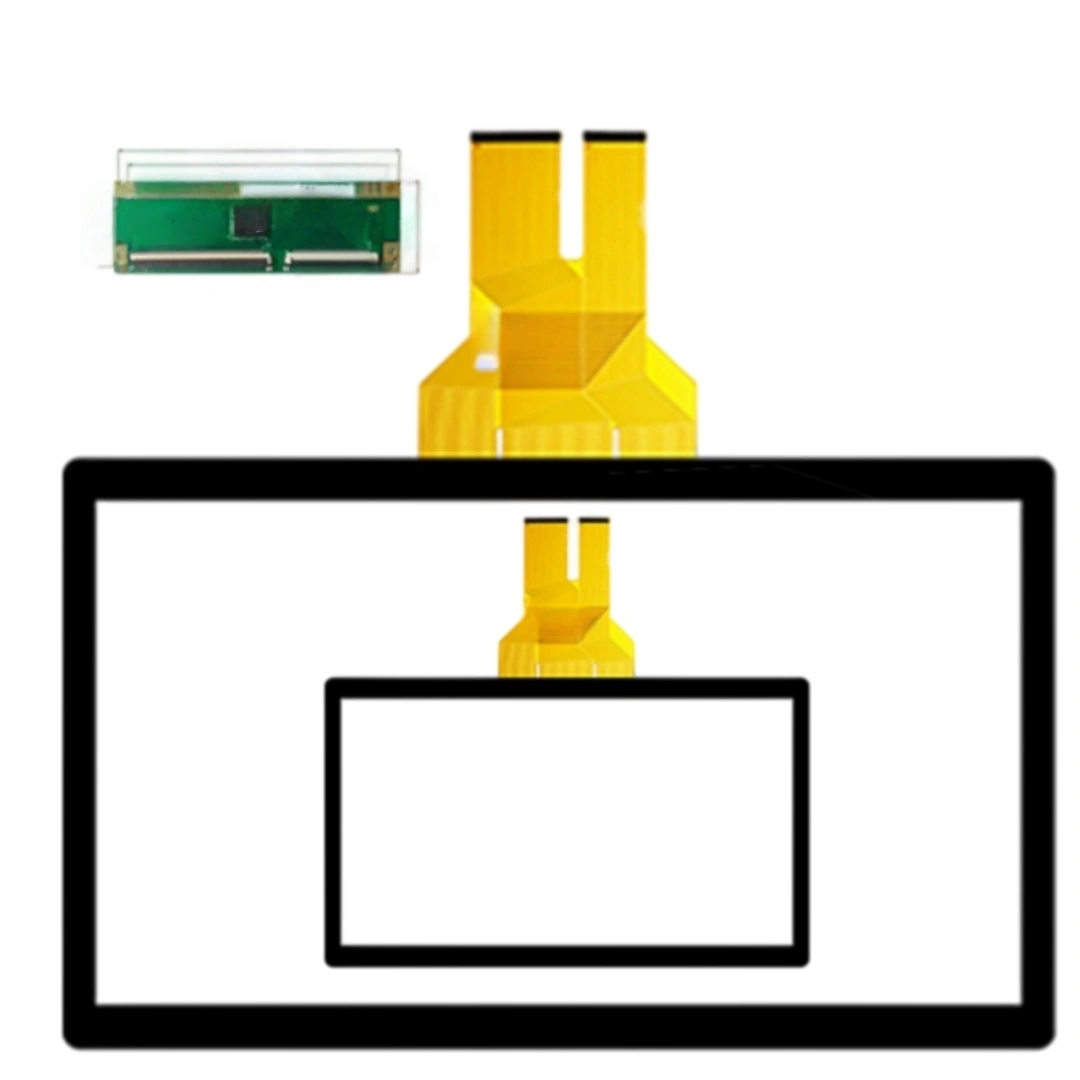
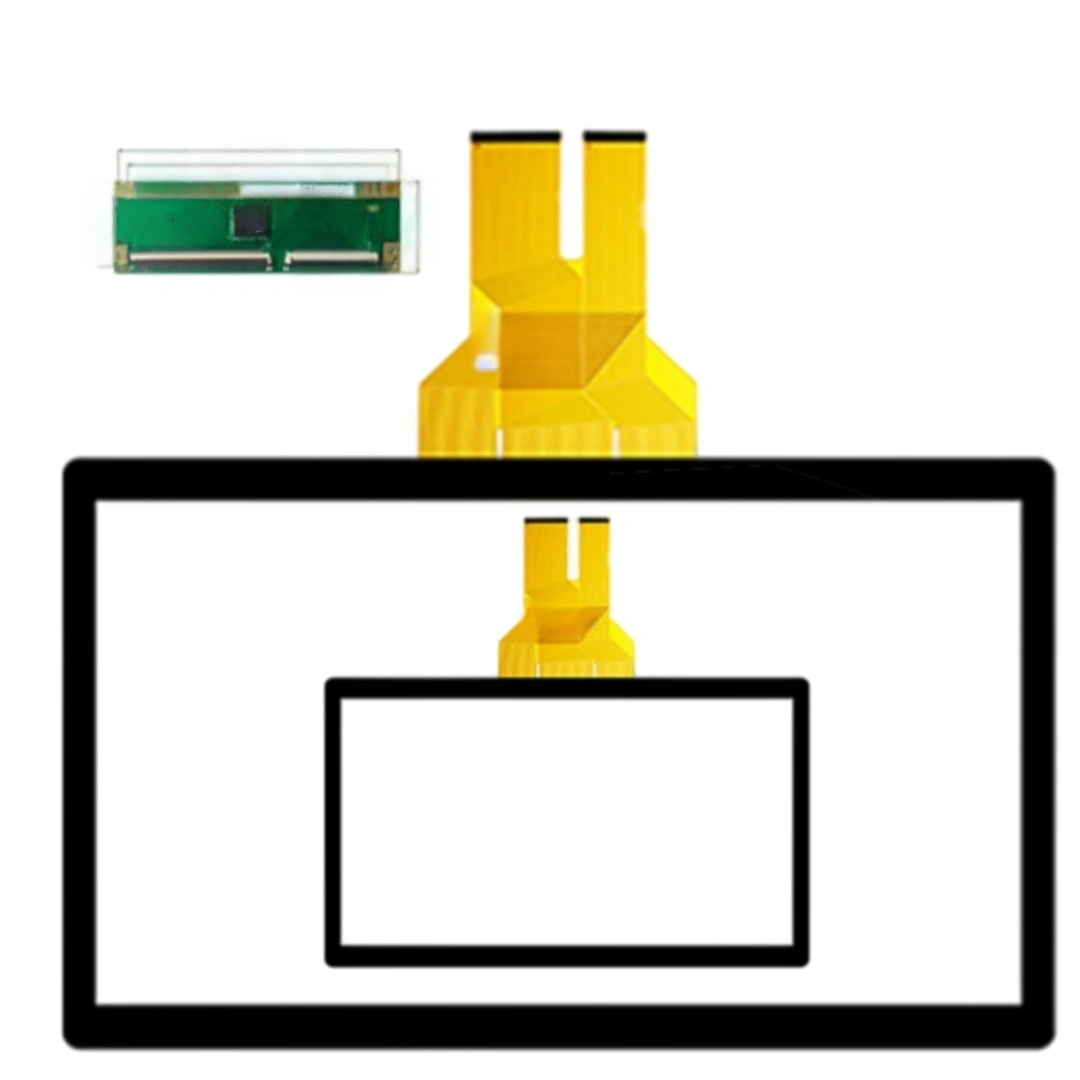
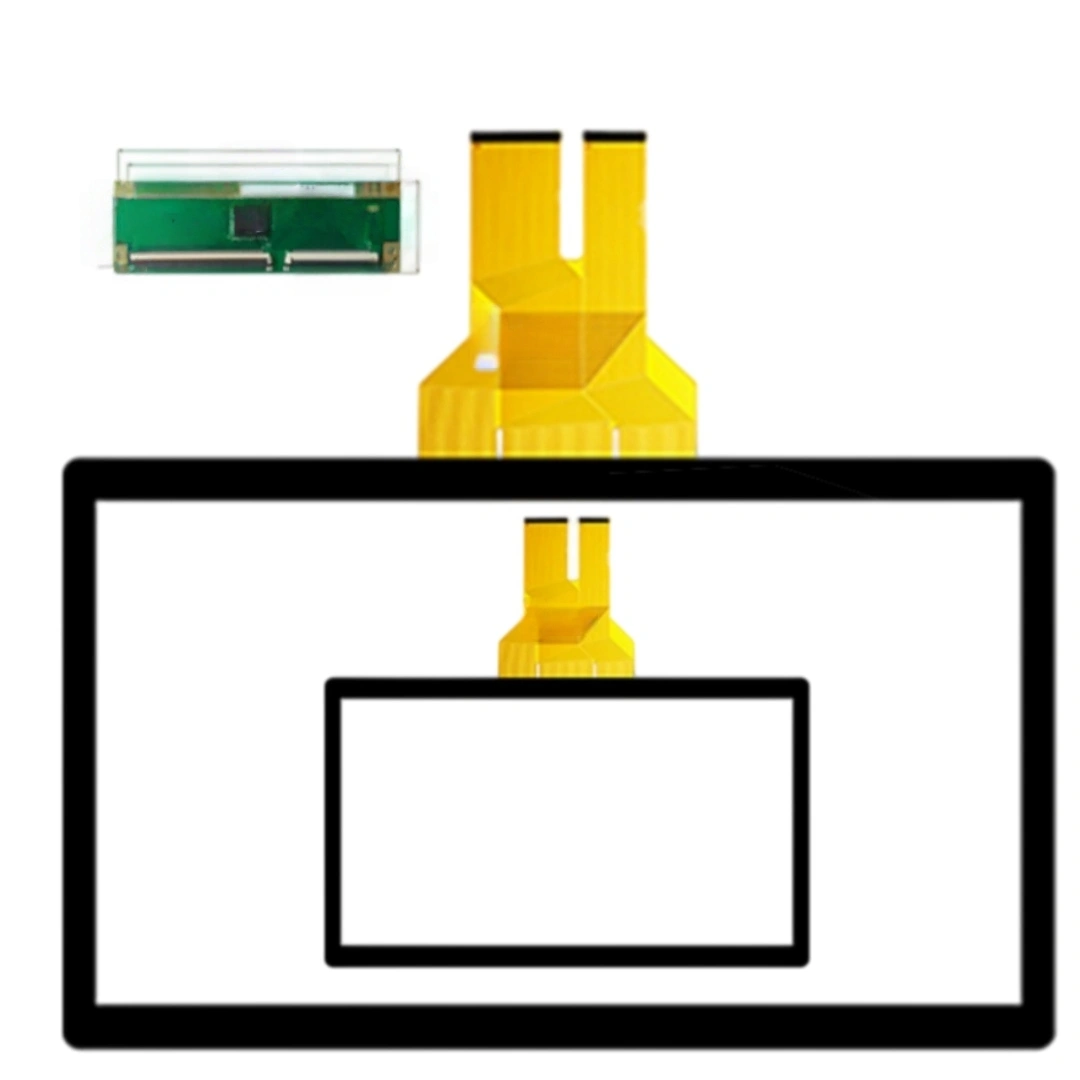
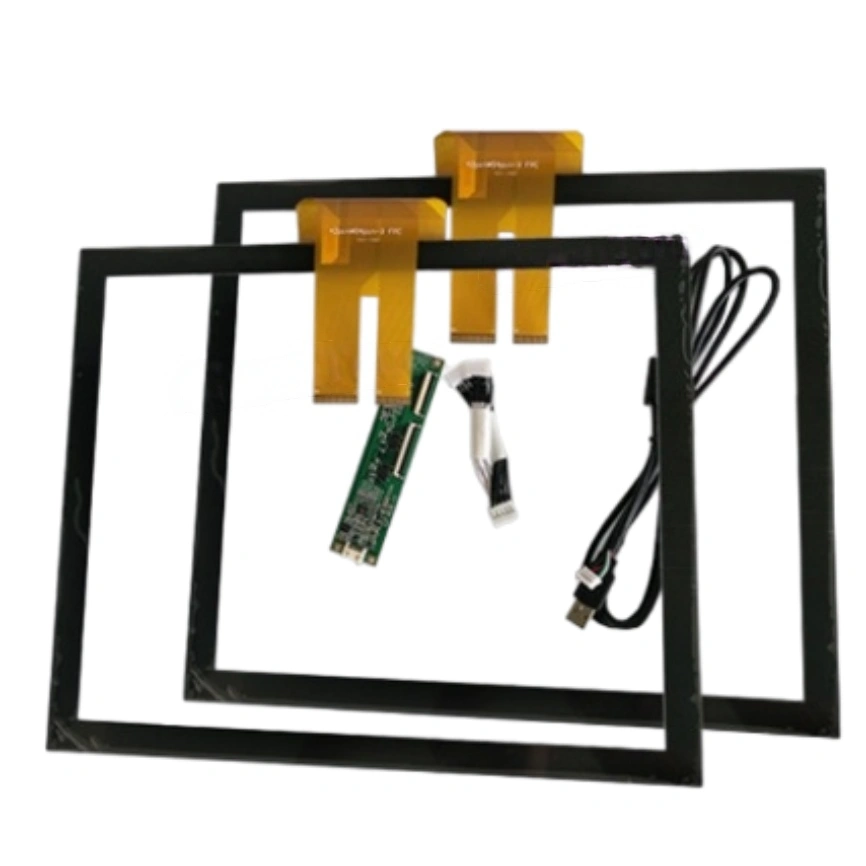
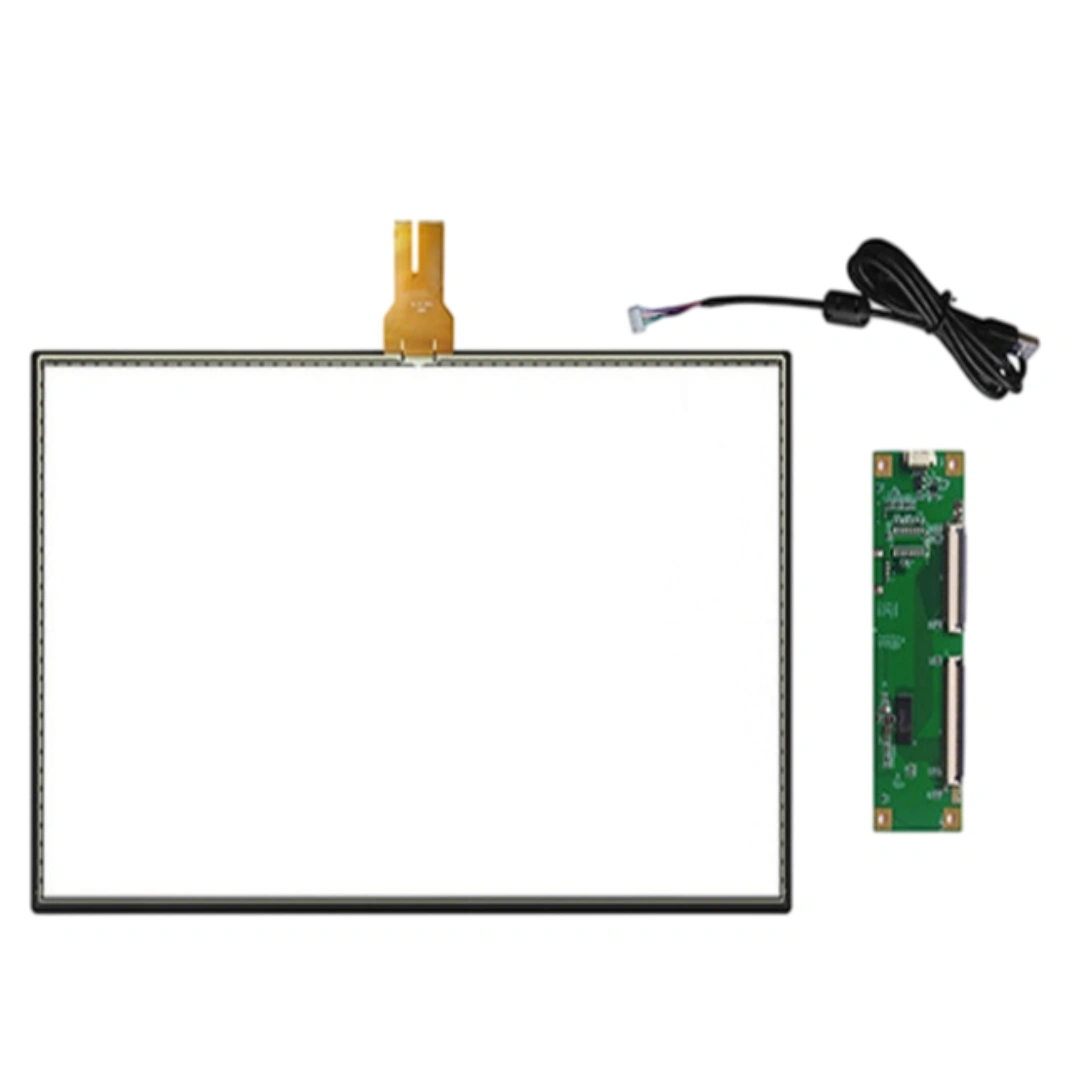
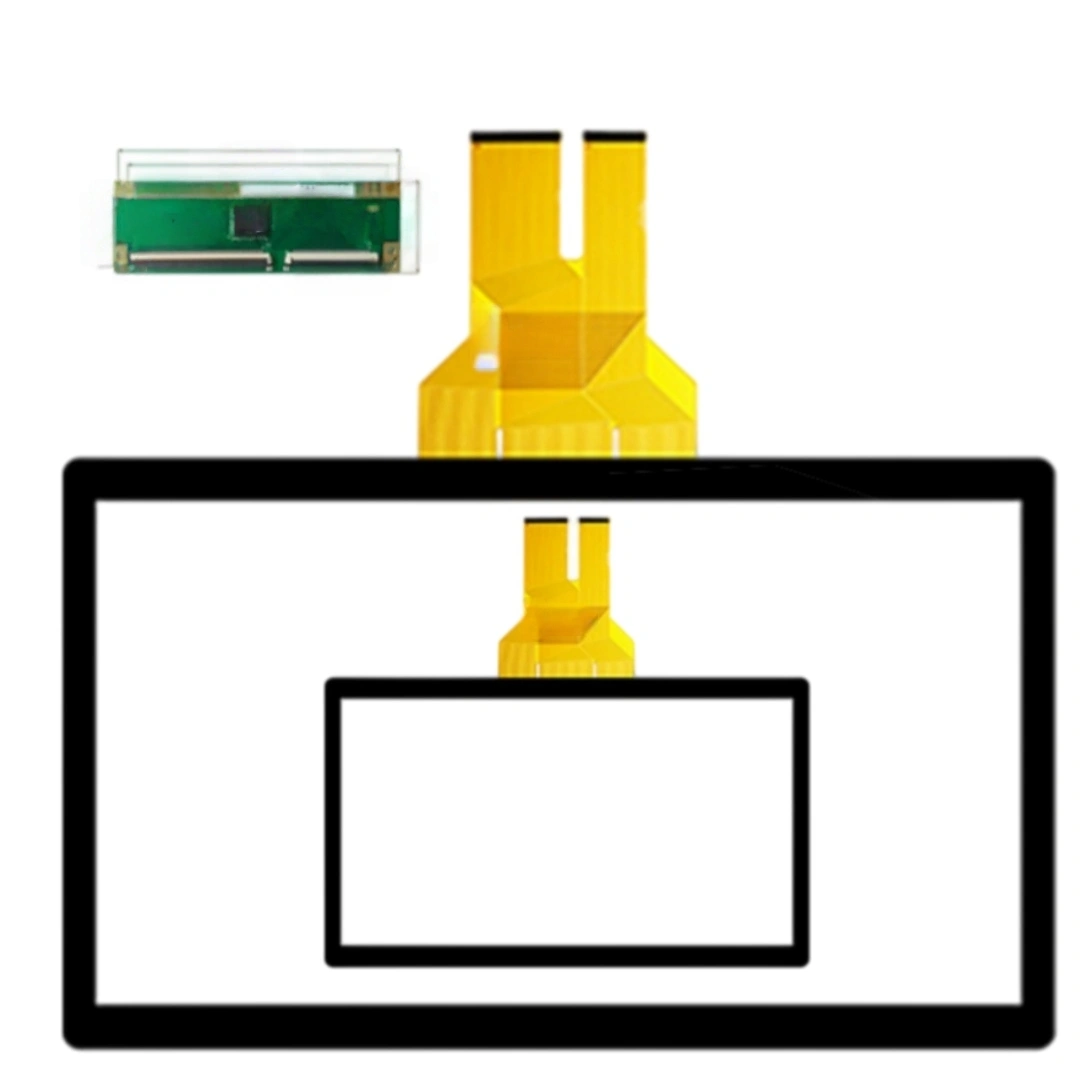
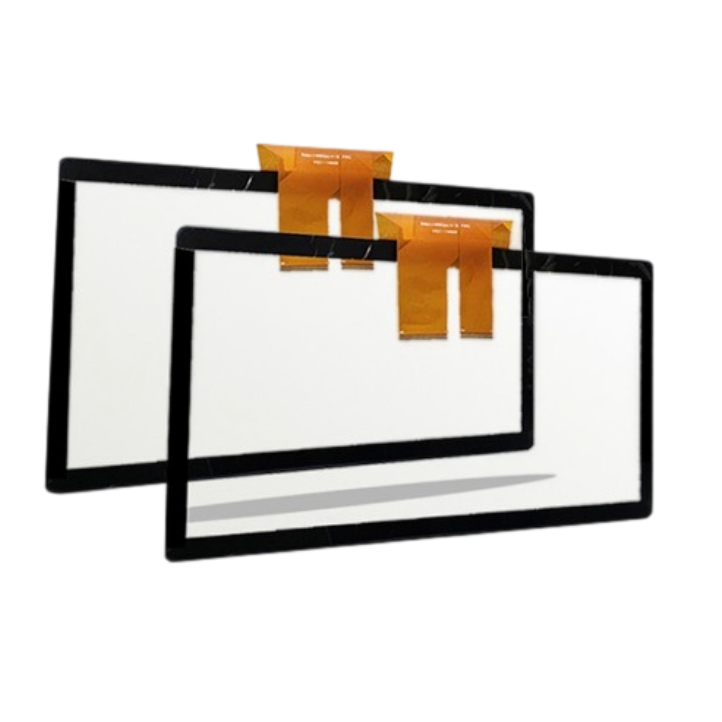
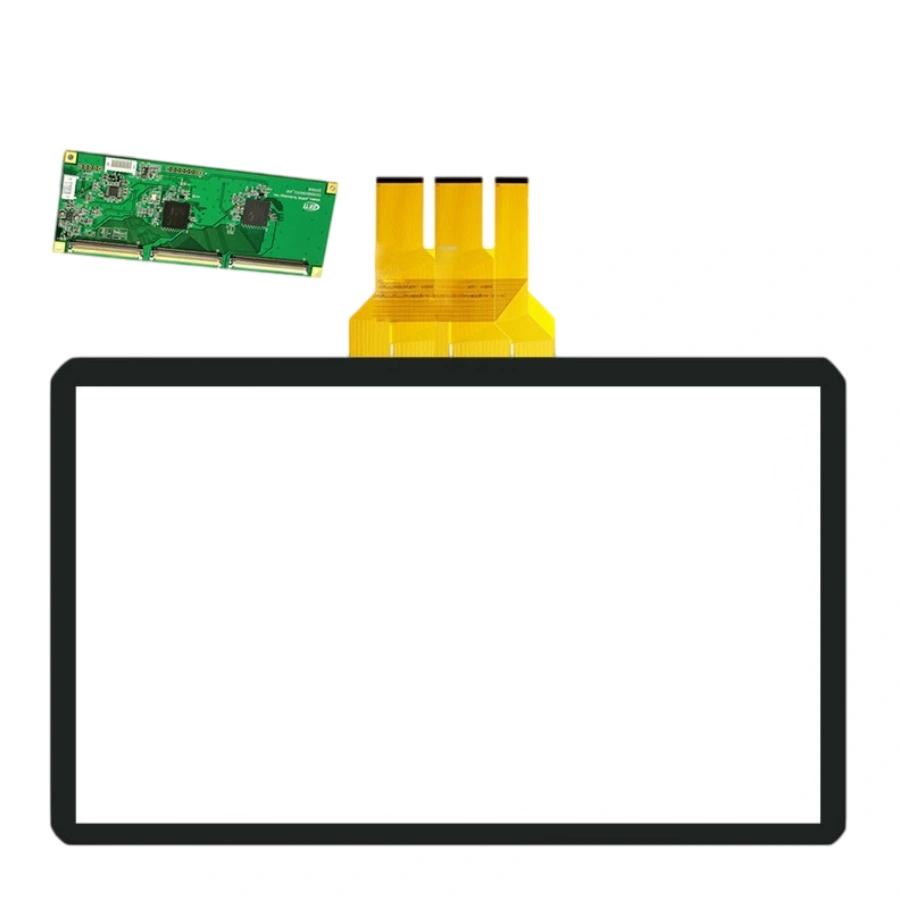
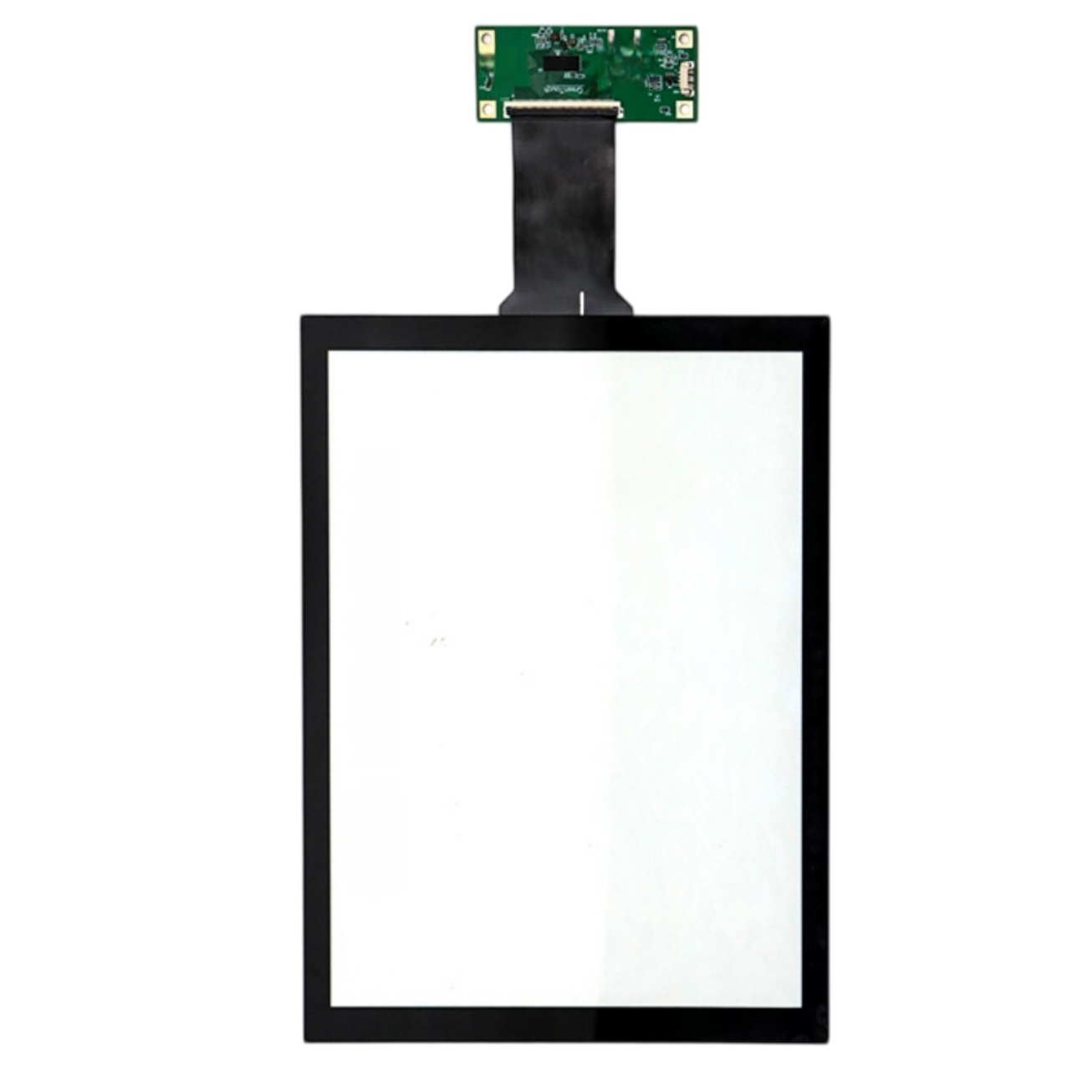
This 15-inch projected capacitive touch screen with USB; plug-and-play. The listing specifies a 10 ms response time, 4096 × 4096 touch resolution and >85% transmittance, and lists support for Windows, Android, Linux, Mac. Listed applications include Advertising displays, education all-in-one displays and meeting terminals.
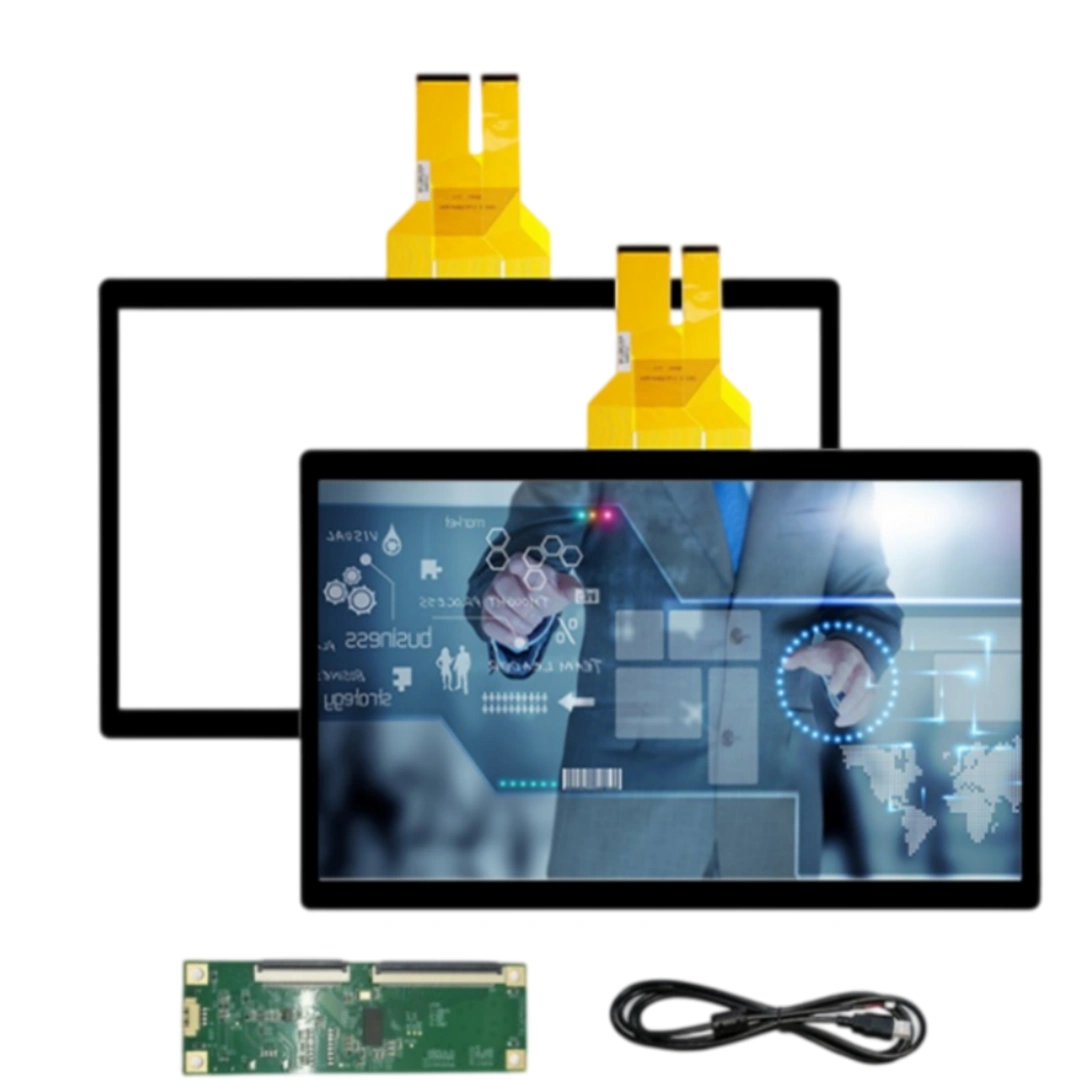
Casting usually mirrors or extends as a display; USB HID touch stays tied to the physical panel it's plugged into, not the cast stream. So local taps hit the 15" panel correctly. If you're using the 15" as a secondary extended display, just run the OS "identify displays / calibrate" once — no firmware change.
For handwriting and annotation, 10 ms is well below the perceptual threshold (most people stop noticing past ~16 ms, i.e. one 60 fps frame). The bigger factor is your annotation app's render pipeline. We keep the touch report rate high so the ink follows the finger; if it feels delayed, it's usually the app redraw, not the panel.
6H surface shrugs off marker caps and sleeve friction — no scratch worry. Non-conductive objects (dry eraser back, plastic ruler) won't register as touch at all, which is good: accidental pokes with stationery won't trigger clicks. Only conductive contact (finger, passive pen) drives a point.
The sensor itself is passive and barely generates heat; the controller box does. In a sealed ad-player enclosure, make sure the controller has a little airflow or an aluminum bracket to sink heat. Keep it under 60°C and the touch performance stays identical year-round — the glass won't yellow or drift.
Default is clear glossy. For classrooms with projector wash and ad spots under spotlights, go AG (anti-glare) to kill hotspot reflections; add AF so fingerprints from dozens of daily users wipe off easy. AR is optional if you want richer black levels on a branding wall. We can do AG+AF combo without losing the 6H hardness.
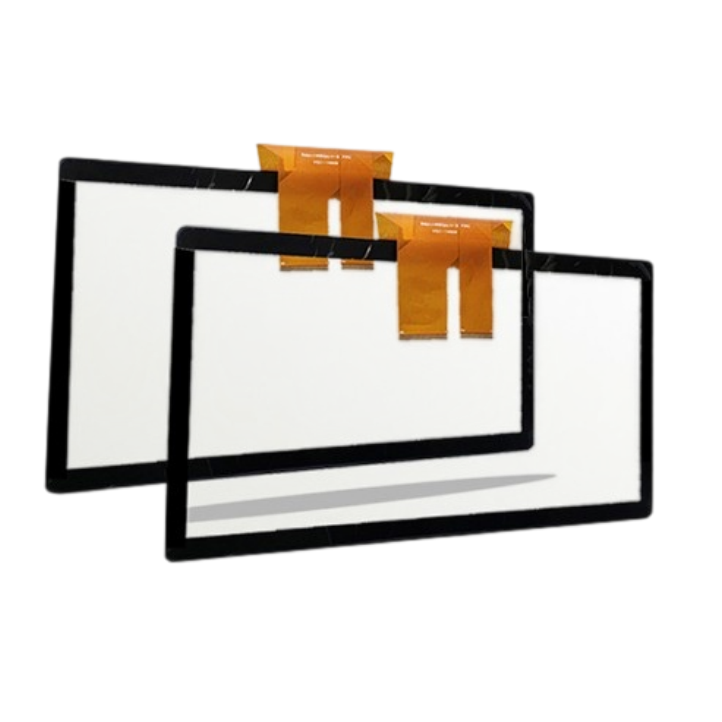
The active sensor can come to within ~3 mm of the glass edge; realistically we keep a 4–5 mm printed border (black matrix) for a clean industrial look and to hide the channel routing. If your ID wants a "near zero bezel" front, we can shrink the black border to ~2.5 mm but edge touch accuracy needs a final tune on your actual glass stack.
| Screen size | 15 inches |
|---|---|
| Touch screen type | Projected capacitive (PCAP) . |
| Interface and driver | USB; plug-and-play . |
| Response time | 10 ms . |
| Touch resolution | 4096 × 4096 . |
| Transmittance | >85% . |
| Surface hardness | 6 H |
| Supported operating systems | Windows, Android, Linux, Mac . |
| Listed applications | Advertising displays, education all-in-one displays and meeting terminals . |