GT-CTS-Y10.4
View model →
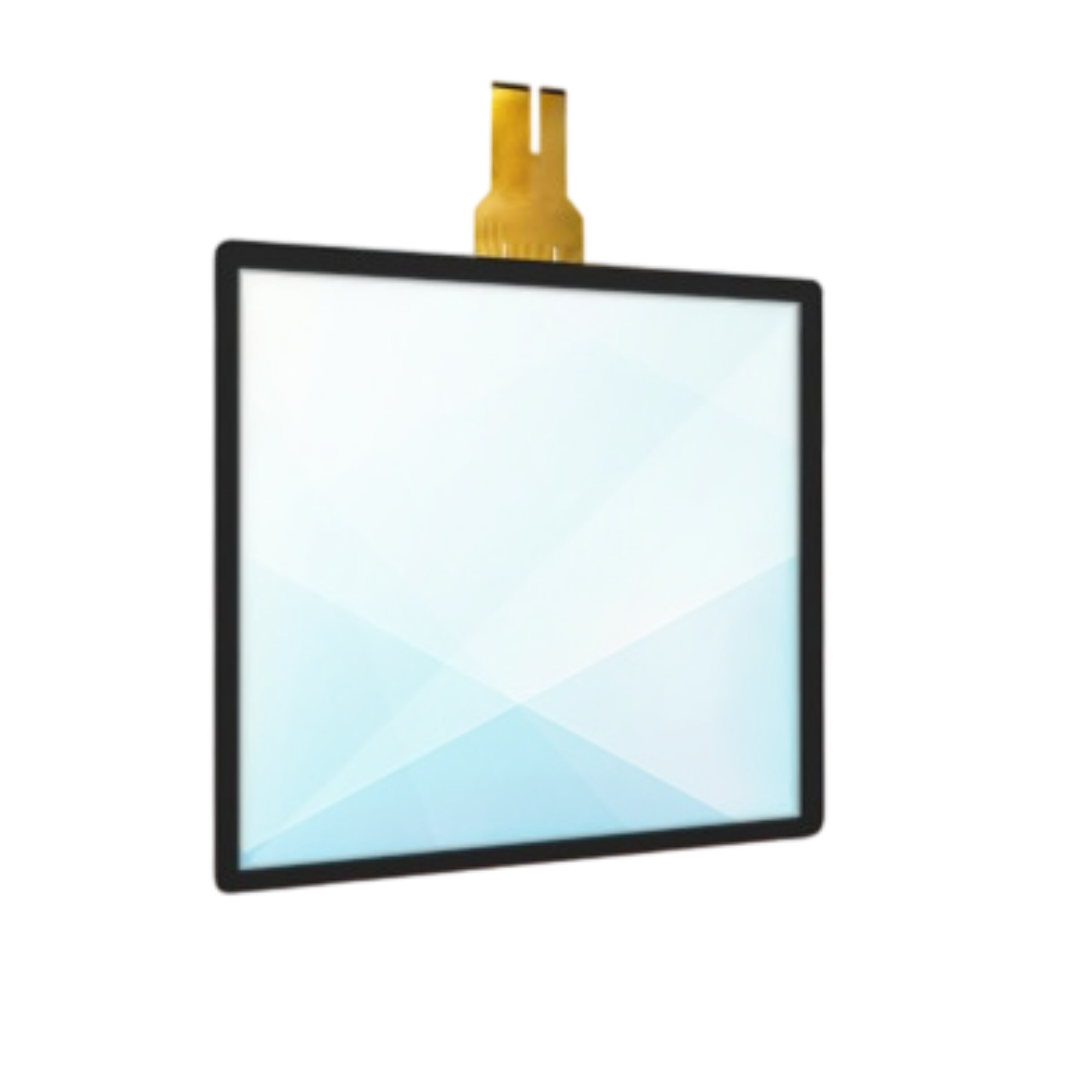
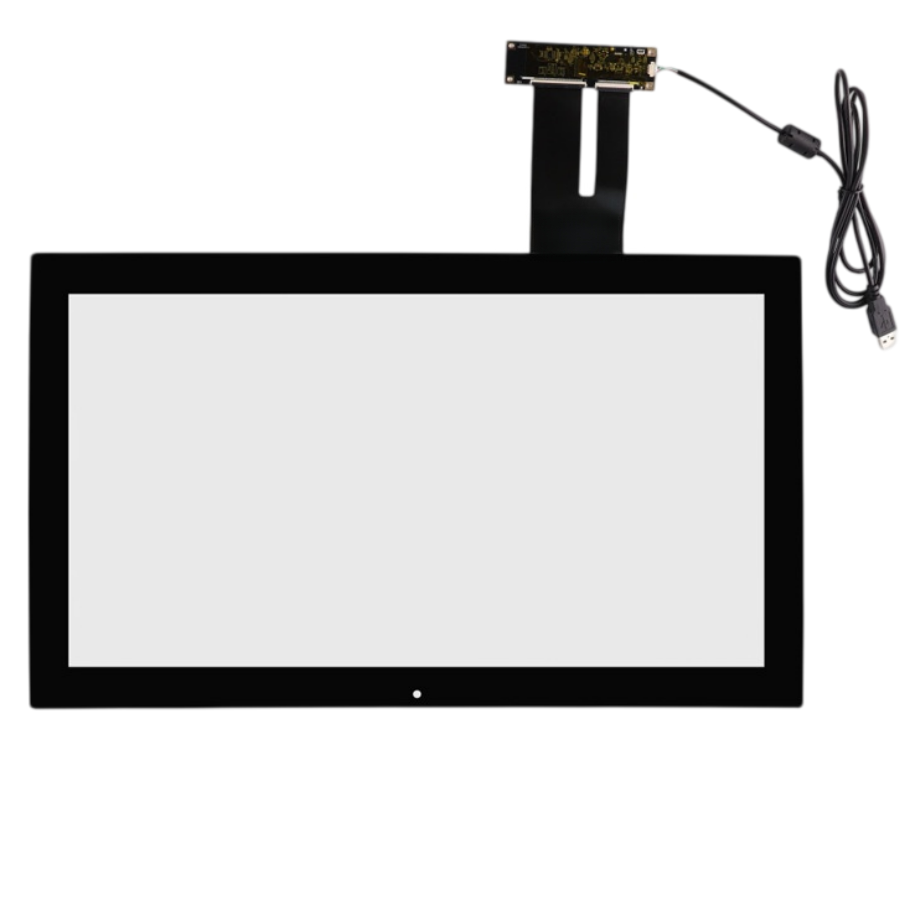
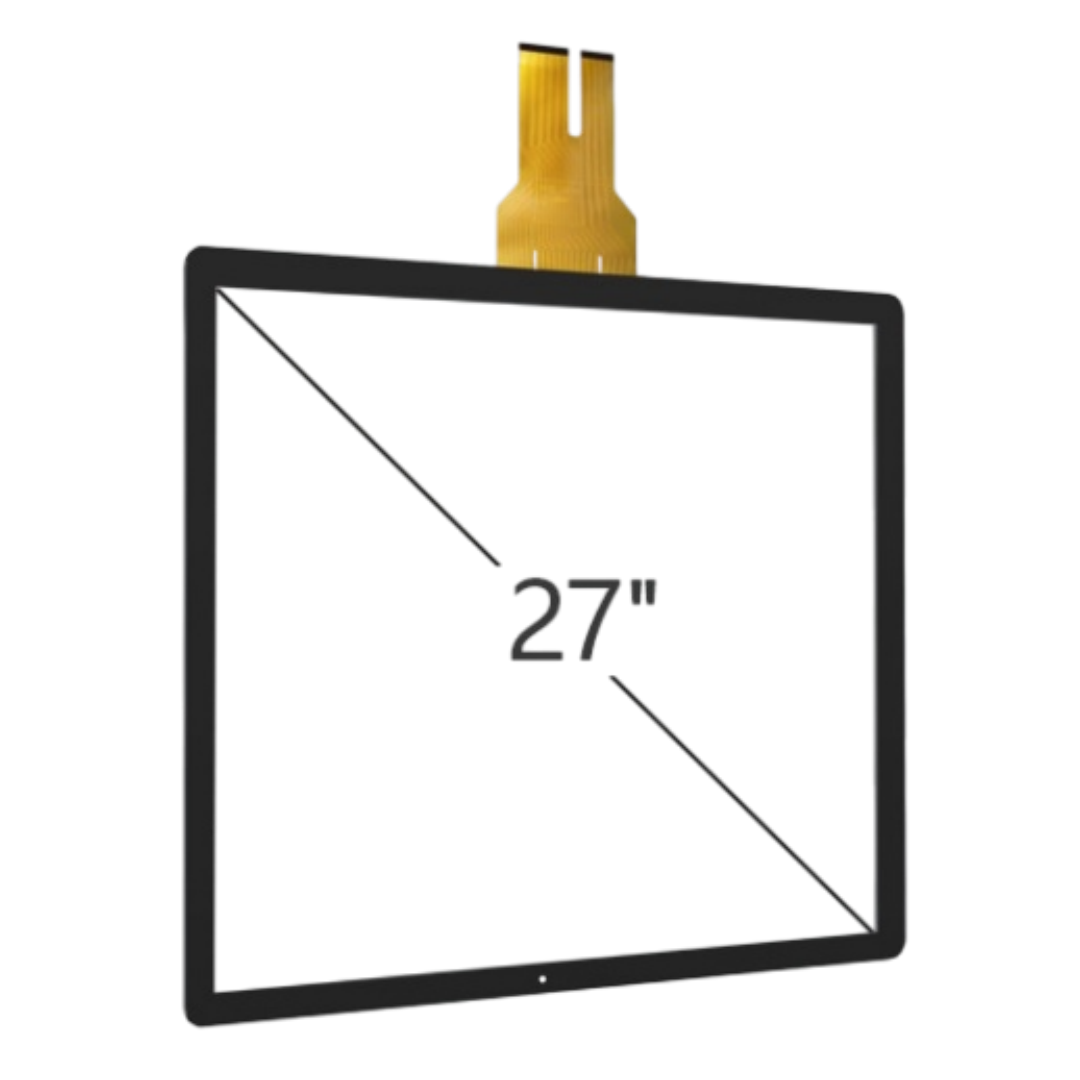
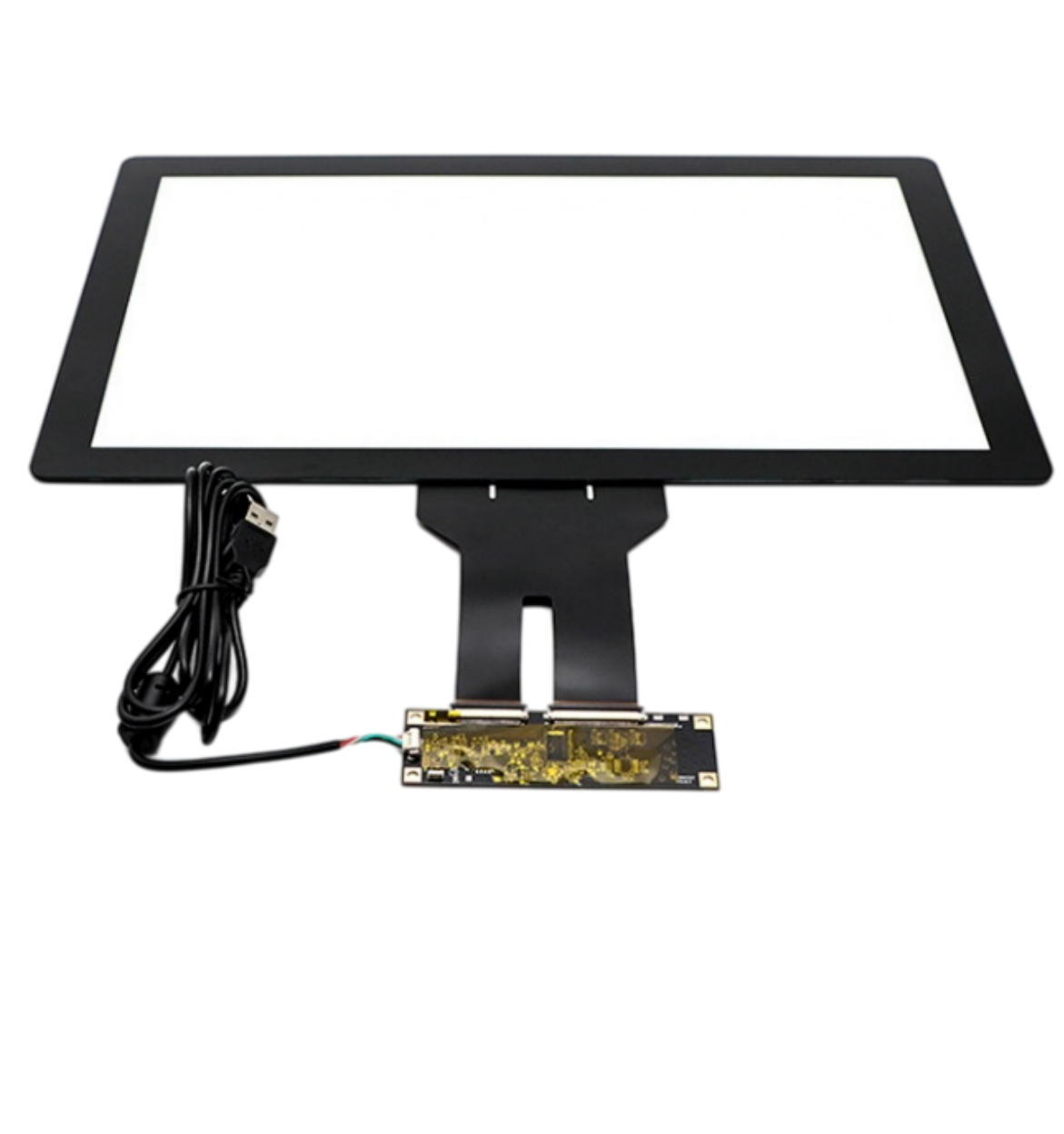
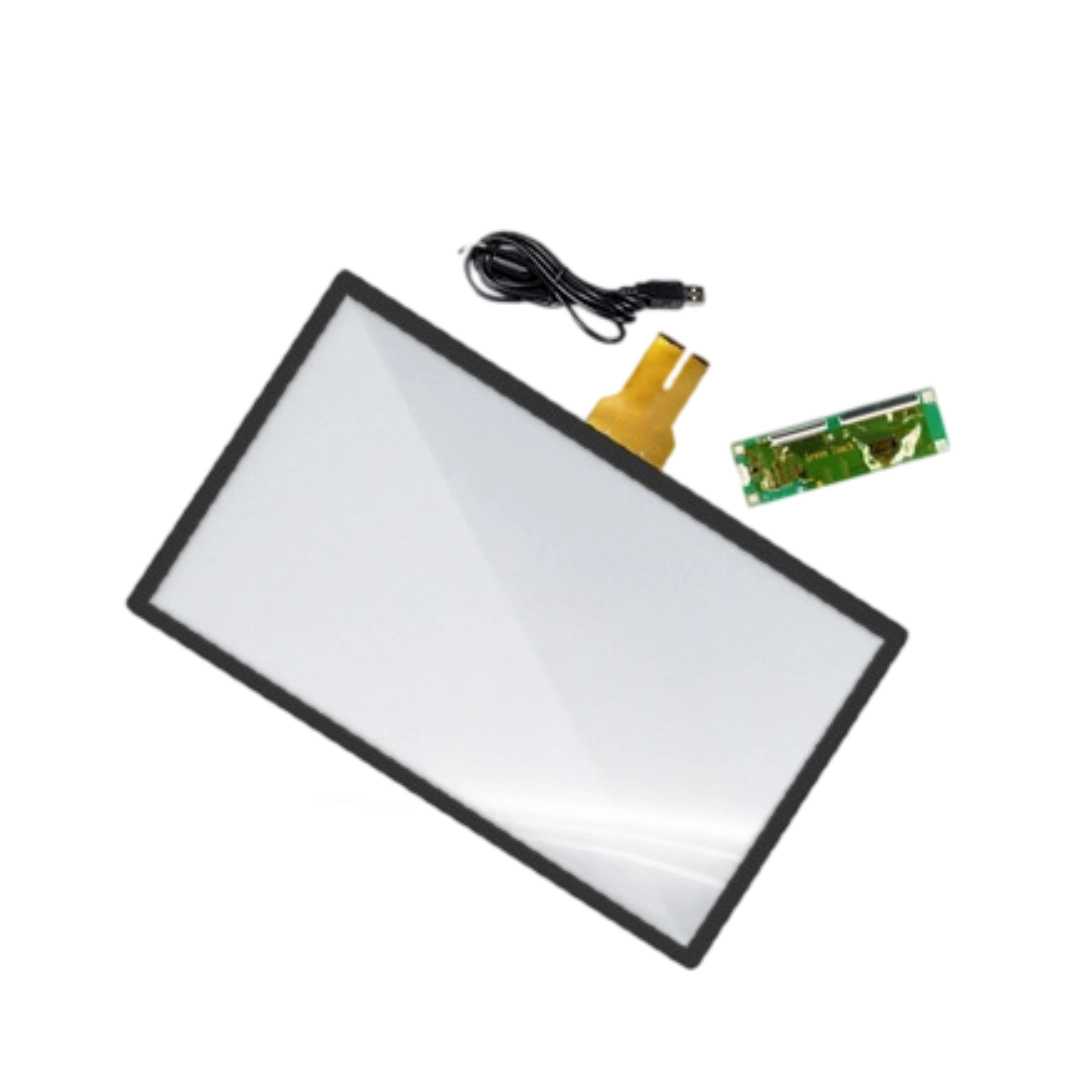
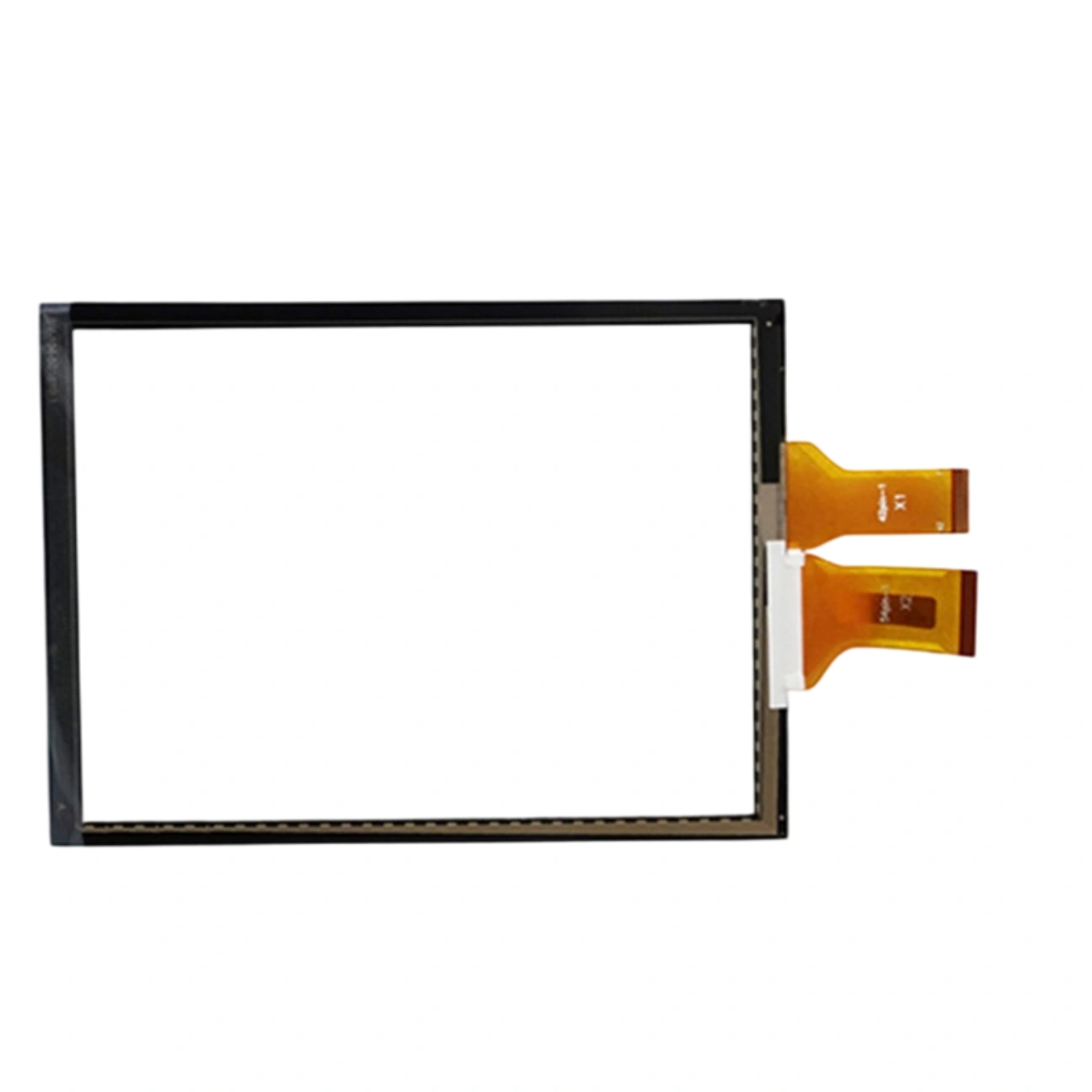
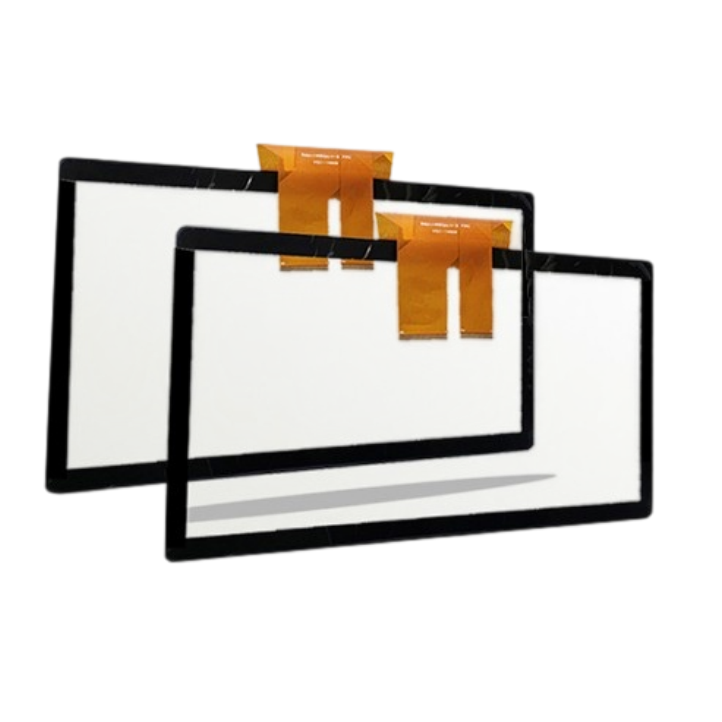
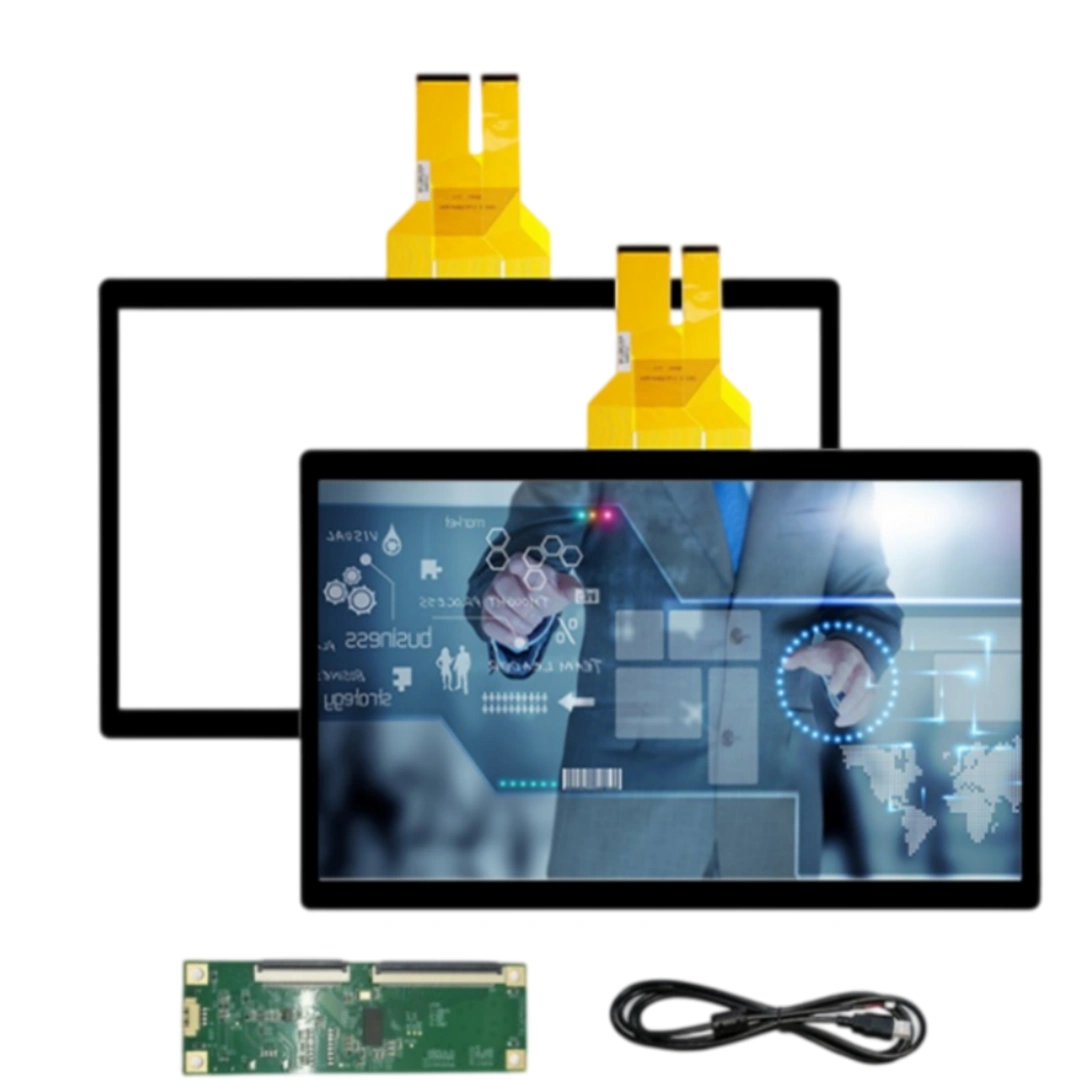
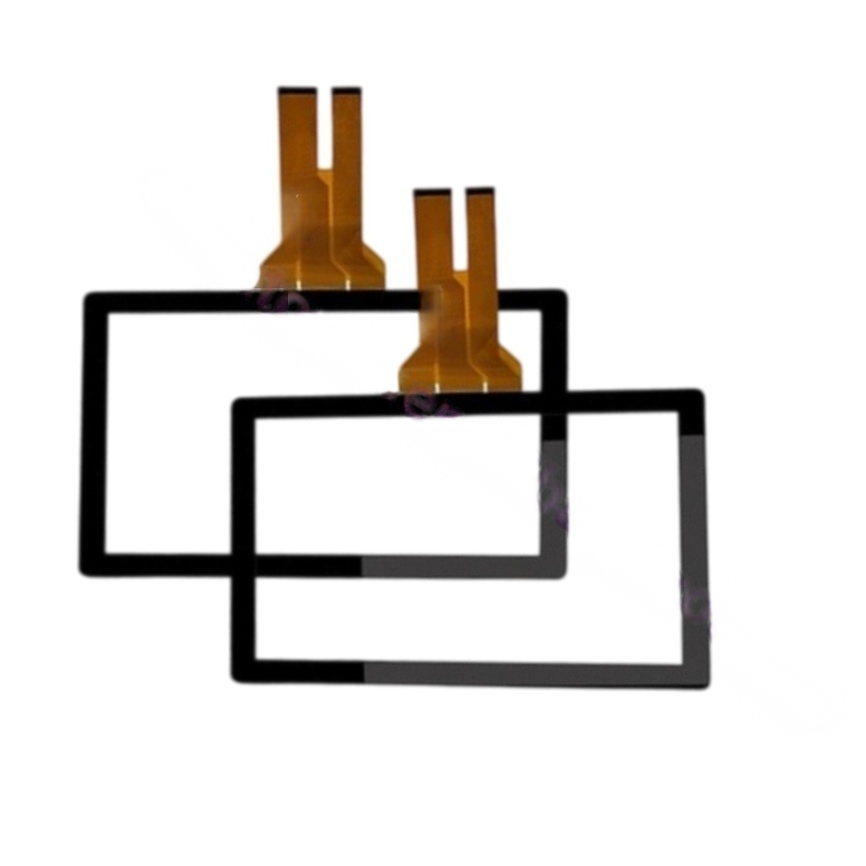
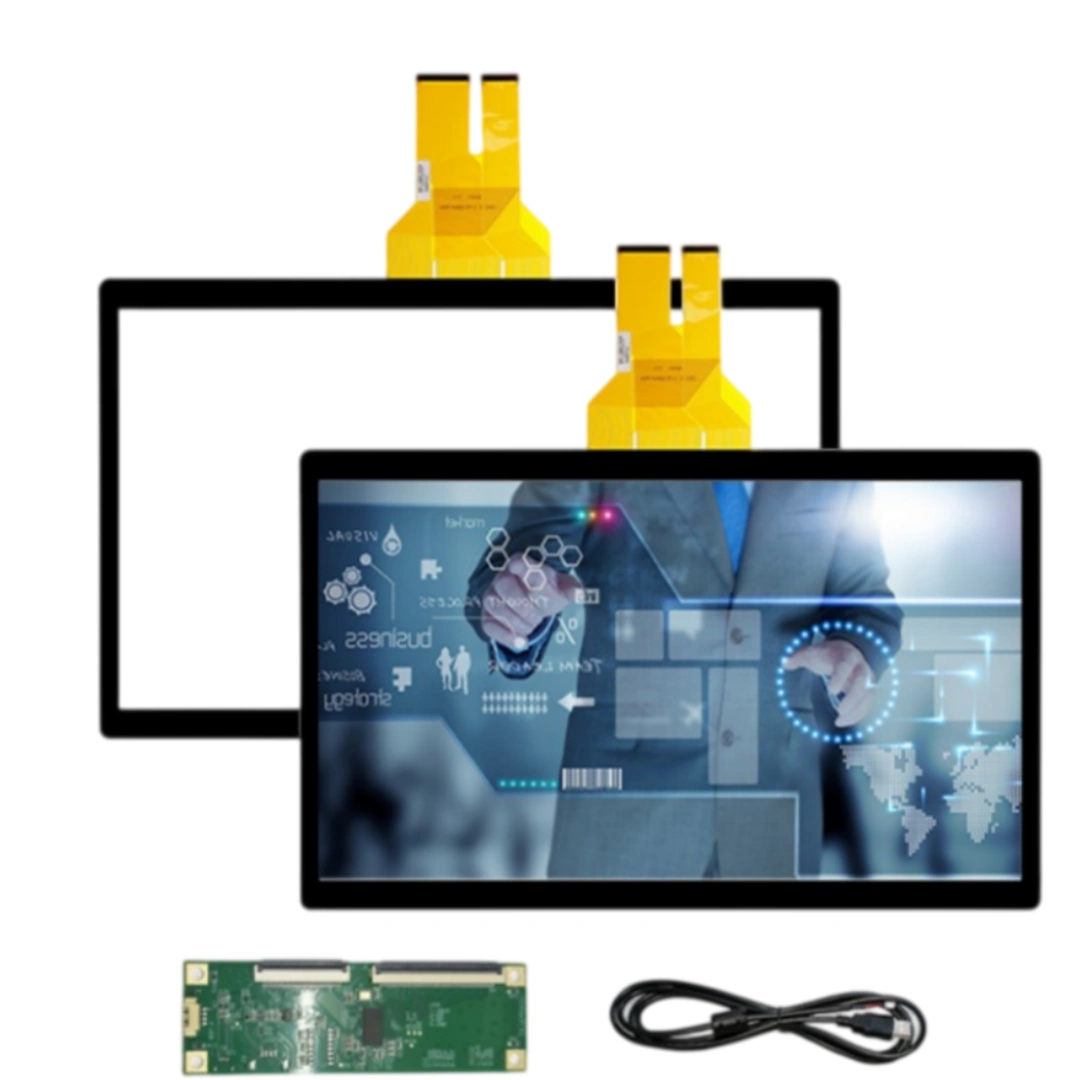
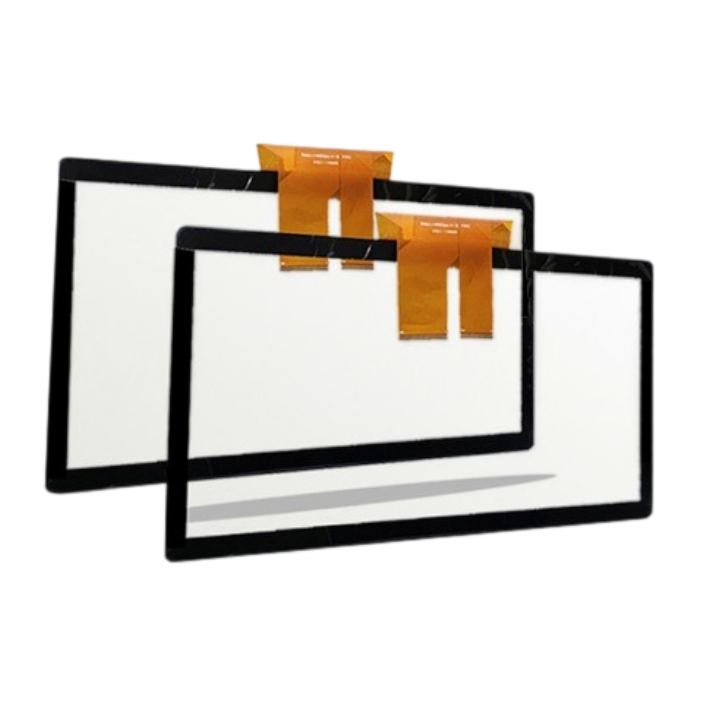
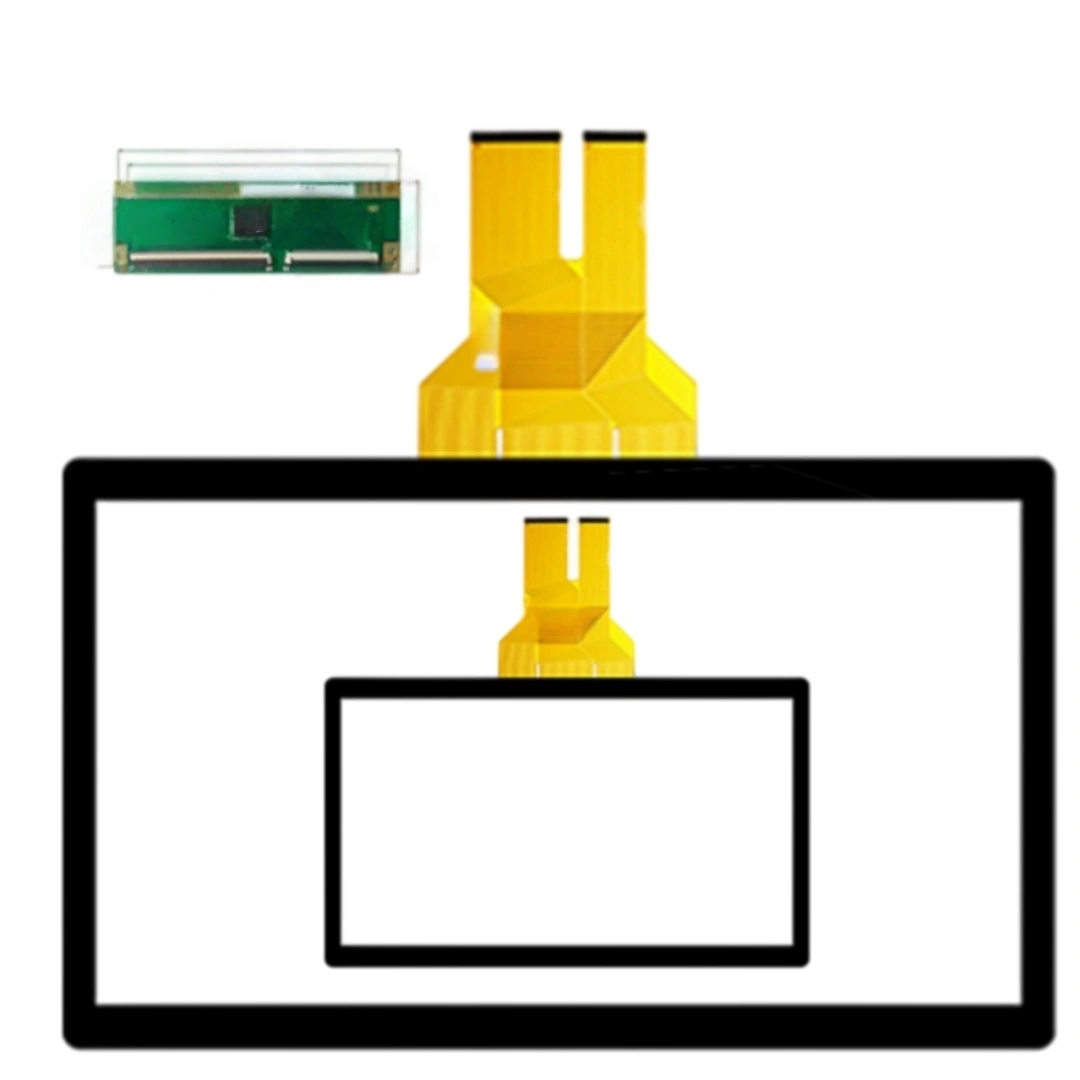
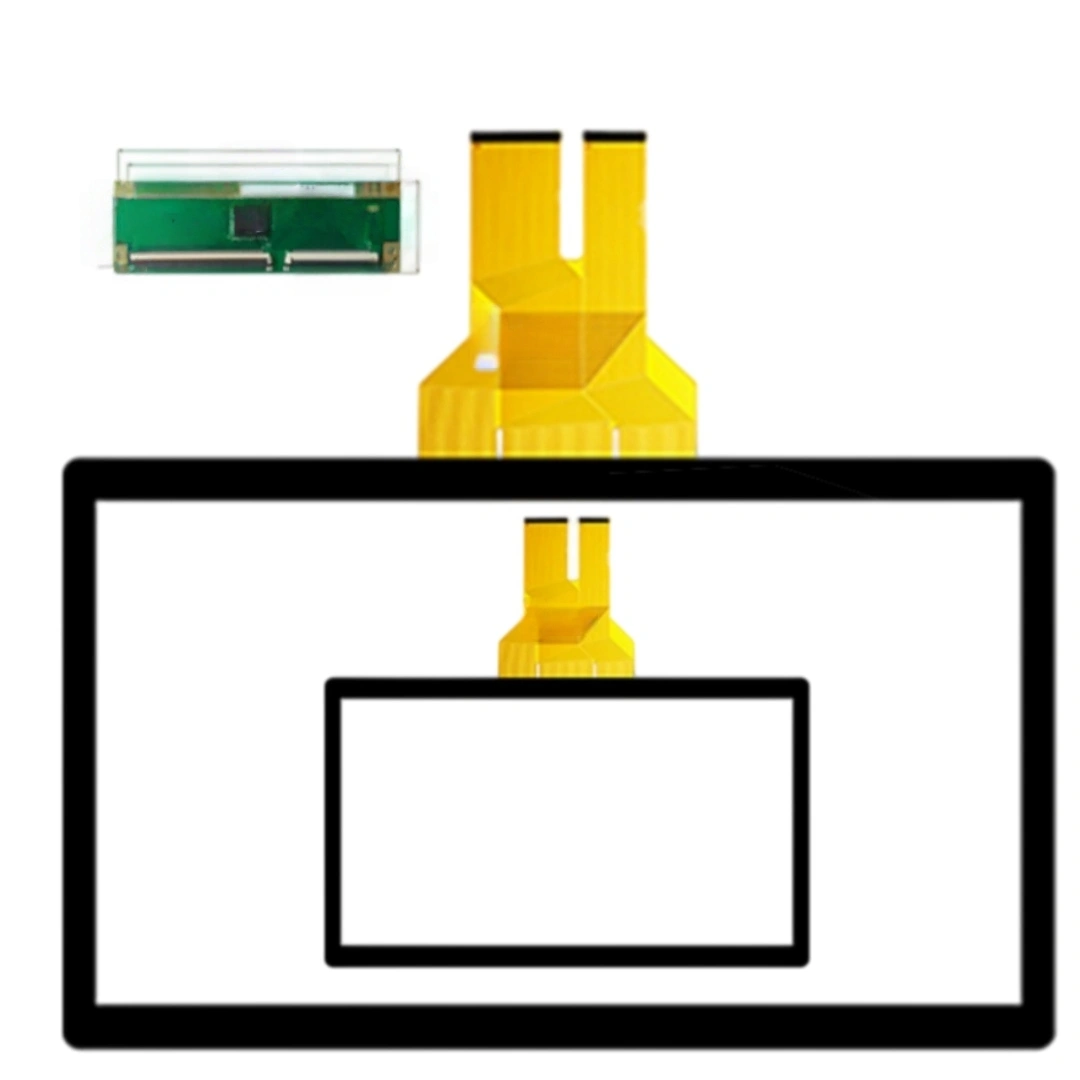
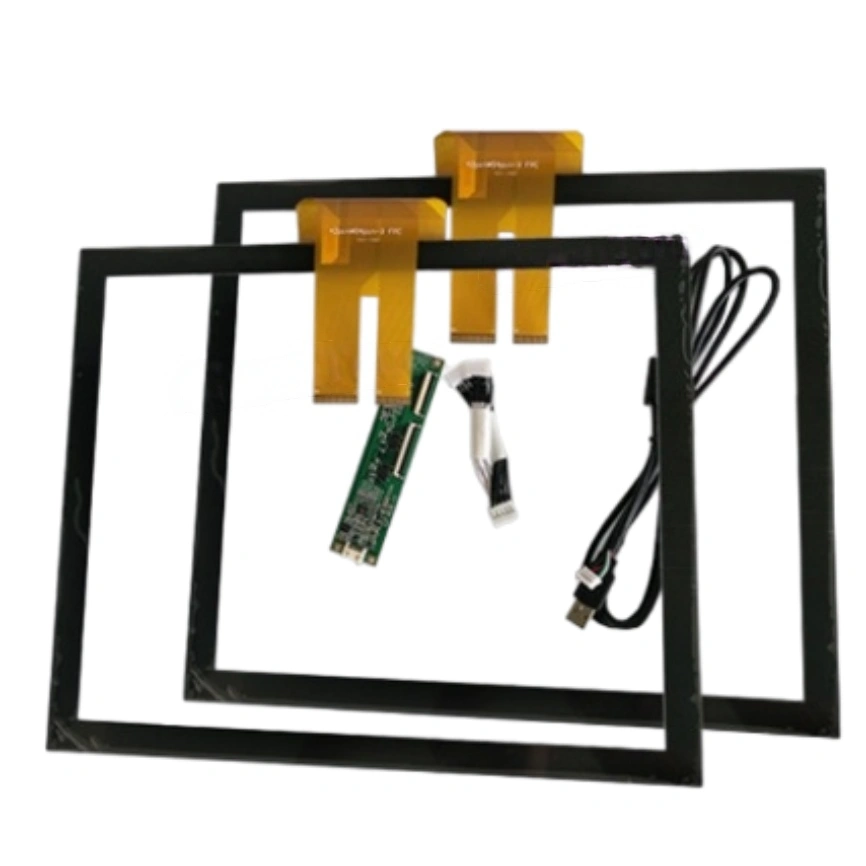
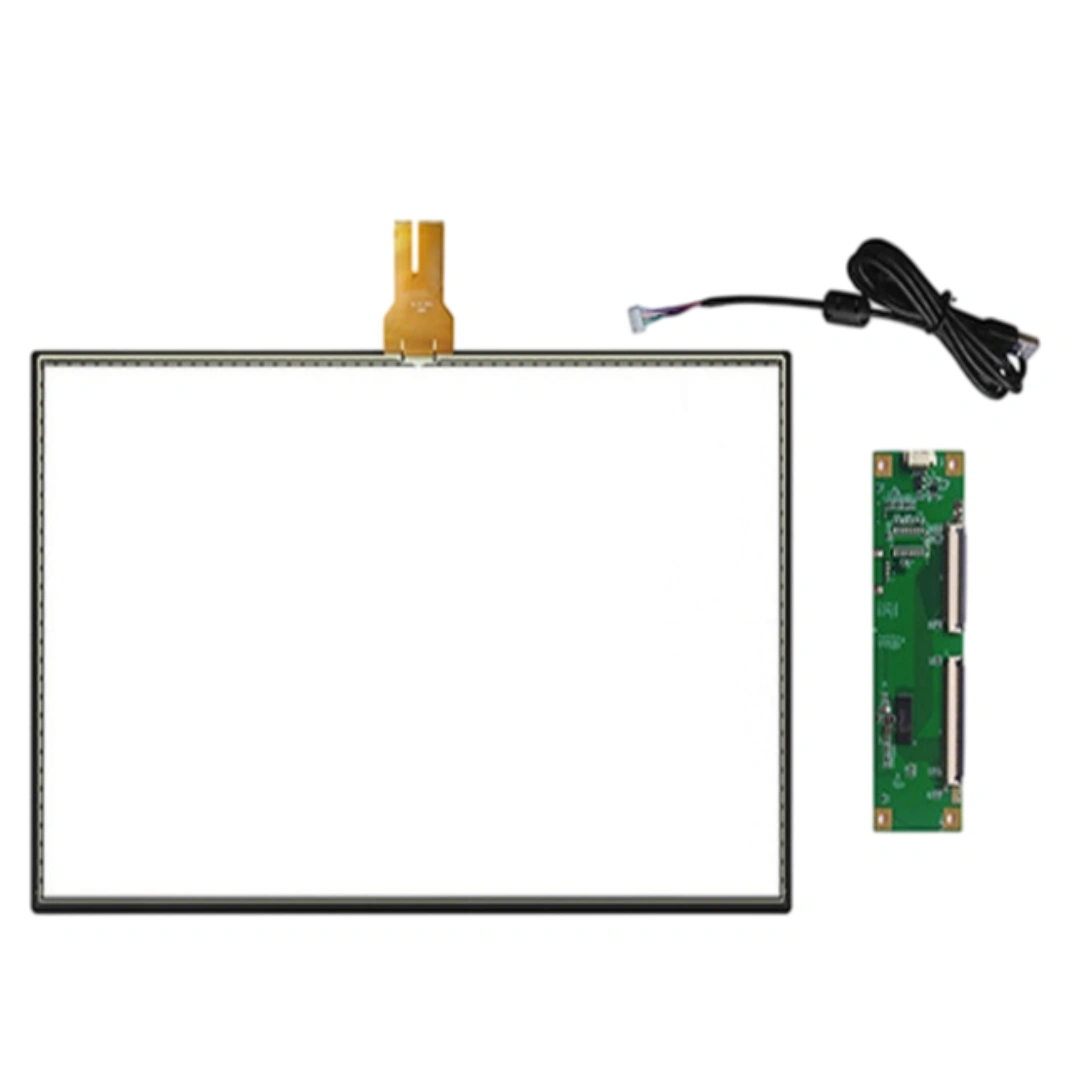
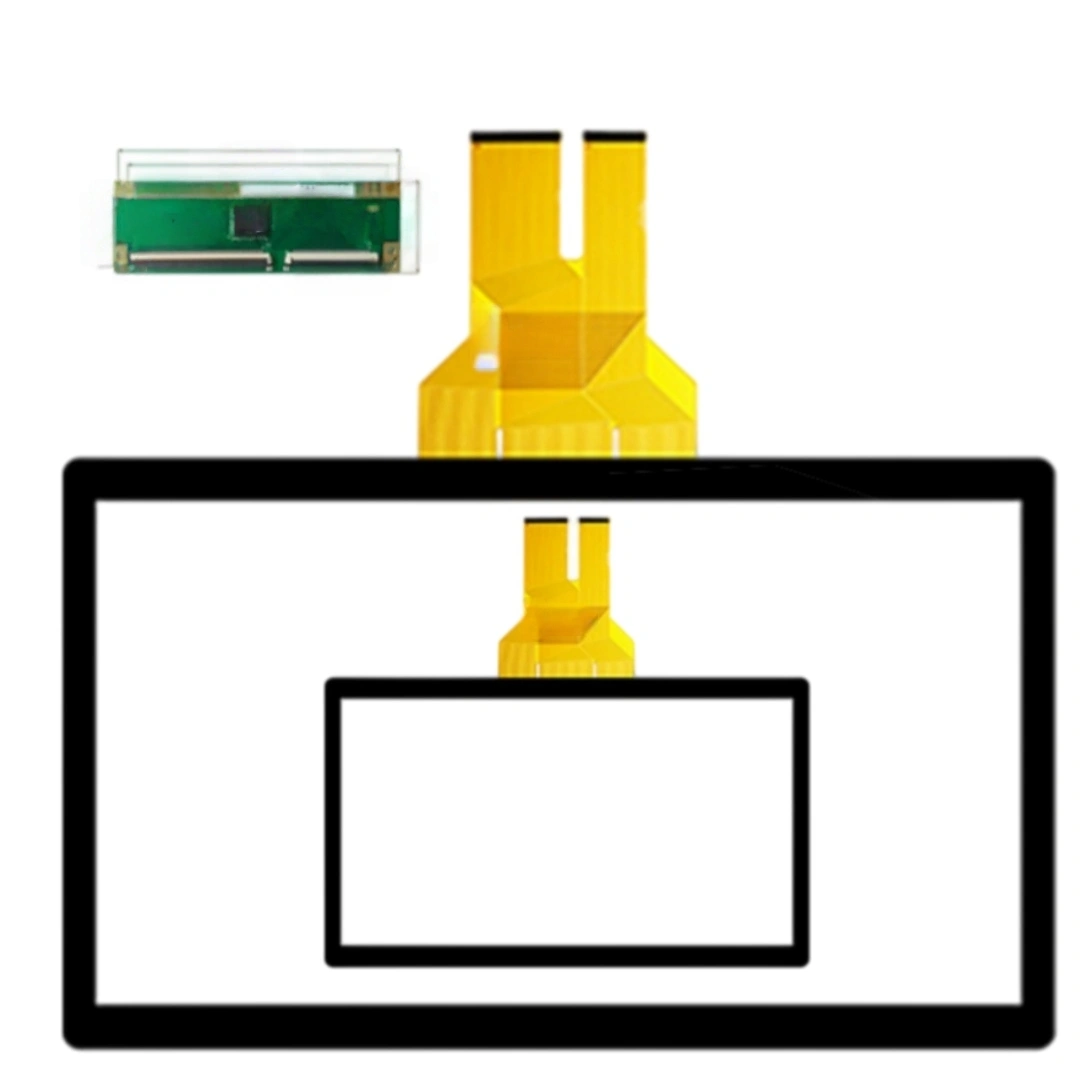
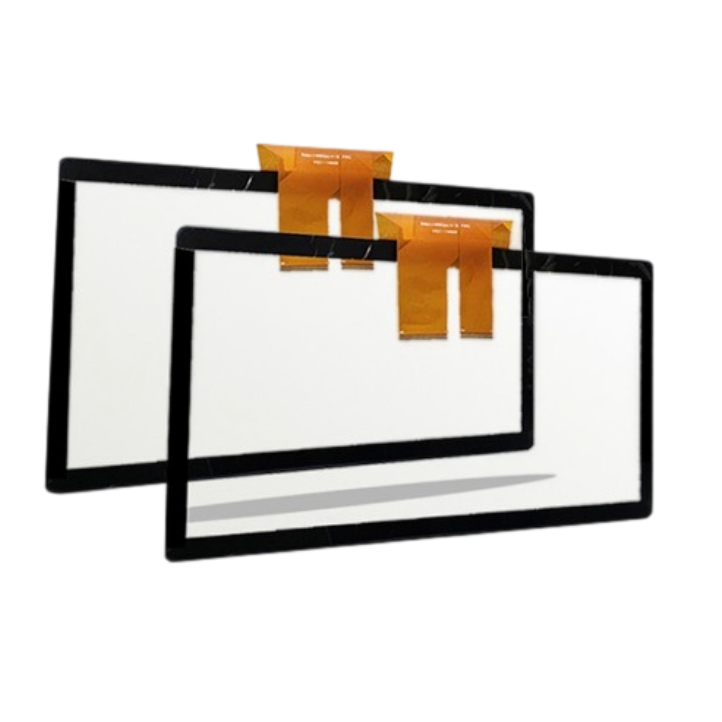
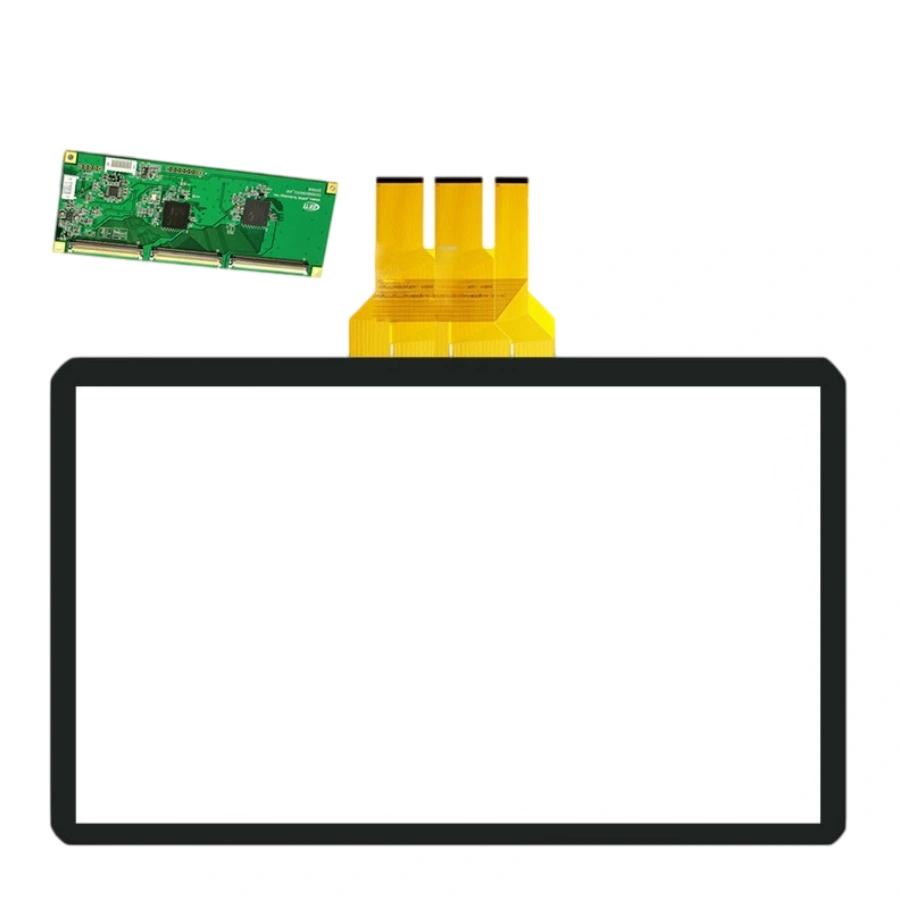
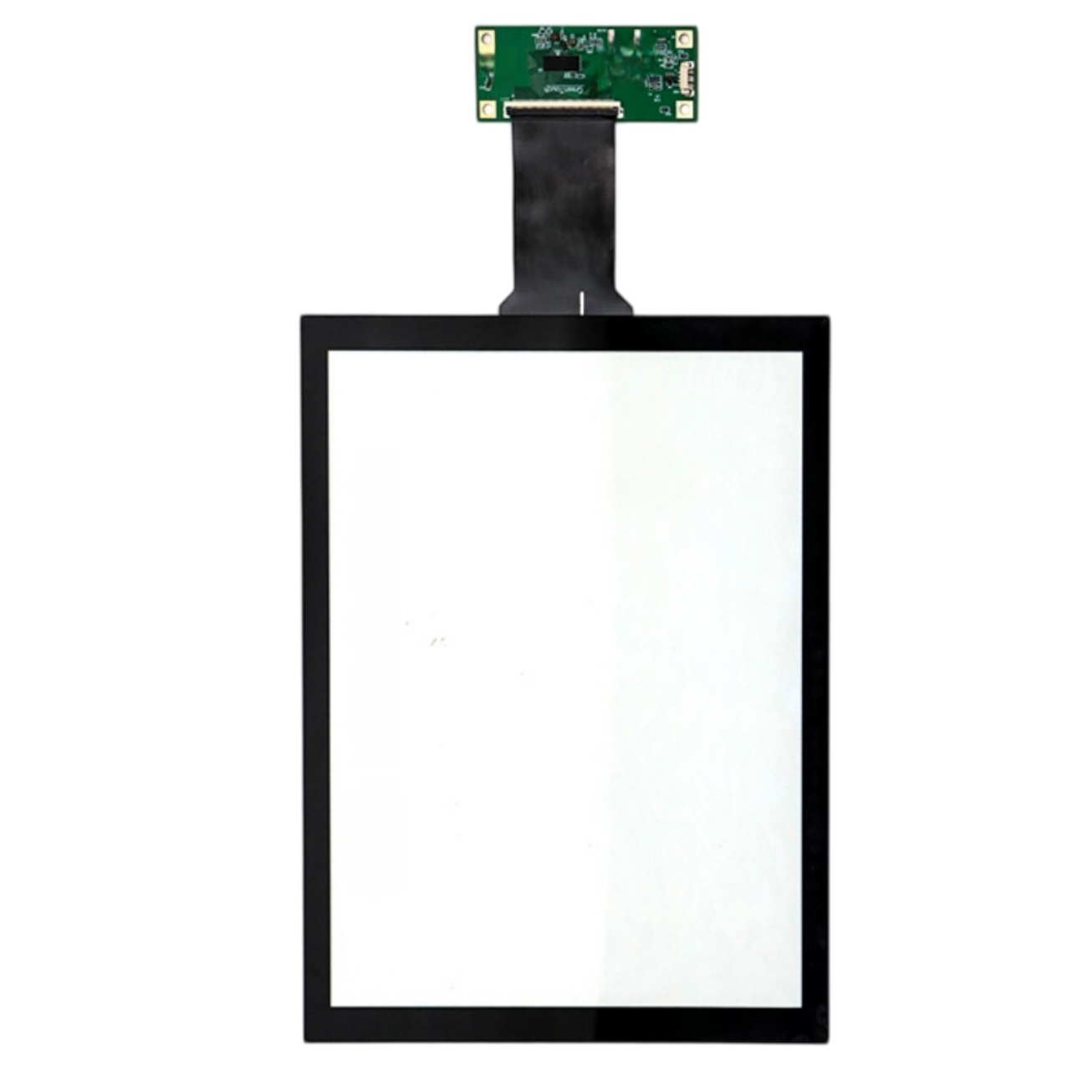
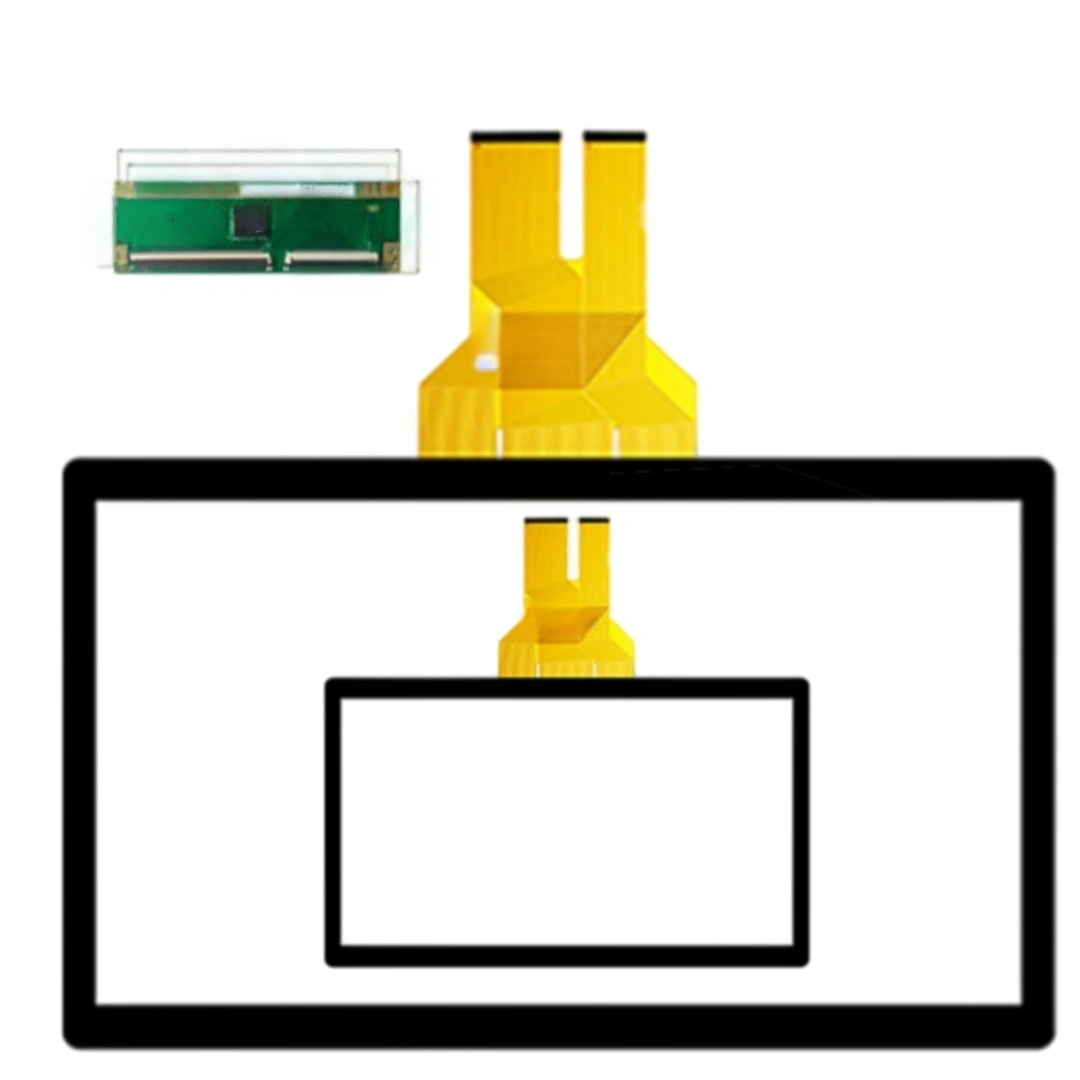
This 21.5-inch projected capacitive touch screen uses a G+G structure and has a 16:9 aspect ratio with USB; driver-free and 10 points touch. The listing specifies a 5 ms response time, 4096 × 4096 touch resolution and >85% transmittance. Listed applications include Advertising displays, meeting terminals, education all-in-one displays and ordering machines.
Not for single users. The value shows up with two people at the screen: one drags a map while another zooms, or in education two students solve a problem together. 10 points means no "ghost drop" when palms + fingers pile on. For solo kiosk use, 2–5 points is plenty — we can cap the point count in firmware to reduce CPU load on weak hosts.
Correct — touch only works once the OS loads the HID stack; BIOS/UEFI pre-boot won't respond, same as any USB HID panel. For meeting rooms that's fine because nobody touches the BIOS. If you need pre-OS tap (kiosk recovery menu), add a physical button or keep a mouse in the loop; the panel itself stays zero-driver inside Windows/Android/Linux.
The weak point is always the corner, not the face. We ship with corner-impact foam and a rigid filler frame, not just bubble wrap. For field-swappable units, carry the panel by the edges with both hands, never one corner. If your logistics route is rough (cross-border, last-mile courier), ask for our reinforced crate option with edge-channel bracing.
For ad playback, 5 ms vs 10 ms is invisible — ads don't need fast taps. Where 5 ms pays off is the interactive ad moment: "tap to claim coupon", QR-game overlays, photo booth style prompts. Those need snappy response so users don't double-tap. So 5 ms is real, just not for passive video — it's for the 10-second interactive window.
Gesture feel comes from controller firmware + baseline, not the glass. We freeze the firmware build and calibration recipe at MP, then every batch is verified against a reference jig for point-count, jitter and edge accuracy. Two stores, six months apart, get the same swipe/zoom behavior — as long as you don't mix controller vendors mid-run (we lock ILITEK/EETI/Weida per your BOM).
| Screen size | 21.5 inches |
|---|---|
| Touch screen type | Projected capacitive (PCAP) . |
| Structure | G+G . |
| Aspect ratio | 16:9 . |
| Touch points | 10 points . |
| Interface and driver | USB; driver-free . |
| Response time | 5 ms |
| Touch resolution | 4096 × 4096 . |
| Transmittance | >85 % |
| Listed applications | Advertising displays, meeting terminals, education all-in-one displays and ordering machines . |